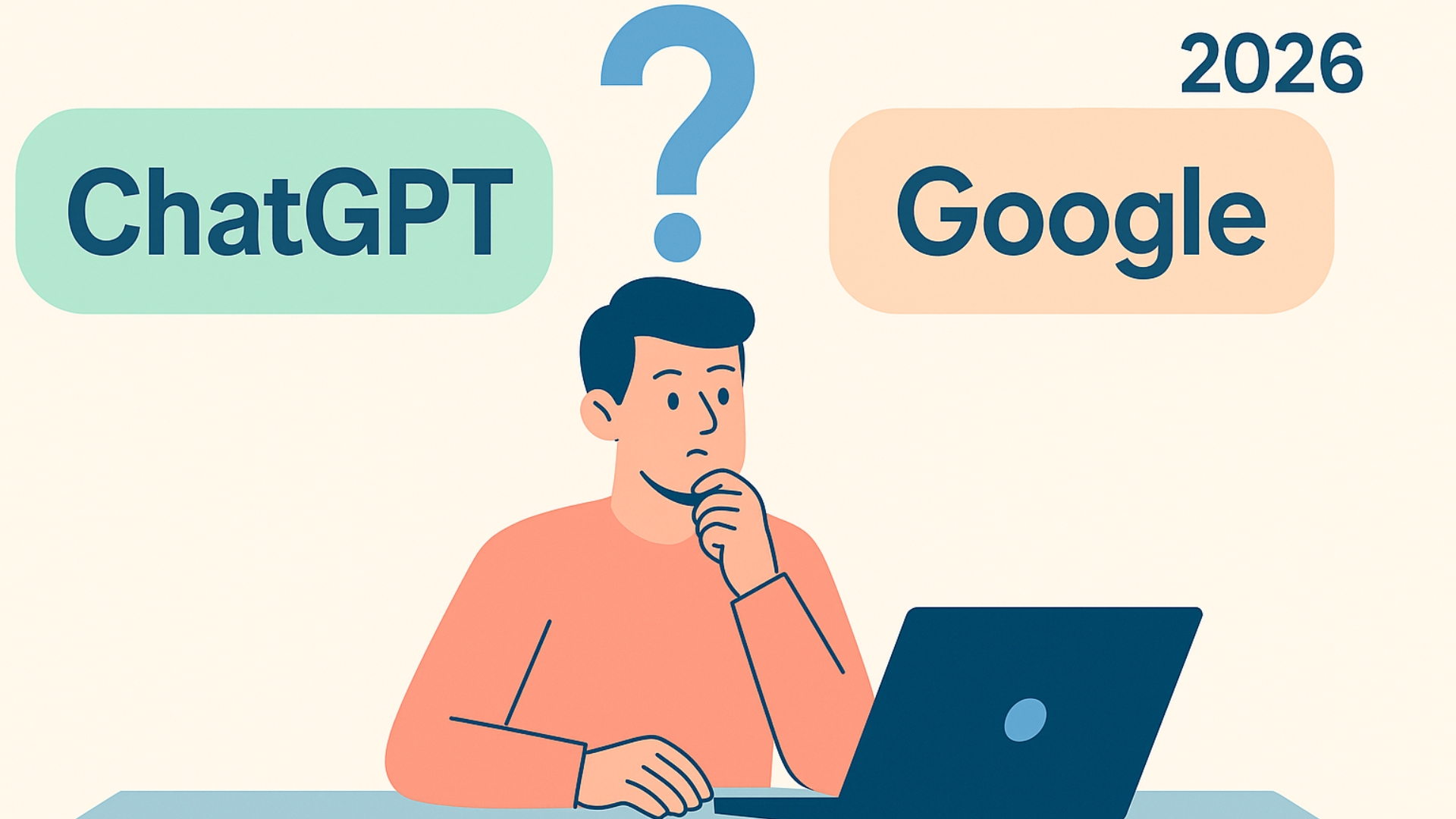
Bloggers everywhere are asking one big question in 2026: With AI tools evolving so quickly, especially now that ChatGPT launched Atlas, its own built-in browser/search engine, does Google still matter? AI has transformed how creators research, write, and optimize content, making many wonder if traditional search engines are still essential.
And with AI platforms becoming smarter, faster, and more accurate, it’s easy to see why bloggers are tempted to rely on a single tool for everything. But even with these upgrades, Google continues to play a unique role that AI can’t fully replace.
Understanding the Roles of ChatGPT and Google
Google: The Search Engine That Guides What Readers Want
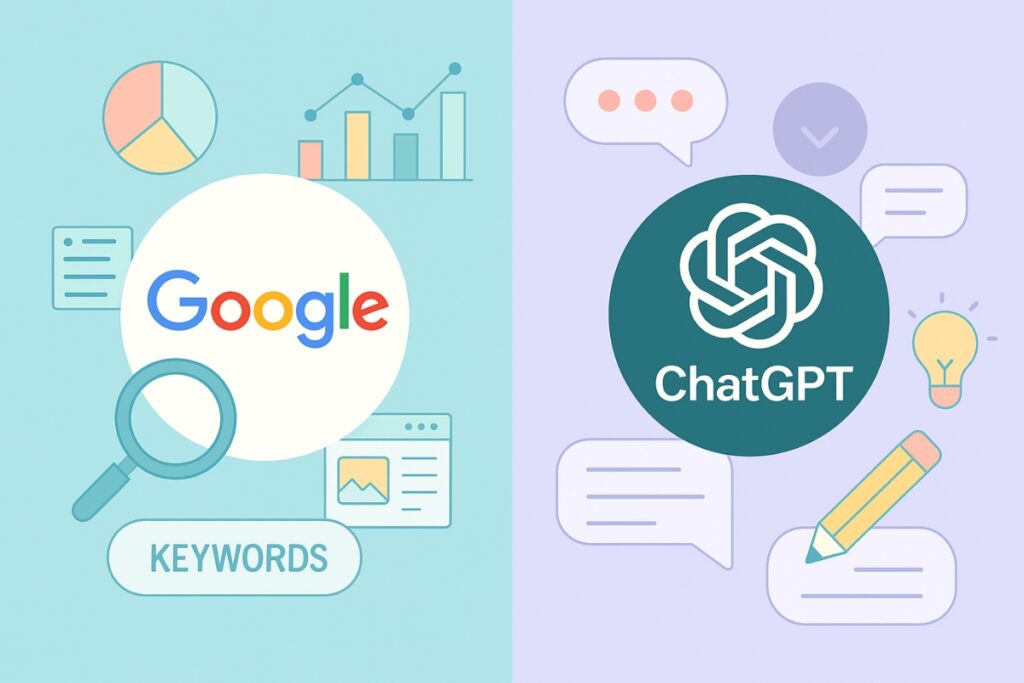
Google remains the foundation of SEO and keyword discovery. It tells bloggers exactly what people are searching for and what types of posts are getting traction right now.
When bloggers use Google, they can:
- Find trending keywords and related search terms
- Analyze the top-ranking pages to learn what works
- Identify gaps in content where they can add more value
- Study titles, headlines, and snippets that catch readers’ attention
Google helps uncover demand. It’s the map showing what readers want to find online.
ChatGPT: The AI Tool That Powers Creation
ChatGPT, on the other hand, makes it easier to create and improve content quickly. It’s like having a brainstorming partner who never gets tired of helping.
ChatGPT helps bloggers:
- Build clear outlines based on chosen keywords
- Draft intros, conclusions, and entire blog sections
- Rewrite old posts for clarity and freshness
- Generate new content angles from existing ideas
When used right, ChatGPT becomes an assistant that turns ideas from Google research into polished, SEO-friendly articles.
ChatGPT Doesn’t Replace Google – It Works With It
There’s a common belief that ChatGPT might soon replace Google, but that’s not how it works. The most successful bloggers use both tools strategically.
Google provides data and intent: What people are searching for, which phrases matter, and how readers frame their questions.
ChatGPT provides speed and creativity: The ability to turn that data into clear, engaging blog posts.
Together, they create a smarter workflow:
- Google fuels the research.
- ChatGPT fuels the writing.
The Step-by-Step Workflow for Bloggers
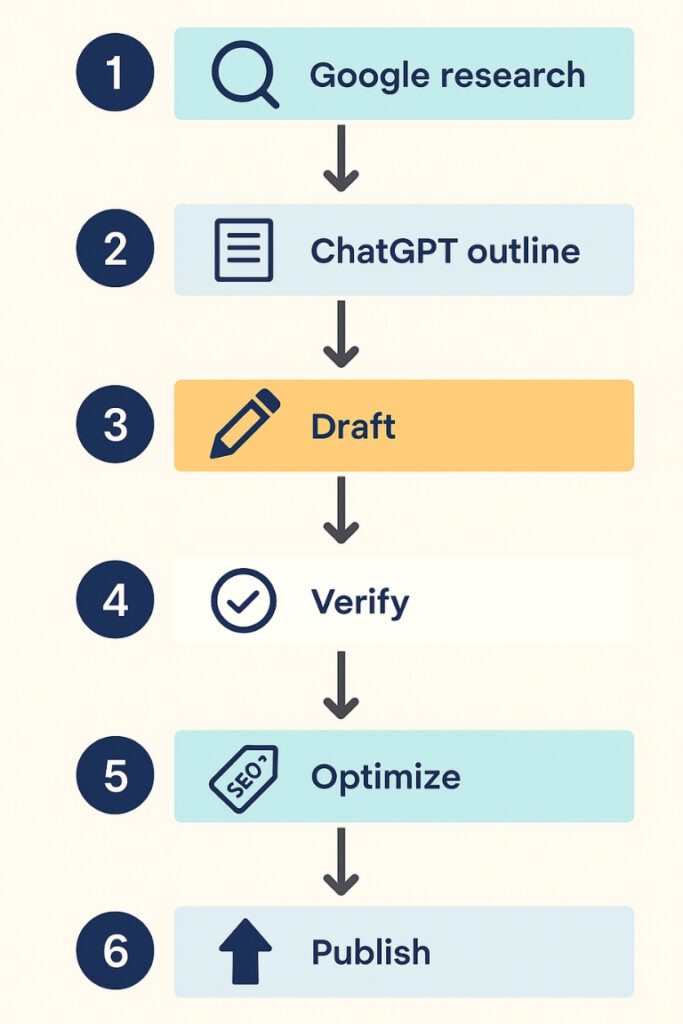
Here’s a clear process to combine both tools effectively.
Step 1: Start with Google
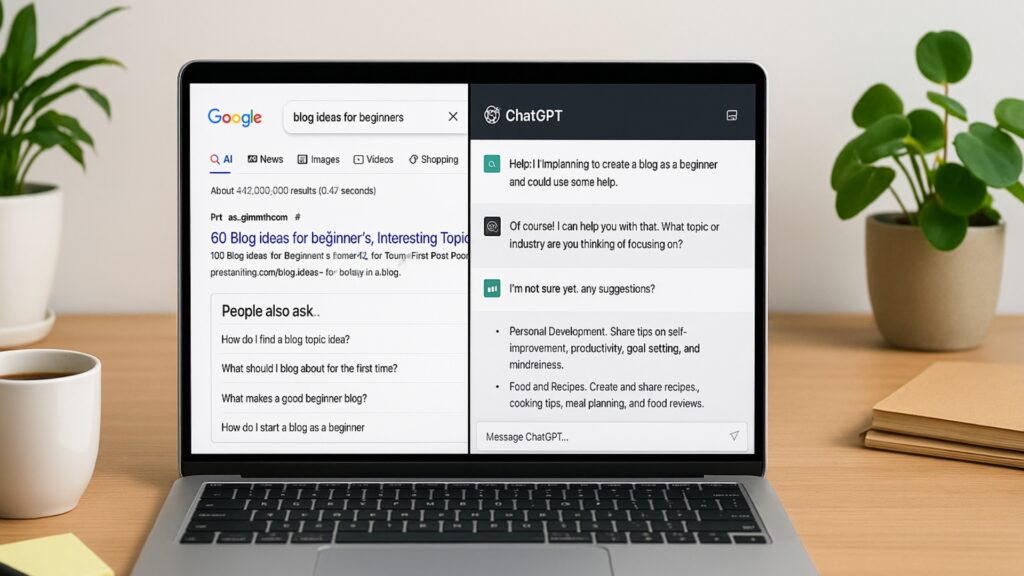
Begin your research with Google’s search bar to find blog topic ideas and understand what readers are already looking for. Then check:
- The top 10 articles ranking for that keyword
- The “People Also Ask” questions
- The “Related Searches” at the bottom of the page
These reveal what readers actually want to know. For example, if your topic is “meal prep for beginners,” Google might show related searches like “cheap meal prep ideas” or “meal prep without reheating.” Those are potential subtopics or new posts.
Step 2: Identify Search Intent
Once you gather keywords, determine what users expect when they search.
- Informational intent: looking for advice or how-tos
- Navigational intent: trying to reach a specific site
- Transactional intent: ready to buy or sign up
Knowing this helps structure your content correctly.
Step 3: Use ChatGPT to Build an Outline

Take your keyword list and prompt ChatGPT with something like:
“Create a blog outline for the topic ‘meal prep for beginners,’ including clear H2s and SEO-friendly subheadings.”
ChatGPT will generate a structure you can refine by cross-checking with Google’s top results. It can also help you generate content ideas fast when you’re stuck or need fresh angles for future posts.
Step 4: Generate Drafts and Expand Ideas
Now that your outline is ready, ask ChatGPT to expand each section. Give specific instructions about tone, style, and examples.
Example prompt:
“Write a 150-word section for the heading ‘Best Containers for Meal Prep’ in a friendly, expert tone.”
This step speeds up writing while still allowing room for your editing touch.
Step 5: Cross-Check with Google for Accuracy
After using ChatGPT to draft your content, take a few minutes to verify every fact, quote, or statistic on Google.
Look for the most recent results, ideally from reliable sources, and confirm details across at least two references.
Replace outdated information and check spellings of brand names, tools, or figures.
This habit keeps your blog trustworthy and prevents AI-generated errors from slipping through.
Step 6: Optimize for SEO
When your article is ready, open Google and study the top-ranking titles and meta descriptions for your main keyword.
Notice what tone, format, or length they use. Then ask ChatGPT to create a few short, click-worthy versions under 160 characters.
Example prompt:
“Write a 155-character meta description for a blog titled ‘Meal Prep for Beginners,’ focusing on time-saving and healthy eating.”
Next, scan your post for keyword placement:
- Include your main keyword in the first 100 words.
- Add it naturally to at least one subheading.
- Sprinkle related phrases where they fit without forcing them.
- Write alt text for every image using descriptive phrases such as “ChatGPT vs Google comparison for bloggers.”
Small details like these improve visibility, click-through rates, and user experience without keyword stuffing.
Revisit your published posts every few months. Search trends and AI systems evolve quickly, and small updates can help your content stay fresh and rank longer.
What Each Tool Does Best
| Tool | Best For | Weakness |
| Keyword research, content discovery, competition analysis | Time-consuming research process | |
| ChatGPT | Drafting, rewriting, outlining, brainstorming | Needs human editing and fact-checking |
| Both Together | Streamlined workflow that combines accuracy with speed | Requires balance to avoid over-relying on AI |
Bloggers who master this workflow cut their writing time in half while improving SEO precision.
Why ChatGPT Won’t Replace Google Anytime Soon
In 2026, the way people search online is shifting quickly. AI tools like ChatGPT, Gemini, and Perplexity now give users quick, summarized answers instead of long lists of links. This change naturally raises concerns for bloggers, since some searches no longer require a click to get basic information.
Still, these AI platforms rely on strong, accurate content to generate those summaries. They pull heavily from Google’s index and trusted websites, which means well-structured, original blog posts remain essential.
The truth is simple: ChatGPT isn’t replacing Google, but it is changing how people interact with search results. Both AI chat and traditional search now work together, and your content supports both, especially when readers choose to click through for deeper detail, examples, and expertise that summaries alone can’t deliver.
How to Keep Content Authentic When Using AI

AI tools can make writing faster but not automatically better. To keep your content genuine and engaging:
- Add personal observations or short examples.
- Use conversational questions to involve the reader.
- Avoid repeating AI-generated phrasing.
- Edit for tone, clarity, and rhythm.
Readers stay longer on blogs that sound human. AI should be a writing partner, not the final voice.
ChatGPT and Google Work Better Together
ChatGPT cannot fully replace Google for bloggers. Google still leads in discovering what people want, while ChatGPT helps transform that insight into content faster.
The real advantage comes from combining them. Use Google for keyword research and topic validation, then ChatGPT for drafting, optimizing, and repurposing your ideas.
Bloggers who master both tools get the best of both worlds, the precision of search data and the creativity of AI writing.
So, can ChatGPT replace Google for bloggers? Not quite, but together, they’re reshaping how great content gets discovered.
Frequently Asked Questions

Not entirely. ChatGPT helps bloggers write faster and brainstorm creative ideas, but Google still provides the search data needed to understand what readers want. The best approach is to use Google for keyword research and ChatGPT for drafting and refining your content.
Start with Google to discover trending topics, related searches, and competitor strategies. Then use ChatGPT to create outlines, generate drafts, and polish sections. Finish by fact-checking and optimizing through Google before publishing. This workflow combines creativity with accuracy.
Yes, if it’s optimized and edited thoughtfully. Google rewards helpful, original, and well-structured content, not whether it was AI-assisted. Make sure your posts answer search intent, sound human, and include accurate information to stay compliant with Google’s EEAT standards (Experience, Expertise, Authoritativeness, Trustworthiness).
Avoid copying outputs word-for-word, relying on outdated facts, or skipping keyword research. AI is powerful but not perfect. Always verify information, edit for clarity, and add your own voice or examples to make the post authentic and valuable to readers.
Yes, Google is integrating generative AI features like Search Generative Experience (SGE) and Gemini, designed to provide quicker, AI-powered answers. However, this doesn’t replace the need for bloggers. It actually creates new opportunities for optimized, high-quality content that AI tools cite or summarize in results.