Local SEO helps e-commerce stores with physical locations appear in nearby searches, driving both online visibility and in-store traffic. It connects your digital marketing with real-world intent, helping customers who are actively looking for your products find you fast.
With more shoppers using their phones to search “near me” before buying, local optimization has become one of the most powerful ways to attract high-intent customers. Whether you run a small boutique or a growing retail chain, a strong local SEO strategy ensures you show up in Google Maps, business listings, and local search results, right where your customers are looking.
If your e-commerce shop also has a physical location, this guide will show how to make your business easy to find in local searches and Google Maps. It’s simple, practical, and doesn’t require complex SEO skills.
Why Local SEO Matters for E-commerce Stores
Many e-commerce stores focus only on national SEO or paid ads. But if you have a physical store or showroom, local SEO is your secret weapon.
According to Google research, 76% of people who perform a local search on their smartphone visit a physical location within 24 hours, and 28% of those searches result in a purchase. This shows how strong local intent is for businesses with both online and offline presence.
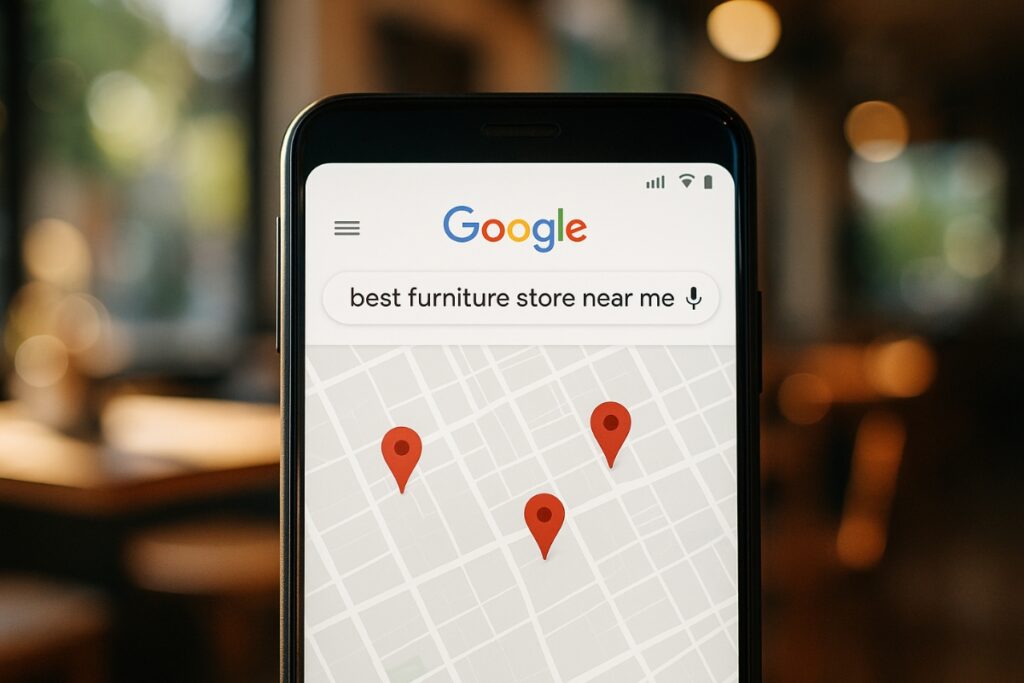
When someone searches for “best furniture store near me” or “custom candles in Austin,” Google prioritizes nearby businesses. If your business information and online presence are optimized, your store can show up at the top of those results, right when people are ready to buy.
Local SEO doesn’t just bring foot traffic. It also helps you build trust and recognition in your community while supporting your online store’s visibility.
Local SEO doesn’t just bring foot traffic. It also helps you build trust and recognition in your community while supporting your online store’s visibility.
Optimize Your Google Business Profile
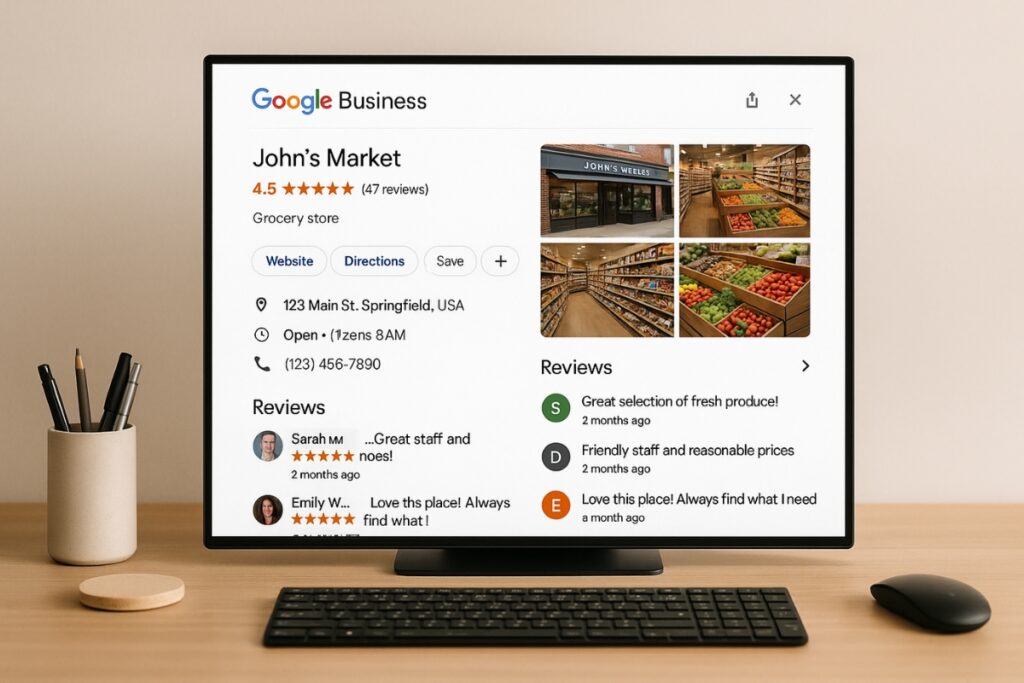
Your Google Business Profile (GBP) acts like a digital storefront for local search. It helps people find your business info quickly and see reviews, photos, and directions.
To get started:
- Claim or create your listing at google.com/business
- Use your exact business name (no keyword stuffing)
- Add accurate NAP info (Name, Address, Phone number)
- Include hours, services, and a link to your website
- Upload real photos of your store, team, and products
Encourage satisfied customers to leave reviews. Reviews help your profile stand out and show Google that your business is active and trustworthy.
Use Local Keywords on Your Website
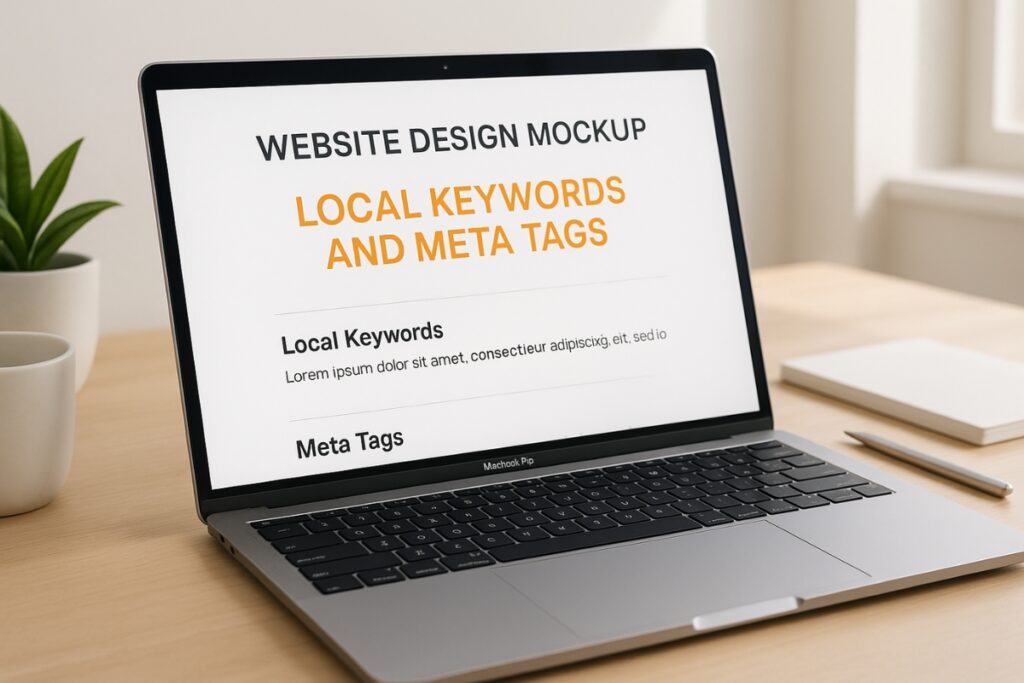
Search engines need location signals to understand where your business operates. Use geo-targeted keywords that your customers naturally search for.
Examples:
- “Organic skincare in Austin”
- “Pet supplies store Los Angeles”
- “Custom jewelry near Chicago”
Where to use them:
- Homepage title and meta description
- About page and Contact page
- Product pages that also sell locally
- Blog posts or location-specific guides
You can find keyword ideas using Google Keyword Planner or similar free tools. Focus on natural, local phrases that include your city or neighborhood name.
Create Location Pages for Each Store
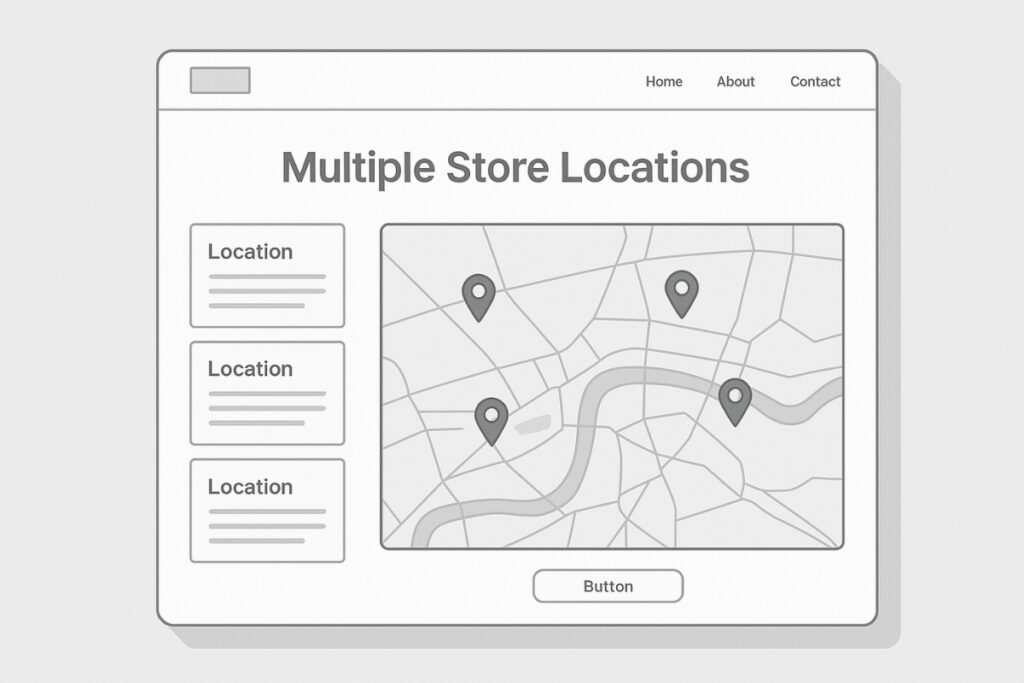
If your brand has multiple stores or service areas, create a separate page for each one.
Each page should include:
- The store’s name and address
- Specific keywords for that location
- Driving directions and parking info
- Testimonials from local customers
- An embedded Google Map
This helps customers find the exact branch they’re looking for and tells Google that your business is active in multiple areas.’re looking for and tells Google that your business is active in multiple areas.
Build Local Citations and Backlinks
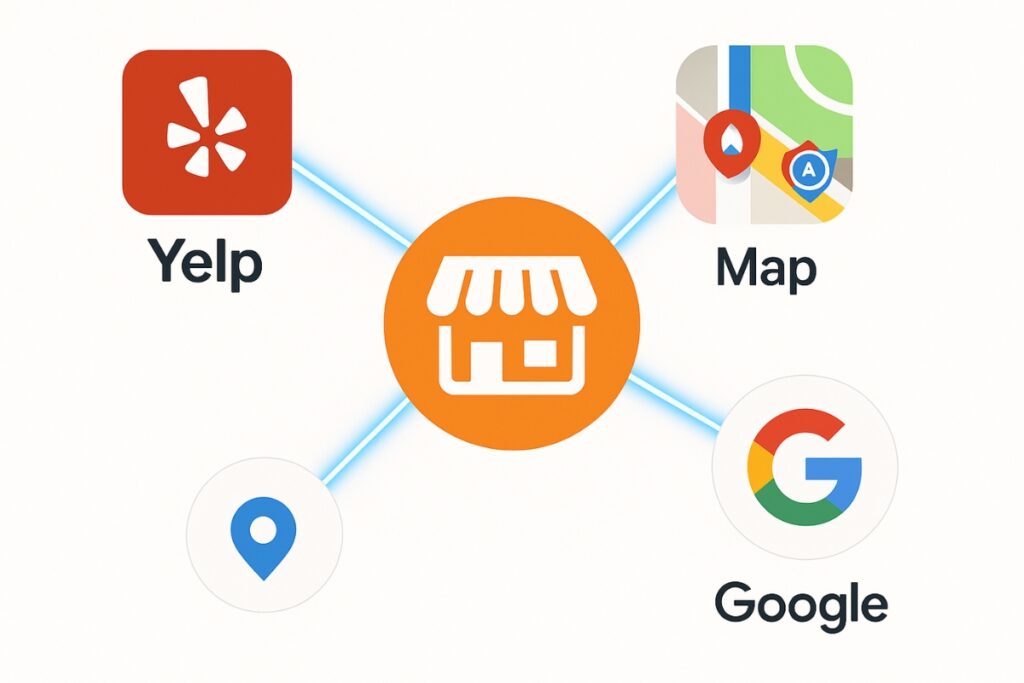
Local citations are mentions of your business on directories, social media, and other websites. They help Google confirm that your business exists where you say it does.
Where to start:
- Yelp
- Apple Maps
- Bing Places
- Yellow Pages
- Local Chamber of Commerce
Make sure your Name, Address, and Phone number (NAP) are written exactly the same across every platform. Even small differences can create confusion.
For local backlinks, look for opportunities with local blogs, magazines, or news websites. Getting mentioned on reputable local pages strengthens your credibility.
Go beyond directories by sponsoring community events, joining local chambers, or collaborating with neighborhood organizations. Local mentions from trusted sources send powerful signals to Google and strengthen your visibility.
Collect and Respond to Customer Reviews
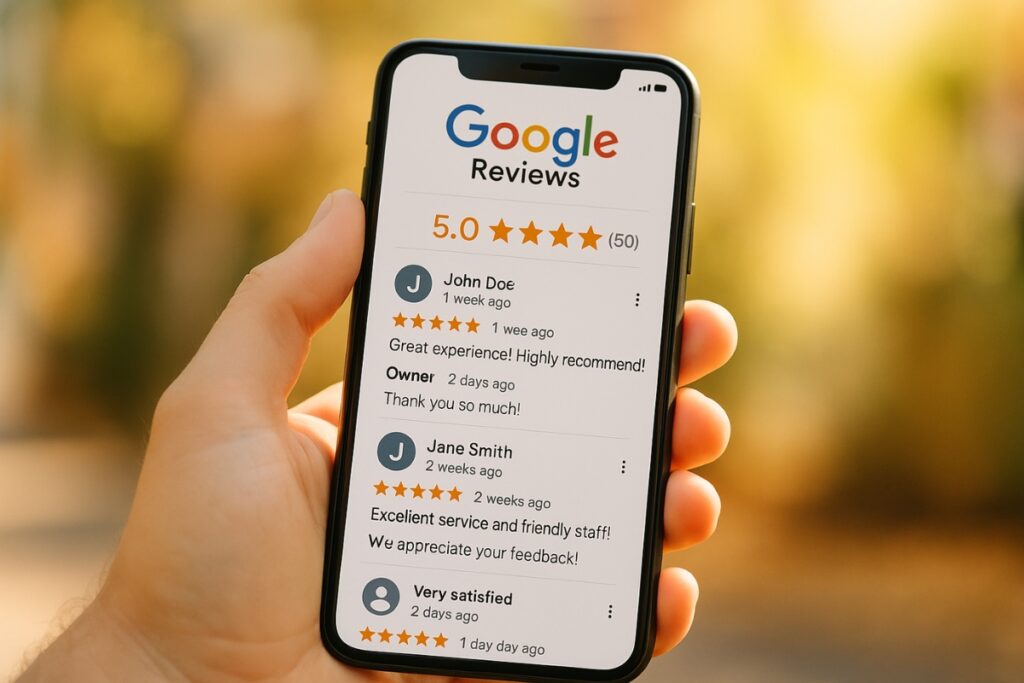
Reviews build trust and directly influence local rankings. The more authentic reviews you have, the more likely your store will appear in local searches.
Best practices:
- Ask customers to leave a review after purchase or pickup
- Automate polite review requests with a workflow in GoHighLevel (GHL) if you’re using it
- Respond to every review, positive or negative, with genuine appreciation
Engaging with reviewers tells potential customers that you care and signals to Google that your business is active.
Improve Your Website for Local Buyers
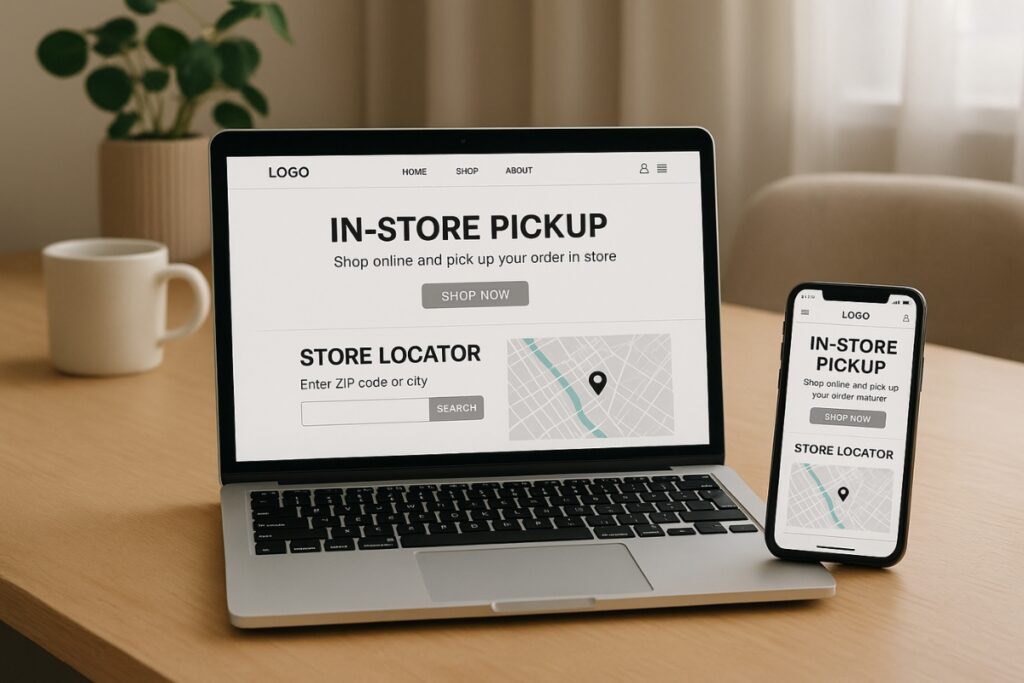
Once visitors reach your website, make it easy for them to find local information. This increases trust and conversion rates.
Simple improvements:
- Add a “Find Us” or “Store Locator” page and mention local landmarks
- Highlight in-store pickup or same-day delivery
- Mention local promotions or events
- Use local photos and testimonials
- Include clickable phone numbers
When your website reflects your local presence, Google and users both recognize your brand as relevant in that area.
Google tracks user engagement such as clicks, calls, and time spent on your site. A fast-loading, mobile-friendly design helps visitors stay longer, which indirectly boosts your rankings.
Add Local Schema Markup
Schema markup helps search engines understand your website data. Adding Local Business Schema allows Google to display your address, hours, and ratings directly in results.
You can use free schema generators online. Once added, test your markup using Google’s Rich Results Test to confirm it’s working properly.
Post Local Content That Builds Community

Content is one of the best ways to strengthen your local SEO. Create blog posts or social updates that connect your store with your community.
Ideas include:
- “Best gifts from our Dallas boutique”
- “Our favorite local suppliers and partners”
- “Holiday pop-up events near Chicago”
- “Behind the scenes at our Santa Monica store”
If you’re planning to start a blog for your business, local content is a great place to begin. It helps with search rankings, builds relationships with customers, and shows you’re part of the community.
Track Your Performance and Adjust Over Time
You can’t improve what you don’t measure. Track your local SEO performance and adjust as needed.
Metrics to watch:
- Google Maps impressions and direction requests
- Organic traffic from local search terms
- Calls and form submissions from local visitors
- Review growth and star ratings
Tools like Google Analytics, Search Console, or GHL dashboards can help monitor how your store performs both online and offline.
Pro Tips for Long-Term Local SEO Success
- Keep your NAP info updated everywhere.
- Refresh your Google Business Profile photos regularly.
- Collaborate with nearby businesses for local backlinks.
- Stay active in community events or sponsorships.
These small efforts add up over time, building stronger visibility and brand loyalty.
Tools and Automations to Simplify Local SEO
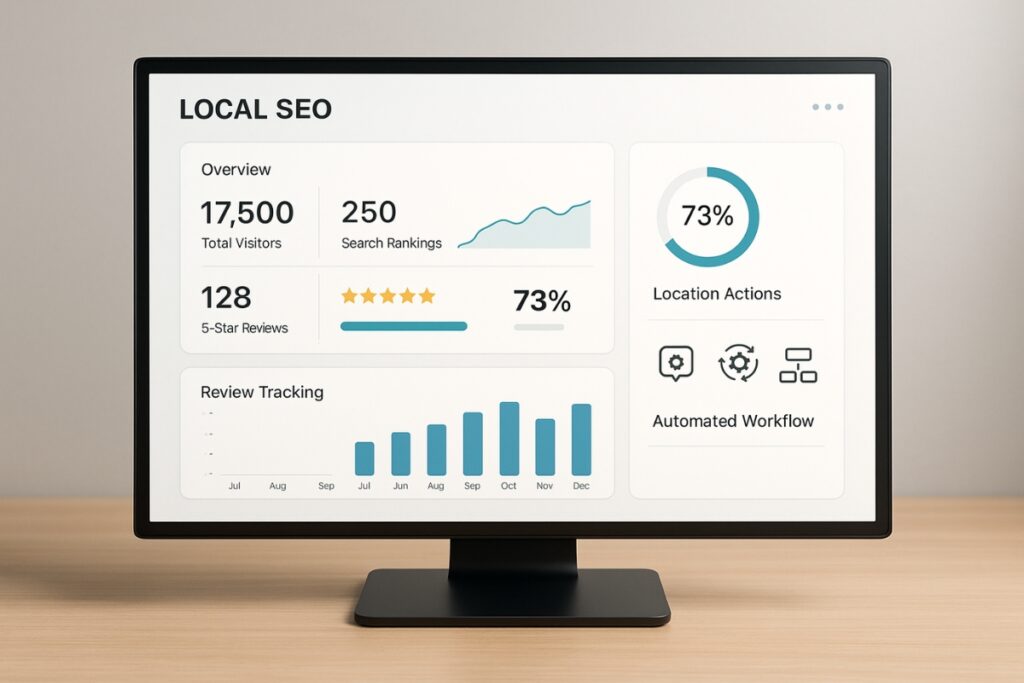
If managing everything manually feels overwhelming, use automation tools to save time.
Platforms like GoHighLevel (GHL) can help with:
- Collecting and responding to reviews
- Sending follow-up messages to customers
- Tracking local leads and performance reports
Automation ensures consistency while allowing you to focus on improving your business instead of managing repetitive tasks.
Alongside GHL, consider BrightLocal, Moz Local, or Whitespark to help with citation cleanup, review tracking, and performance monitoring. Each tool saves time while keeping your local data consistent.
With the right systems and tools in place, your local SEO efforts can run smoothly in the background while you focus on growth.
Connecting Online and Offline Success
For e-commerce stores with physical locations, Local SEO bridges your online visibility with real-world sales. It helps customers find you, trust you, and choose you.
By combining strong Google Business optimization, consistent local content, and great customer experiences, your business can show up in the right searches at the right time.
Frequently Asked Questions
Local SEO helps your online store appear in searches from nearby customers by connecting your website to your physical location and Google Maps.
It boosts visibility for stores with physical locations and helps turn local searches into real visits.
Start by optimizing your Google Business Profile, collecting reviews, and adding local keywords to your website and product pages.
Yes. Creating dedicated pages for each store helps Google understand where you operate and boosts your visibility in those areas.
Definitely. Local SEO gives small businesses an edge by targeting nearby customers who are ready to buy, not just browsing online.
Refresh your profile whenever you change hours, add new photos, or run promotions. Active profiles get more clicks and appear more frequently in searches.