Creating a professional logo in 2026 no longer requires hiring a designer or wrestling with complicated software. Thanks to AI-powered logo makers, beginners and business owners can design polished, brand-ready logos in minutes.
These tools combine smart templates, AI suggestions, and easy-to-use editors, making branding accessible to anyone starting a blog, online store, or new business.
In this guide, the focus is on usability, output quality, customization, and cost. Some platforms deliver sleek results with almost no effort, while others provide flexibility for those who want to fine-tune every detail or build complete brand kits.
If building a blog or online brand is the next step, having the right logo generator is the perfect place to start.
EDITOR’S CHOICE
|
Best Overall
|
Best Value
|
Most Versatile
|
|
Primary Rating:
4.8
|
Primary Rating:
4.5
|
Primary Rating:
4.6
|
|
Starting at $5/mo
|
$20 one-time fee
|
Starting at $12.99/mo
|
|
Pros:
|
Pros:
|
Pros:
|
|
Cons:
|
Cons:
|
Cons:
|
- Clean, high-quality output
- Easy for beginners, even without design skills
- High-res exports require purchase
- Limited icon styling options
- Intuitive Interface
- Huge Template Library
- Smooth Team Collaboration
- Limited Free Features
- Restricted Advanced Editing
- Extra Costs For Premium Elements
- Full branding support beyond just a logo
- Easy to use, smart suggestions from AI
- High-res and full rights cost extra
- Somewhat expensive for one-time users

What to Decide Before Choosing an AI Logo Generator
If you’re looking for a step-by-step breakdown on how to make a logo, check out our full guide here
| Decision Point | Why It Matters |
| Brand style / vibe | Affects what icons, fonts, layouts will look good. |
| How many variations needed | Some tools give many template variations; others are more limited. |
| File formats & resolution | Need vector (SVG, EPS) for printing; PNG with transparency for web. |
| Budget | Some give free versions or low cost; others require monthly/yearly payment. |
| Usage rights / ownership | Important if logo is used commercially or printed on merchandise. |
Before going deeper into the detailed reviews, here’s a quick list of the most recommended AI logo generators for 2026. Each tool is included for its strengths, so you can quickly see which might fit your project best.
- Design.com Best Overall Logo Generator
- Canva Best Value for Beginners
- Looka Most Versatile for Branding Kits
- Tailor Brands Best for Guided Simplicity
- Wix Logo Maker Best for Website Integration
- ChatGPT Best for Creative and AI-Generated Visuals
- Adobe Express Logo Maker Best for Polished Professional Design
- Brandmark Best for Minimalist & Branding Kits
- LOGO Best for Instant Free Logos with Brand Kits
Now that the top tools are laid out, let’s dive into each one and see what makes them stand out.
Design.com — Best Overall
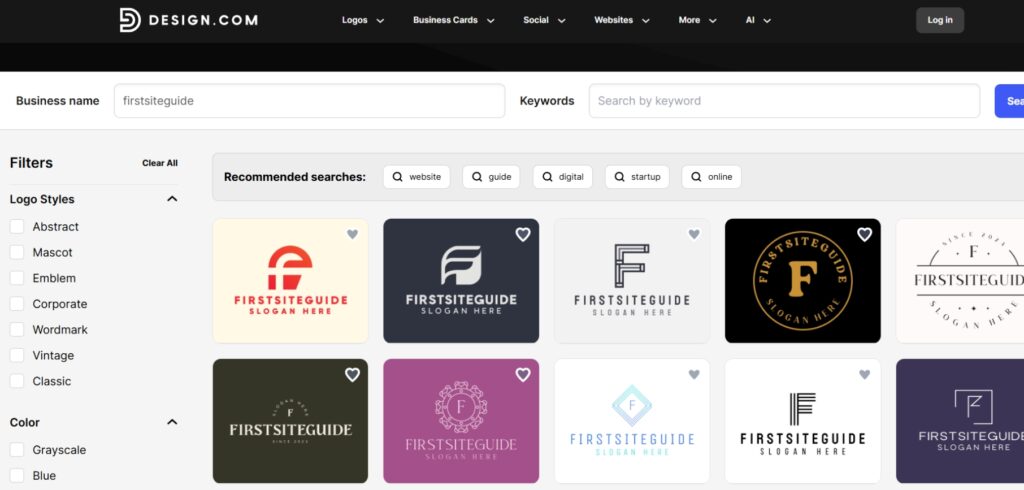
Design.com stands out for delivering professional-quality logos and brand assets with almost no learning curve. It’s designed for entrepreneurs and beginners who want polished results without needing advanced design skills. Whether you’re starting a blog, online store, or business, the platform makes it easy to go from idea to brand identity in minutes.
Key Features:
- Generates logos, business cards, and branded graphics in one streamlined process
- Offers AI-powered layouts that balance typography, icons, and color palettes automatically
- Provides clean, modern templates that scale across digital and print formats
- Free logo editing available; only pay when exporting high-resolution or vector files
Pricing and Plans
- Free to generate and edit logos
- Pay only when downloading premium assets or full-resolution files
- Clean, high-quality output
- Easy for beginners, even without design skills
- High-res exports require purchase
- Limited icon styling options
Best For: Users who want a polished logo quickly without overthinking details
Canva — Best Value
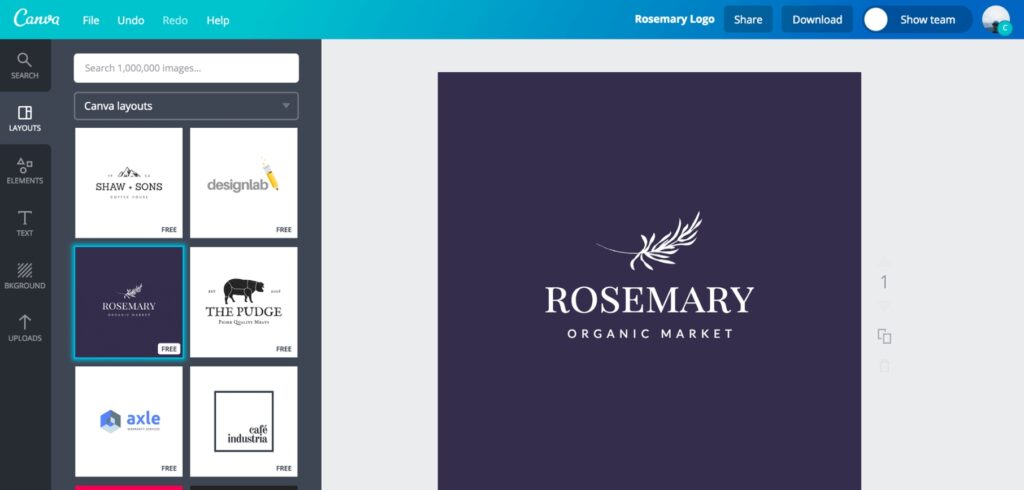
A flexible and user-friendly tool perfect for designing a logo and all other branded content in one platform. Canva’s AI assistance plus its vast design library makes it one of the easiest tools to work with, especially for content creators.
Key Features:
- AI assistance with huge design template library
- Drag-and-drop editor for easy customization
- Collaboration tools for teams
- Create logos plus all branded content in one platform
- Supports blog graphics, social media, and marketing assets
Pricing and Plans
Free Plan
- $0/month
Basic templates and editor tools
Pro Plan
-
$12.99/month
$119.99/year
Access to premium templates, brand kits, and export options
Teams Plan
-
$14.99/month
(for 5 users)
All Pro features plus collaboration
- Enterprise Plan : Custom pricing for large teams
Create stunning visuals easily with Canva, perfect for designers & marketers seeking intuitive tools, templates & collaboration.
- Intuitive Interface
- Huge Template Library
- Smooth Team Collaboration
- Limited Free Features
- Restricted Advanced Editing
- Extra Costs For Premium Elements
Best For: Bloggers or marketers looking for an all-in-one content and design platform
Looka — Most Versatile
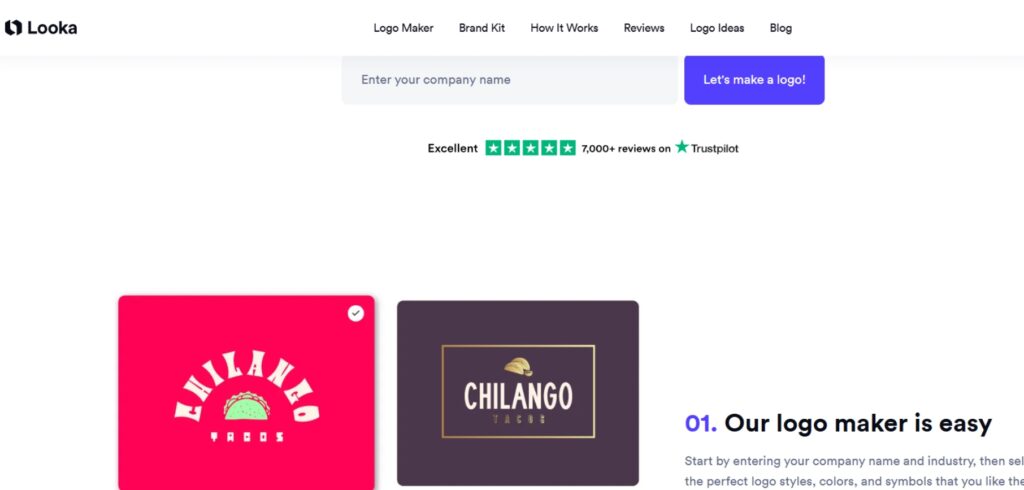
Great for users who want not only a logo but also everything else you need to launch a brand visually. Looka stands out for offering full brand kits, templates, and mockups along with customizable logos.
Key Features:
- Customizable logos with smart AI suggestions
- Full brand kits: social media assets, business cards, mockups
- Scalable files (PNG, SVG, EPS, transparent background)
- Subscription option for ongoing brand updates
- Option to bundle logo with a simple website builder
Pricing and Plans
Basic Logo
- $20
(low-res PNG)
Premium Logo Package
- $65
(high-res SVG, EPS, transparent background)
Brand Kit Subscription
- $96/year
(logo + social assets, cards, and brand guidelines)
Brand Kit + Web Subscription
- $129/year
(adds basic website builder)
- Full branding support beyond just a logo
- Easy to use, smart suggestions from AI
- High-res and full rights cost extra
- Somewhat expensive for one-time users
Best For: New businesses needing both logo and ongoing brand materials
Tailor Brands — Guided Simplicity
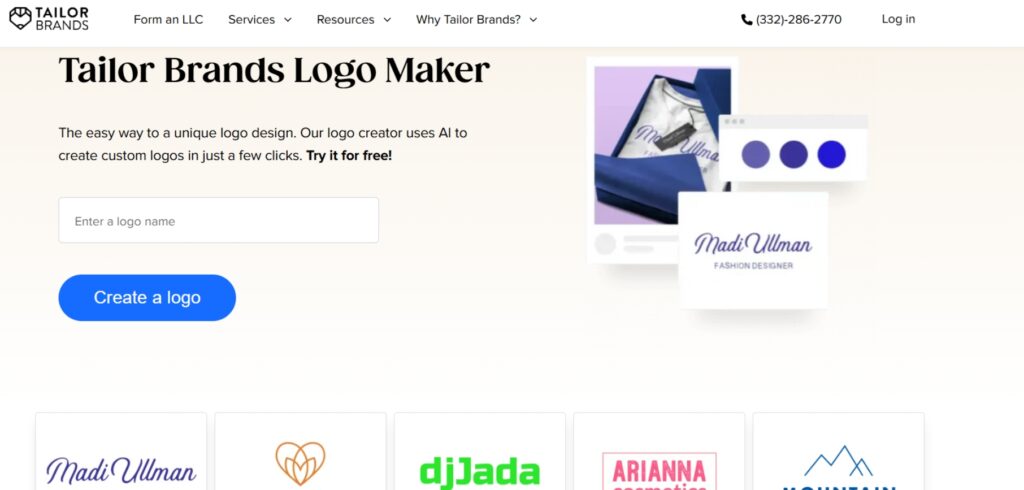
Focuses on ease-of-use with a step-by-step wizard that guides the entire logo-making process. Offers decent logo design with a mix of icon or text-based branding styles and simple customization options.
Key Features:
- Step-by-step logo wizard for easy guidance
- Mix of icon-based and text-based logo designs
- Simple customization options
- Subscription plans with extra branding assets
- Good fit for non-designers needing fast results
Pricing and Plans
Basic Plan
- $9.99/month
-
$3.99/month
(billed annually)
Standard Plan
- $19.99/month
-
$5.99/month
(billed annually)
Premium Plan
- $49.99/month
-
$12.99/month
(billed annually)
Best For: Non-designers who want simplicity and guided branding help

- Straightforward wizard interface
- Helpful for building quick branding assets
- Editor has limited flexibility
- Subscription may feel high if only a logo is needed
Wix Logo Maker — Website Integration Ready
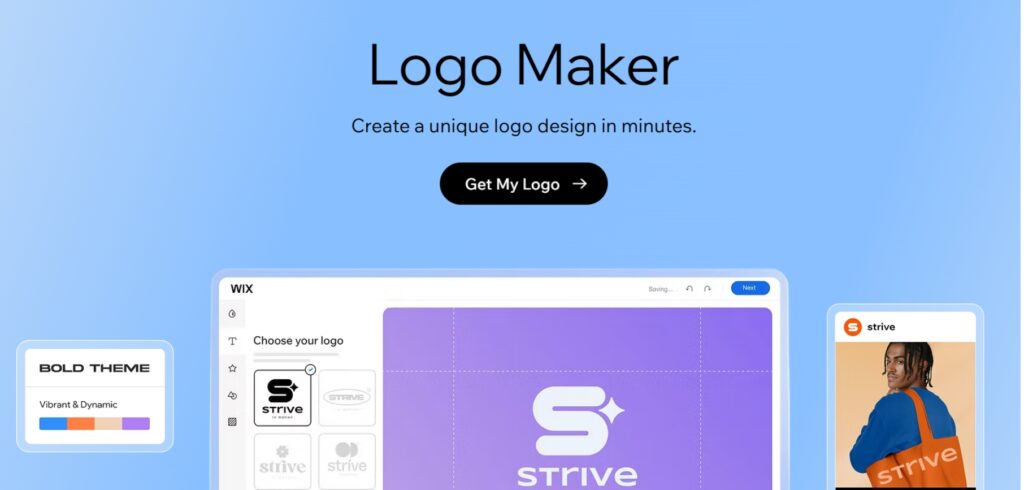
The Wix Logo Maker is built for anyone who wants a quick, professional logo that works seamlessly with a Wix website or other branding needs. It balances ease of use with enough customization options to tweak fonts, colors, and layouts, making it a solid choice for beginners who still want some creative control.
Key Features:
- Seamless integration with Wix websites
- Editable templates for logos and branding assets
- Download options for digital and print formats (PNG, SVG)
- Affordable one-time pricing for logos
- Branding bundle available for websites + design assets
Pricing and Plans
- Free to create and preview
Basic Logo
- $20 one-time
(includes PNG, commercial use)
Advanced Logo
- $50 one-time
(adds SVG, additional formats)
Branding Bundle
Monthly plans for combining with a website and more assets
Create a pro-looking site easily with Wix! Perfect for entrepreneurs, freelancers, and creatives seeking a polished online presence.
- Straightforward logo creation with AI assistance
- Affordable one-time purchase (no recurring logo fees)
- Offers scalable vector files (SVG) for professional printing
- User-friendly customization without requiring design skills
- Logo designs can feel somewhat generic compared to premium tools
- Limited advanced customization beyond fonts, colors, and layout tweaks
- Best features (like full branding kits) are locked behind higher pricing tiers
Best For: Entrepreneurs building both a brand and a website
ChatGPT — Creative Visuals on Demand
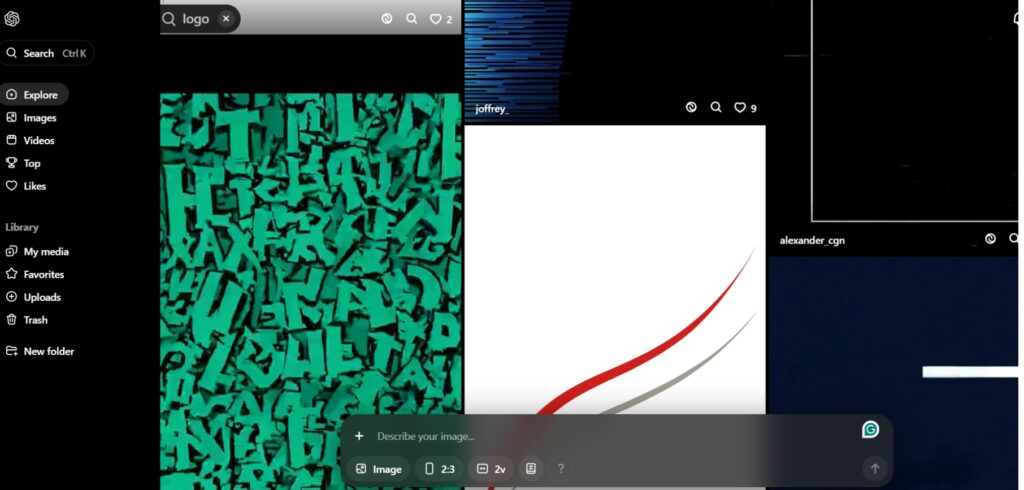
While not a traditional logo maker, ChatGPT (with image generation enabled) can produce unique visual concepts and abstract motifs that inspire brand identity. It’s particularly useful for exploring creative directions that go beyond templates, giving entrepreneurs and creators a way to test bold or unconventional logo ideas.
Key Features:
- Generates original visual concepts from natural language prompts
- Suitable for abstract, artistic, or experimental logo directions
- Can produce multiple variations of a single idea for exploration
- Works best for brainstorming and concepting, with final polish done in external design tools
- Built on OpenAI’s multimodal AI models (like GPT-4o), with newer experimental models such as Sora pushing boundaries in video — showing how quickly AI visual creation is advancing
Pricing and Plans
Free Tier
Limited access to text-based features only
ChatGPT Plus
- $20/month
Access to GPT-4 and image generation tools
- Great for unique or non-template visuals
- Can generate multiple design ideas from a single prompt
- Not specialized in traditional logo outputs
- May require external editing tools for refinement
Best For: Artists, creators, or startups looking for abstract, AI-generated visuals that stand out.
Adobe Express Logo Maker — Best for Polished Professional Design
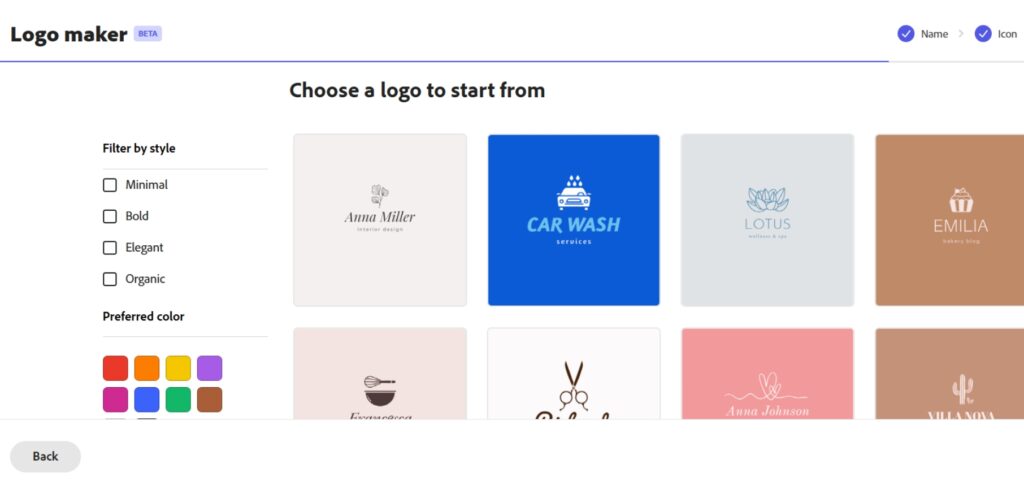
A versatile design platform that lets you create logos along with social posts, flyers, and other branded visuals. Adobe Express combines professional templates with easy editing tools, making it ideal for users who want refined results without advanced design skills.
Key Features:
- Professional-grade templates for polished results
- All-in-one tool for logos, social posts, and marketing assets
- Easy editing with drag-and-drop customization
- Access to Adobe fonts and creative library
- Premium plan unlocks brand kits and advanced exports
Pricing and Plans
Free Plan
- $0/mo.
Includes basic logo templates, fonts, and editing tools
Premium Plan
-
$9.99/month
$99.99/year
Unlocks full template library, premium fonts, and advanced export options
- Professional, polished templates
- All-in-one platform for logos and branded content
- Some features limited to Premium plan
- Less logo-specific customization compared to dedicated tools
Best For: Users who want professional-looking logos and branding assets within a full-featured design platform.
Brandmark — Best for Minimalist & Branding Kits
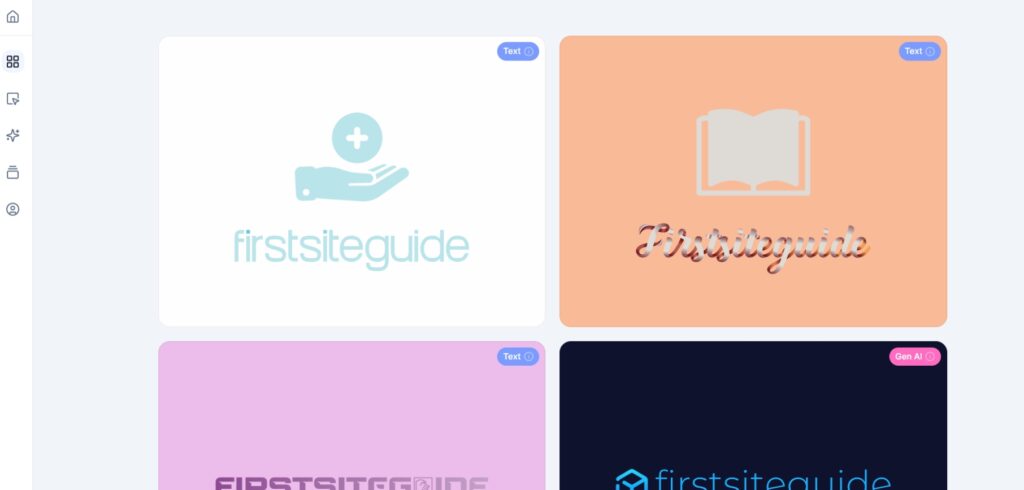
Brandmark.io is ideal for entrepreneurs and creators seeking a sharp, modern logo without ongoing subscription fees. Its AI-driven engine produces minimalist, scalable logos with minimal input, then expands into a full brand identity package — including business cards, color palettes, and style guides.
Key Features:
- Emphasizes clean, geometric logo aesthetics
- Instantly generates brand kits: fonts, colors, social media assets
- Supports editing of layouts, fonts, and colors with an intuitive interface
- Unlimited revisions post-purchase; lifetime asset access
Pricing and Plans
Basic Package
-
$35
one time
includes PNG and vector logo files
Designer Package
-
$95
one time
adds social assets, style guides, business card templates
Enterprise Package
-
$195
one time
includes up to 10 hand-crafted logo concepts
- No monthly or yearly subscriptions

- Pay-once model – no ongoing fees
- Full brand kit included for scaling beyond just a logo
- Crisp, professional logo design with fast output
- Icon and layout options are slightly limited
- Some designs may feel less unique due to common template usage
LOGO — Best for Instant Free Logos with Brand Kits
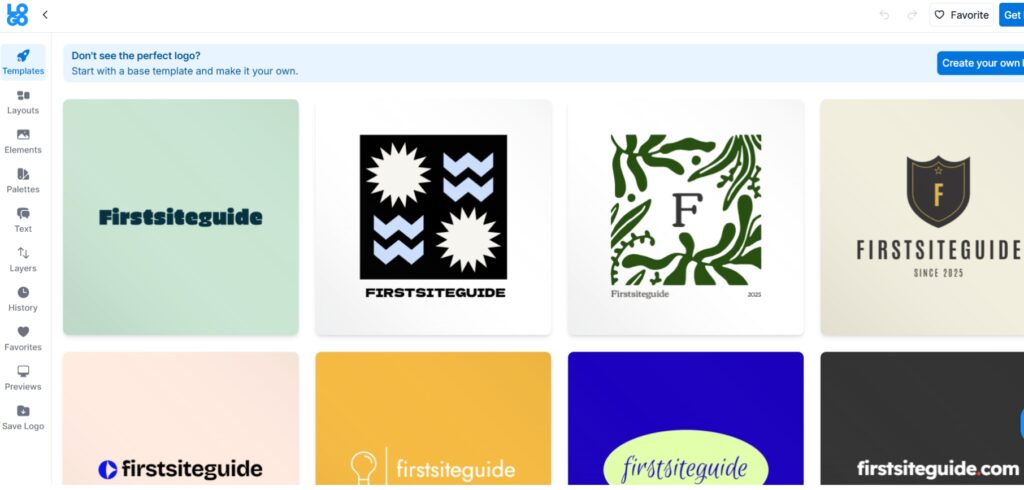
LOGO.com offers one of the fastest and easiest logo creation experiences on the web. Its AI-driven generator delivers multiple logo options in seconds, while its platform extends beyond design to offer marketing kits, website tools, and brand templates, all from one dashboard.
Key Features:
- Rapid AI-generated logos tailored to business name + industry
- Includes a full suite of brand materials: business cards, email signatures, and social media kits
- Customizable colors, fonts, icons with live preview
- Scalable export formats and commercial use rights (with Pro)
Pricing and Plans
Free Plan
- $0/month
Generate and preview logos
LOGO Pro Plan
- $15/month
includes high-res logos, vector files, brand kit, and marketing templates
- 14-day money-back guarantee
- Start for free with no account required
- Bundles logo creation with branding tools in one simple flow
- Great for first-time users or side hustlers needing fast brand assets
- Free tier doesn't include high-resolution or vector files
- Some templates may lack uniqueness without customization
How to Select the Best AI Logo Generator
Our breakdown of the top AI logo generators makes it easier to understand what each platform offers. Still, the real question is: which one should you actually use?
The key is to start by clarifying your priorities. Are you looking for speed and simplicity, or do you need a tool that grows with your brand and delivers a full set of assets? Beginners might lean toward platforms with guided wizards and ready-to-use templates, while more advanced users or teams may prefer flexible editors and complete brand kits. By matching your choice to your long-term goals, you’ll avoid paying for features you don’t need, and make sure your logo is ready for both today’s launch and tomorrow’s growth.
The answer depends on what matters most for your project. Consider these points before making the final choice:
Your business goals
Think about why you need the logo. Is it for a blog header, a small online store, or a full brand kit? Your goals will shape which tool is the best fit.
Features offered
Some tools focus on simplicity, while others give deep customization and extras like social templates or websites. Make sure the tool covers not just logo creation, but the extras you might need.
Ease of use
If you’re not design-savvy, prioritize tools that walk you through step by step. If you enjoy tweaking details, go for a platform that offers full creative freedom.
File formats & ownership
Logos aren’t just for screens — you may want to print them on merch, packaging, or signs. Look for tools that provide scalable vector formats (SVG, EPS) and clear commercial-use rights.
Budget
Free tools are great for testing, but investing in paid plans often gives you higher-quality exports and branding assets. Weigh short-term savings against long-term brand needs.
Wrapping Up: Choosing the Right Logo Generator
Starting with a free tool is a smart way to test ideas and get a feel for what works. From there, make sure the platform you choose provides access to vector files and clear commercial-use rights so your logo can grow with your brand.
It’s also worth considering how easily the tool lets you evolve your design over time. A logo that works for a blog launch today might need updates for new product lines, a rebrand, or physical merchandise in the future. Platforms that offer scalable file types, flexible editing, and bundled brand kits can save you from having to start over when your business expands.
Previewing designs on mockups like business cards, blog headers, and social profiles will help you see how the logo performs in real-world contexts. Finally, think about how your chosen colors and styles align with your broader brand or blog theme.
Ready to create your logo? Explore these tools and get started with confidence. A polished, professional logo is just a few clicks away — the perfect first step toward building your blog or online business. For a wider look at the best logo design tools beyond AI generators, explore our roundup here.
Frequently Asked Questions
Usually, yes. But always check licensing. Some tools offer limited use without full ownership. For a complete walkthrough on how to copyright a logo and secure your brand legally, see our dedicated guide
Ideal formats include SVG, EPS, PNG (transparent), and sometimes JPG. Vectors are critical for scalability.
Either upgrade to premium or use basic design software to remove backgrounds.
For most beginners and small businesses, yes. For complex or unique identities, a designer may still be valuable.