
Starting an online business requires a reliable toolkit. With thousands of apps available, choosing the right ones can be challenging. Instead of using dozens of tools, focus on those that support your core needs: building a web presence, attracting customers, managing payments, and staying organized.
This guide outlines the most important tools in each category with clear explanations and practical uses.
Domain Names – Your Digital Home Base
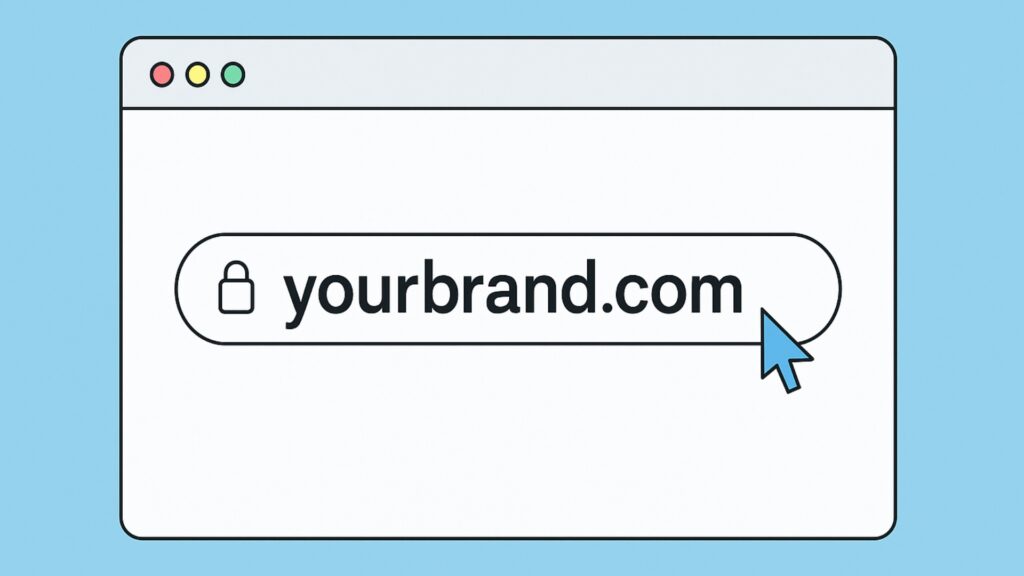
A domain name is your business’s digital address, the URL people type to find you. A branded domain (like yourbrand.com) feels like an official virtual business address. It builds trust and gives you full control over your business listing’s first impression.
Where to register a domain:
- Namecheap – Affordable, beginner-friendly registrar with free privacy protection.
- Cloudflare – Transparent pricing with some of the lowest renewal costs compared to other registrars.
- Bluehost – A great option if you also need website hosting. They include a free domain for the first year when you purchase a hosting plan.
How to choose a strong domain:
- Keep it short, clear, and easy to spell.
- Stick with .com if possible (still the most trusted extension).
- Avoid hyphens, numbers, or confusing spellings.
Example: Between “bestcakeshop.com” and “bestcakeshop123.freehost.com,” the first instantly looks more trustworthy.
Hosting – The Engine Powering Your Website
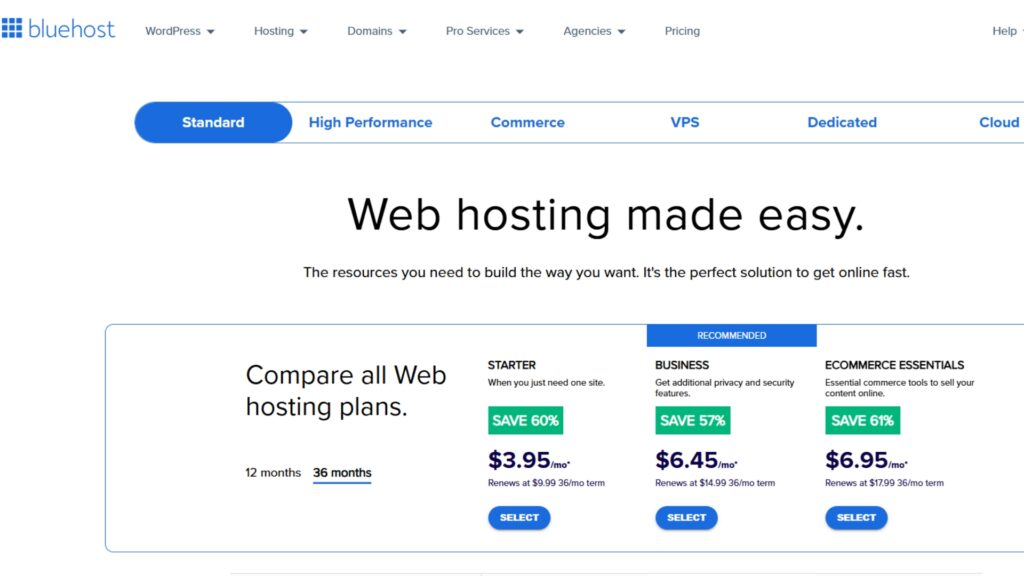
Think of hosting as the engine under your website’s hood. It powers your site, keeps it running, and makes sure it loads quickly when customers arrive. A slow or unreliable host is like a car that won’t start, frustrating and bad for business. It also impacts SEO, security, and user trust.
Beginner-friendly hosting providers:
BlueHost is well-known in the web hosting space and offers a reliable option for beginners launching their first website or blog.
- Affordable Plans
- One-Click WordPress Installation
- 24/7 Customer Support
- Renewal Rate Increases
- Charges for Site Migrations
- Limited CPU Usage

SiteGround offers fast, secure web hosting with exceptional support and advanced features, which are ideal for websites of all sizes.
- Fast Load Times
- Excellent Customer Support
- Advanced Security Features
- Higher Renewal Rates
- Limited Storage On Basic Plans
- No Free Domain Registration
- User-friendly interface
- Scalable for growth
- Extensive app marketplace
- Transaction fees without Shopify Payments
- Monthly subscription cost
- Limited customization on basic plans
What to look for in hosting:
- Uptime guarantee – Aim for 99.9% or higher.
- Speed and performance – Look for caching, SSD storage, and CDN options.
- Customer support – 24/7 support can save hours when issues arise.
Think of hosting as the engine of your site: invisible to visitors, but critical for reliability, speed, and security.
Website Builders – Designing Your Online Storefront
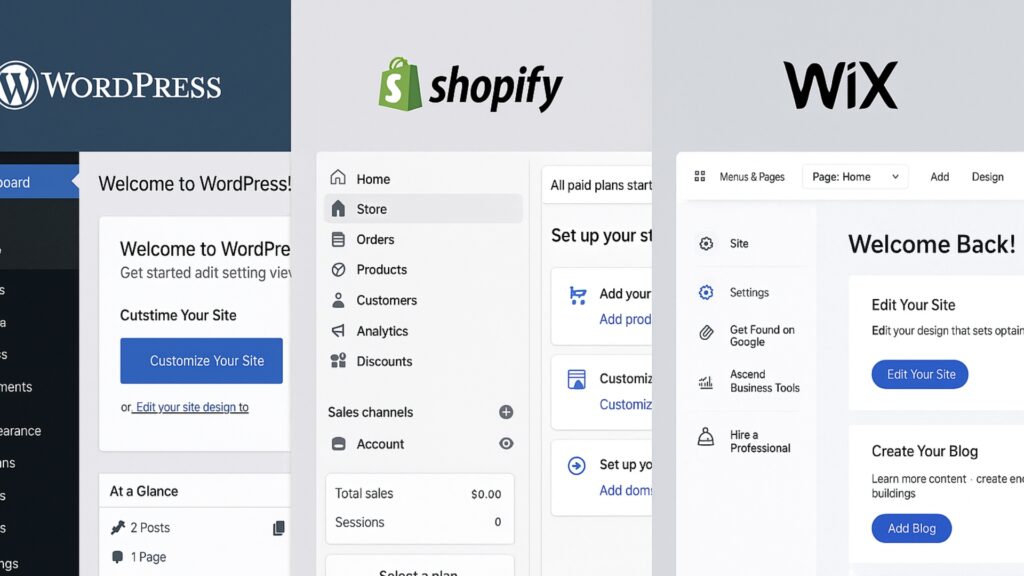
Choosing the right website builder depends on your online business model. Are you selling physical products, offering services, or focusing on content and publishing? Each builder has strengths tailored to different goals. By thinking about how you’ll primarily use your website, you’ll be better prepared to pick the platform that aligns with your business needs and growth plans.
WordPress – Flexible Platform for Blogs and Services
WordPress gives you full control, from simple blogs to complex service sites. It’s like Lego for websites: stack in plugins for SEO. Whether you’re using an SEO guide for blog posts or a WordPress SEO guide for beginners, the platform makes it easy to optimize content and boost visibility.
Beginner Setup:
- Install WordPress through your hosting provider.
- Choose a clean theme that matches your brand.
- Create core pages: Home, About, Contact, and Blog if applicable.
Check out our simple, beginner-friendly guide to learning WordPress,it breaks everything down step by step so you can start building with confidence.
Shopify – All-in-One Ecommerce Solution
Shopify is designed for ecommerce. It handles inventory, payments, and checkout all in one place. It’s ideal if your focus is selling physical or digital products.
Action steps:
- Sign up for Shopify and choose a store theme.
- Add your first product with images, description, and price.
- Connect Stripe or PayPal to start accepting payments.
Wix – Simple Drag-and-Drop Builder
Wix is a drag-and-drop website builder perfect for simple sites. If you need a portfolio or a quick business page without complex features, Wix can get you online quickly.
Action steps:
- Pick a template and customize colors, fonts, and images.
- Add contact information and service descriptions.
- Publish your site directly from the editor.
Design and Branding Tools – Creating a Consistent Identity
Canva – Easy Design for Beginners
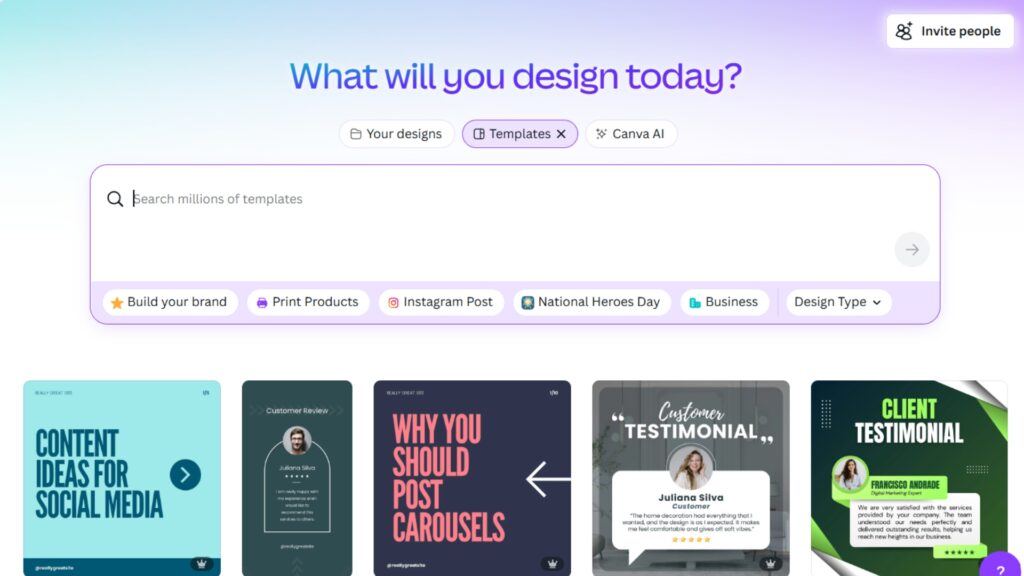
Canva makes design easy for beginners. You can create logos, social media posts, and marketing graphics using simple drag-and-drop features. Its brand kit keeps colors and fonts consistent.
Beginner Setup:
- Create a logo using Canva’s templates.
- Set up a brand kit with fonts, colors, and logo variations.
- Design templates for Instagram posts, ads, or website graphics.
Adobe Express – Polished Graphics With More Control
Adobe Express is another beginner-friendly design tool. It offers slightly more customization and integrates with Adobe’s creative ecosystem for polished visuals.
Best Practices:
- Use it to design unique flyers, banners, or ads.
- Export designs in multiple formats for social and print use.
Stock Image Platforms – Free, High-Quality Visuals
Platforms like Unsplash and Pexels provide high-quality, royalty-free photos. Strong visuals make your site feel professional and trustworthy.
Action steps:
- Search for images that align with your niche.
- Use the same style of photos across your site and marketing to stay consistent.
Professional Communication Tools – Staying Connected
Google Workspace – Professional Email and File Sharing
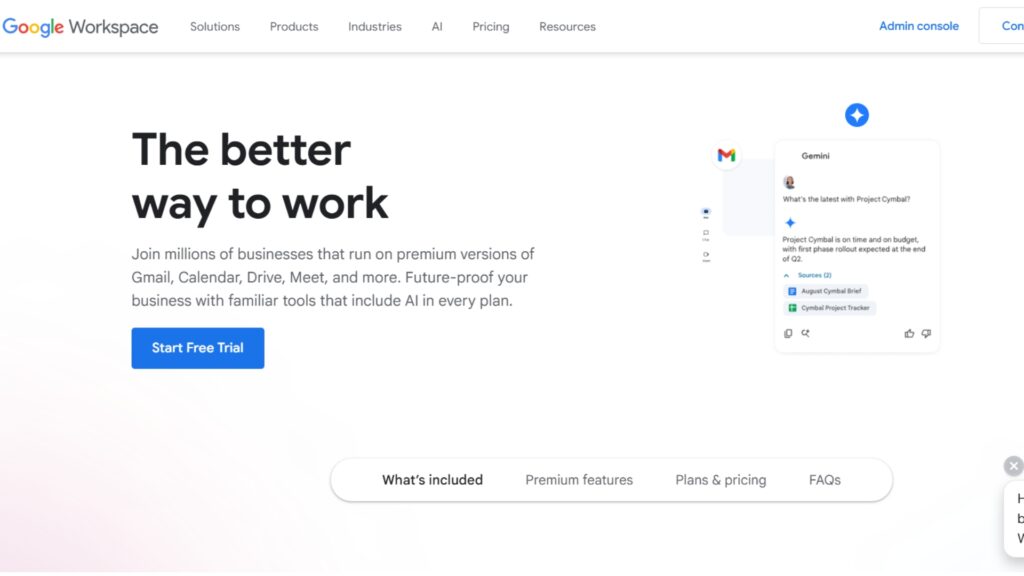
Google Workspace provides professional email addresses ([email protected]) plus tools like Docs, Sheets, and Drive for file storage. It keeps communication professional and organized.
Action steps:
- Sign up and connect your domain for branded email.
- Organize your files in Google Drive by project or client.
- Use Docs and Sheets for easy collaboration.
Slack – Real-Time Team Chat
Slack is a team messaging app that organizes conversations into channels. It’s ideal for communicating with contractors, freelancers, or partners.
Beginner Setup:
- Create a free Slack workspace.
- Add channels for marketing, sales, and projects.
- Use integrations to connect tools like Google Drive.
Trello – Task and Project Tracker
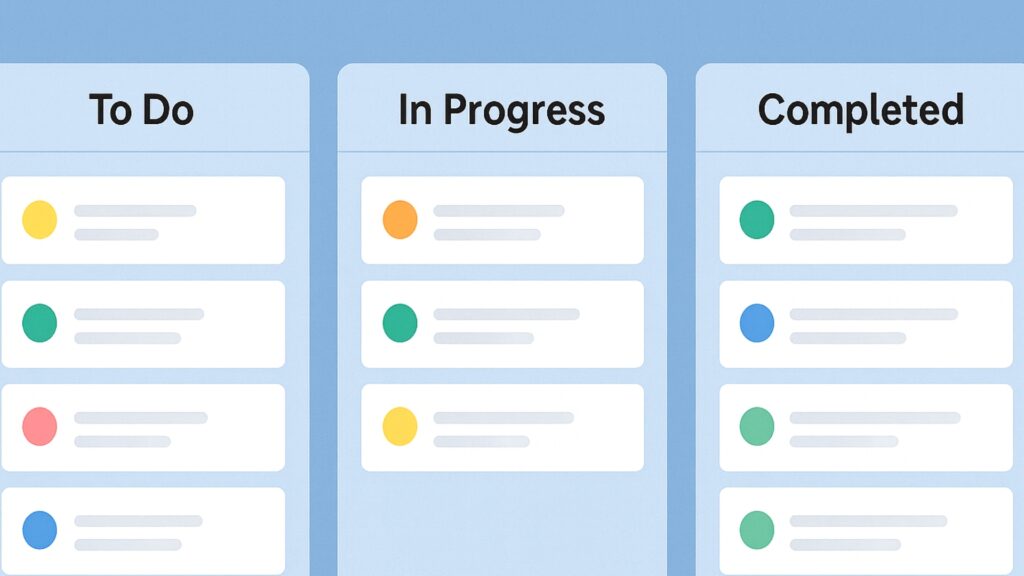
Trello uses boards and cards to manage tasks. It’s a simple project management tool for solopreneurs or teams.
Getting Started:
- Create a board with lists: To Do, In Progress, Done.
- Add cards for each task.
- Move cards as you complete work.
Zoom – Face-to-Face Client and Team Calls
Zoom makes video calls easy, whether it’s client meetings or webinars. Reliable video communication builds trust with potential customers.
Action steps:
- Install Zoom and create a free account.
- Schedule calls with clients directly through the app.
- Record meetings to revisit later if needed.
Marketing Tools – Attracting and Nurturing Customers
Email Marketing Platforms – Building Customer Relationships
Tools like Mailchimp, ConvertKit, or GoHighLevel turn casual visitors into loyal customers. Email lets you stay top-of-mind, build trust, and sell even while you sleep. It’s still the most profitable marketing channel out there.
Best Practices:
- Add an email signup form to your site.
- Write a welcome email that introduces your brand.
- Schedule a simple weekly or bi-weekly newsletter.
Social Media Scheduling – Consistency Without the Stress
Tools like Buffer, Hootsuite, or Canva’s scheduler let you plan posts ahead of time. This saves hours each week and keeps your marketing consistent.
Best Practices:
- Connect your social accounts to one dashboard.
- Create content for the week.
- Schedule posts to publish automatically.
SEO Tools – Tracking and Optimizing Growth
Google Analytics and Search Console track website traffic and keyword performance. SEMrush then supercharges that with keyword research for local businesses, and even insights into local link building opportunities.
Getting Started:
- Install Google Analytics to monitor visitor behavior.
- Connect Search Console to track keyword performance.
- Use SEMrush to research keywords and plan future content.
Sales and Payment Tools – Turning Interest Into Revenue
PayPal – Trusted Payment Gateway
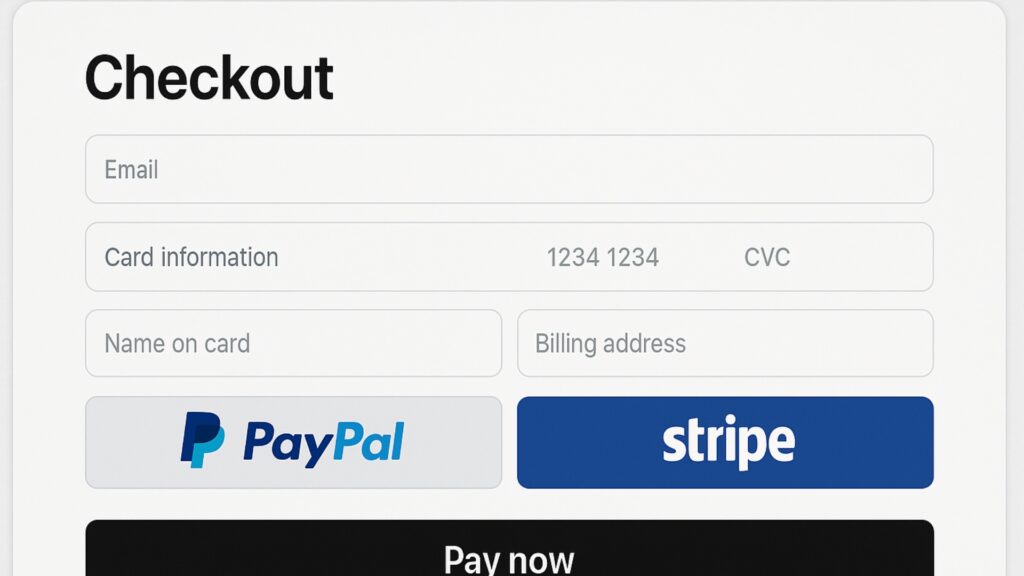
PayPal is a trusted platform for online payments. It’s widely recognized and easy to integrate into websites.
Quick Setup:
- Open a PayPal Business account.
- Link your bank for payouts.
- Add PayPal as a checkout option on your site.
Stripe – Seamless Card Processing
Stripe is another payment processor that handles credit cards directly on your site. It’s especially popular with ecommerce businesses.
Quick Setup:
- Sign up for Stripe.
- Connect it to your ecommerce platform.
- Enable one-click checkout options for customers.
Shopify and WooCommerce – Storefronts for Selling Online
Both platforms allow you to run an online store. Shopify is easier to use, while WooCommerce offers more customization if you’re on WordPress.
Action steps:
- Add your products with descriptions and images.
- Set prices, taxes, and shipping rules.
- Test the checkout process before launch.
CRM and Automation Tools – Managing Customers at Scale
HubSpot – Free CRM for Beginners
HubSpot helps manage leads and customer interactions. Its free version is beginner-friendly and offers basic CRM features.
Best Practices:
- Import your contact list.
- Set follow-up reminders.
- Track conversations in one place.
Zoho – Affordable Sales Tracking
Zoho CRM is affordable and offers advanced sales tracking. It works well for small businesses that need more detailed data.
Quick Setup:
- Set up pipelines for leads.
- Automate responses for common questions.
GoHighLevel (GHL) – CRM Plus Marketing Automation
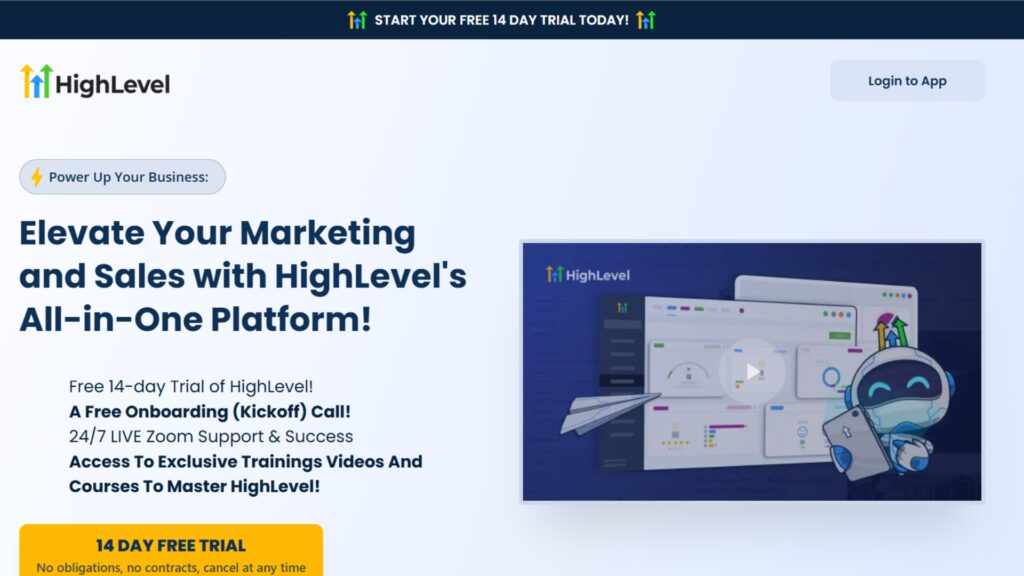
GoHighLevel can double as the best local listing management software, making it easier for any local business that also operates online to keep reviews, marketing, and customer interactions organized in one place.
Implementation Steps:
- Use workflows to trigger emails when new leads join.
- Monitor customer stages in the pipeline.
- Automate reminders for calls or follow-ups.
Zapier – Connect and Automate Your Apps
Zapier connects different apps together so tasks run automatically.
How to Use It:
- Choose a trigger (example: new form submission).
- Pick an action (example: add lead to Google Sheet).
- Test the automation to ensure it runs smoothly.
Productivity Tools – Staying Organized and Efficient
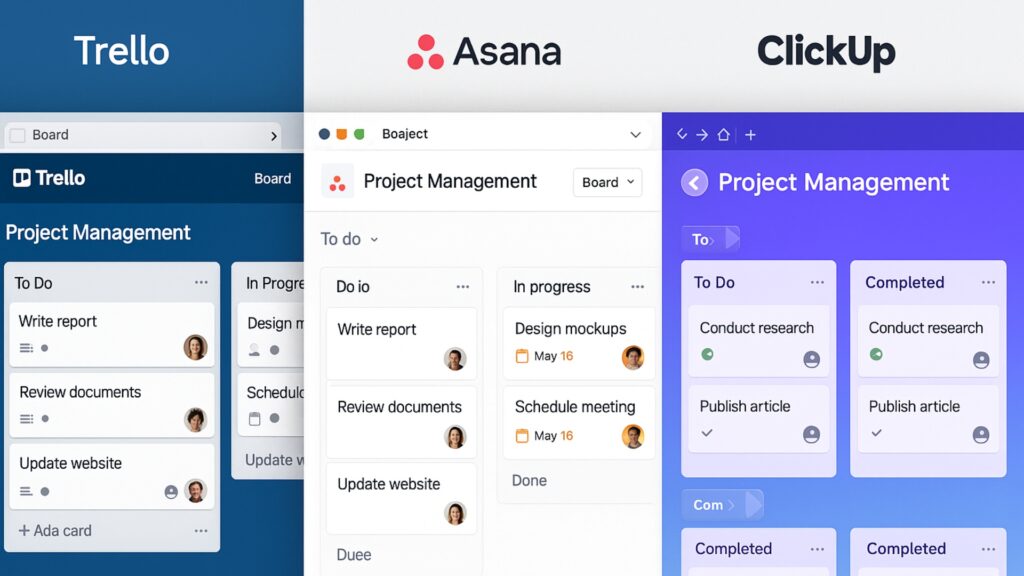
Trello / Asana / ClickUp – Project and Task Management
These platforms help organize projects. Trello is simple, Asana offers more detail, and ClickUp is an all-in-one option.
Getting Started:
- Create a project board.
- Add tasks with deadlines.
- Check progress daily.
Google Drive and Dropbox – Secure Cloud Storage
Cloud storage keeps files safe and accessible anywhere.
Best Practices:
- Create folders for each project.
- Upload key documents.
- Share folders with team members.
LastPass and 1Password – Password Management Made Simple
Password managers keep business accounts secure.
Checklist:
- Store logins in the vault.
- Enable two-factor authentication.
- Use autofill for faster logins.
Security and Backup Tools – Protecting Your Business
Keeping your online business secure isn’t just about good habits, it’s about having the right tools in place. From protecting customer data to safeguarding your website against crashes or hacks, these tools create a safety net for your business. Below are some of the most important security and backup solutions every online entrepreneur should consider.
SSL Certificates – Prevent “Not Secure” Browser Warnings
SSL encrypts data and is essential for both trust and SEO rankings.
Quick Setup:
- Enable SSL through your host.
- Confirm your site shows “https://” in the address bar.
Backup Tools – Safety Net Against Hacks and Crashes
Backups protect your site from crashes or hacks.
Checklist:
- Install a plugin like UpdraftPlus (for WordPress).
- Schedule weekly backups.
- Save copies in Google Drive or Dropbox.
Cybersecurity Tools – Everyday Protection for Online Businesses
Secure your online activity with NordVPN's deal. Enjoy advanced privacy, fast speeds, and a vast server network to keep your data safe and browsing unrestricted.
- Strong Security Features
- Fast Connection Speeds
- Extensive Server Network
- Higher Renewal Costs
- Occasional Server Lag
- Limited Browser Features

ecure your online activities with PIA VPN—fast, private, and reliable. Unlimited devices, strong encryption, and global servers for complete peace of mind.
- Strong Security
- Unlimited Devices
- Wide Server Network
- No Third-party Audit
- Slow Support At Times
- Resource-heavy

Decodo offers over 55 million ethically sourced residential proxies across 195+ locations, ensuring high success rates and fast response times for your web data projects.
- High Success Rate
- Fast Response Times
- Ethically Sourced Ipsyour web data projects.
- Complex Pricing Structure
- Limited Bandwidth On Lower Tiers
- Us-only Datacenter Proxies
PrivateProxy.me offers fast, reliable proxies with unmetered bandwidth, multiple locations, and instant activation, ensuring seamless and secure online experiences.
- High Speed Connections
- Excellent Customer Support
- Unmetered Bandwidth
- Limited Location Options
- Higher Cost Than Competitors
- Limited Geolocation Support
Proxy-Seller offers high-speed, reliable proxies with 99% uptime, supporting SOCKS5 and HTTP(S) protocols, ensuring secure and anonymous internet browsing.
- Wide Proxy Selection
- High-speed Connections
- 24/7 Customer Support
- No Free Trial
- Premium Pricing
- Complex Configuration
- Password Managers (e.g., LastPass, 1Password) – Keep unique, strong passwords safe and accessible across all your business devices.
Tools Are Not the Business, Systems Are
A website, email list, payment gateway they’re just pieces. What really drives growth is how you connect them. That’s the difference between having a bunch of apps… and having a system that runs your business.
Instead of asking, “What tool do I need next?” ask:
- How does this tool move my customer closer to buying?
- What part of my business does this automate or improve?
- Can I track the outcome this tool supports?
Whether you’re launching your first offer or streamlining a growing business, every tool should serve a clear role in your funnel, your customer journey, or your content system.
Think systems, not software. That’s how you scale.
Building a Strong Foundation With the Right Tools
Every successful online business starts with just a few clicks, a domain, a basic site, and the drive to build something meaningful. It may not look like much at first, but with the right tools in your corner, that humble beginning becomes the launchpad for real growth.
Don’t get distracted by shiny software or overwhelm yourself with dozens of platforms. Start simple: claim your domain, build a clean site, and set up one reliable way to get paid. That’s your foundation.
As your audience grows and sales come in, layer in marketing, automation, and security step by step. These small, strategic upgrades will stack up over time to build a business that runs smoother, sells smarter, and scales stronger.
Frequently Asked Questions

At the very least, you need a domain, hosting, a website builder, and a payment system. Branding, email, and a CRM can be added as you grow.
No. Start with free or low-cost versions like Canva Free, WordPress free themes, or Mailchimp’s free plan. Upgrade later when revenue allows.
WordPress is best for blogs or service sites, Shopify is designed for ecommerce, and Wix is ideal for portfolios or small business sites.
Not at the start. Use simple tools first. GHL becomes valuable when you want everything. Email, CRM, funnels, automation in one place.
A basic setup (domain + hosting + site builder) can be as low as $100–$150/year. With email, branding, and growth tools, expect $300–$500/year.
Enable SSL, schedule backups, and use strong passwords with two-factor authentication. A password manager and VPN add extra protection.
Yes. Most tools are beginner-friendly with templates and drag-and-drop editors. No coding is required for setup.