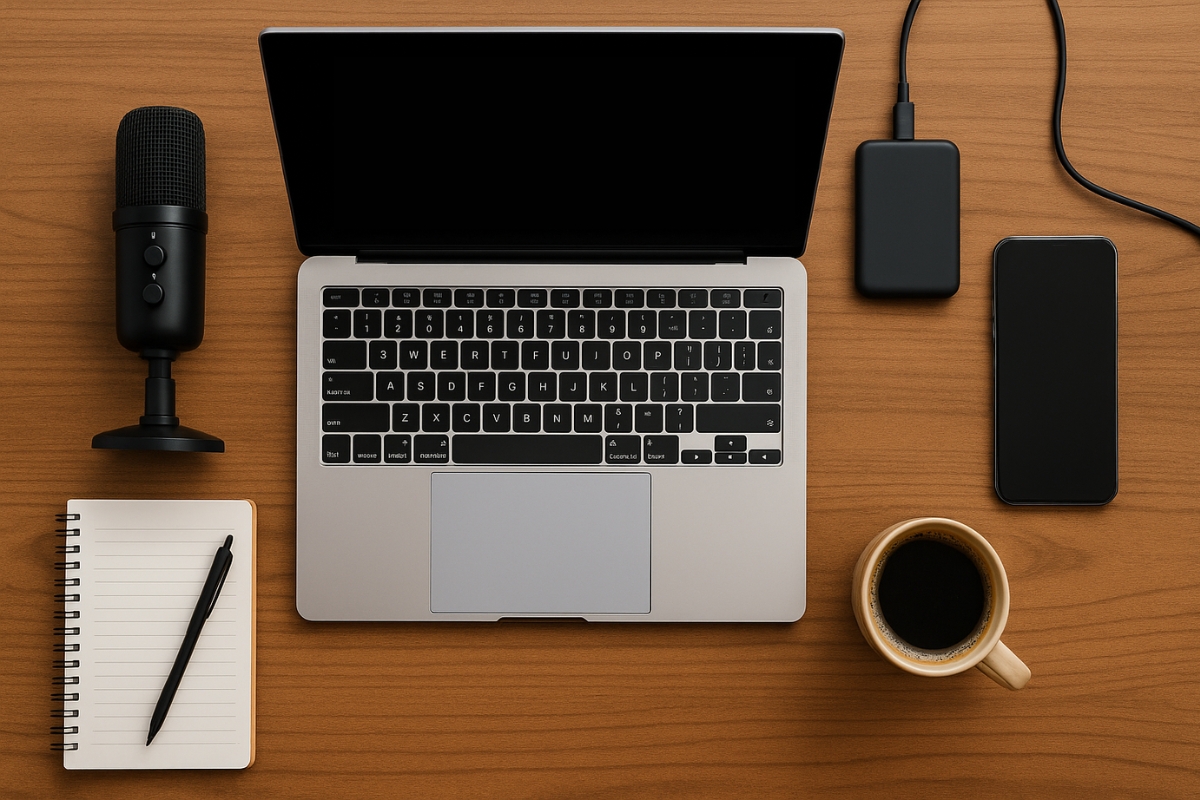
Launching a business shouldn’t max out your credit card. With the right affordable tech gear and tools, you can look and sound professional, build a reliable online presence, and even automate the boring stuff, all without overspending.
But here’s the trap most new founders fall into: tool overwhelm. Too many subscriptions, overlapping apps, and shiny gadgets that don’t actually move the needle.
This guide is your antidote: clear recommendations, practical tips, and a focus on value-driven gear that actually works.
How to Buy Smart (Without Second-Guessing Every Choice)

Use these simple principles to avoid waste and get results fast:
Prioritize signal over polish. Clear audio and strong communication matter far more than the fanciest visuals or editing software. People will forgive average video, but they won’t stick around if they can’t hear you or understand your message.
Start free or low-cost. Many great tools have free or affordable starter plans that are more than enough in the beginning. Upgrade only when you hit a real bottleneck — like needing more storage, faster performance, or advanced features.
Pick multipurpose tools. One tool that covers most of your needs is often better than juggling four that each do a small part. This saves money, reduces overwhelm, and keeps your workflow simple.
Think “sell sooner.” Choose gear that directly supports revenue-generating activities — like better audio for calls, software that speeds up invoicing, or tools that help you publish and follow up faster.
Core Hardware Essentials (Reliable, Not Pricey)
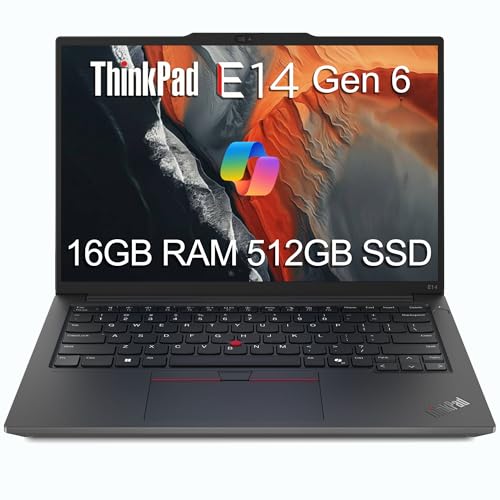
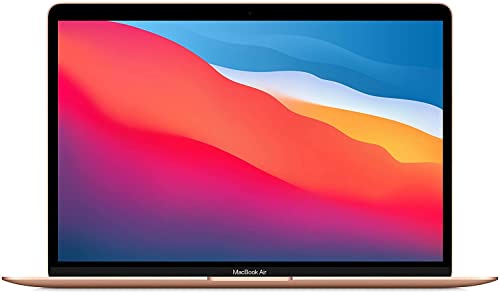
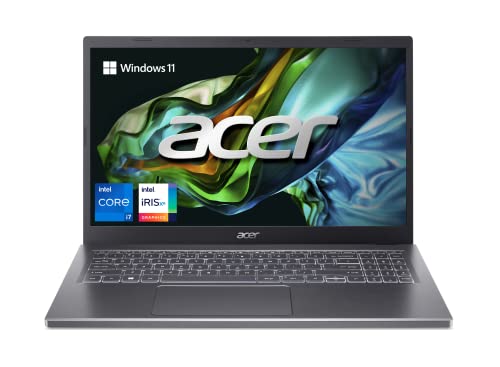
Laptops (budget-friendly, dependable):

Storage & backups:
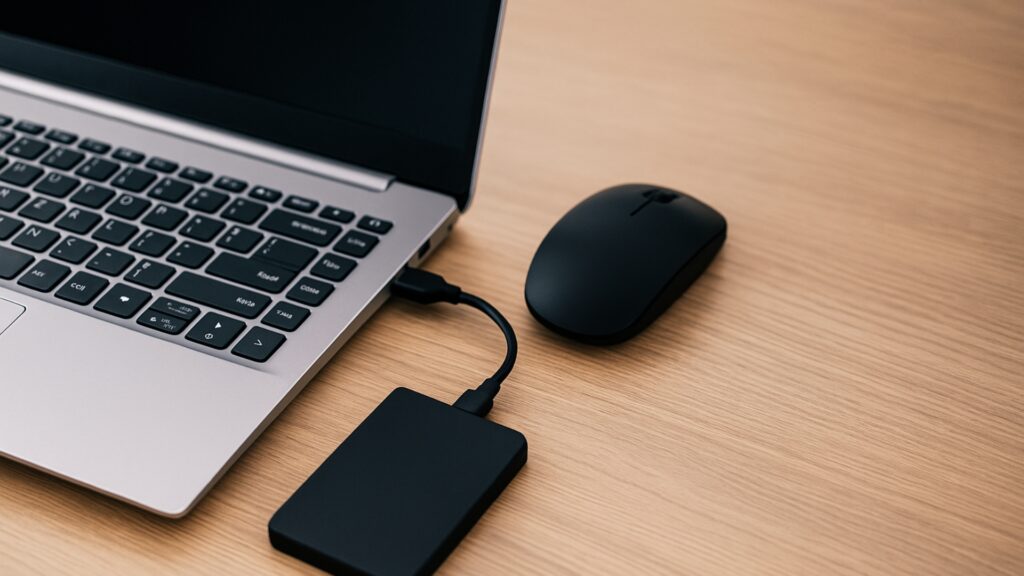
- External SSD (500GB–1TB) for fast file access and a weekly backup habit.
- Cloud backup (Google Drive or similar) so one spilled coffee doesn’t nuke your business.
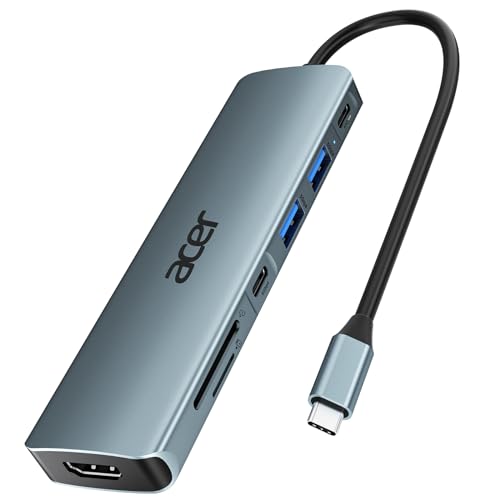
- Power & ergonomics:USB-C hub, laptop stand, and wireless mouse/keyboard for a legit desktop feel.
Quick rule: buy once for reliability, not repeatedly for “cheap.” A sturdy laptop + SSD pays for itself in fewer headaches.
Sound Like a Pro: Affordable Audio That Matters
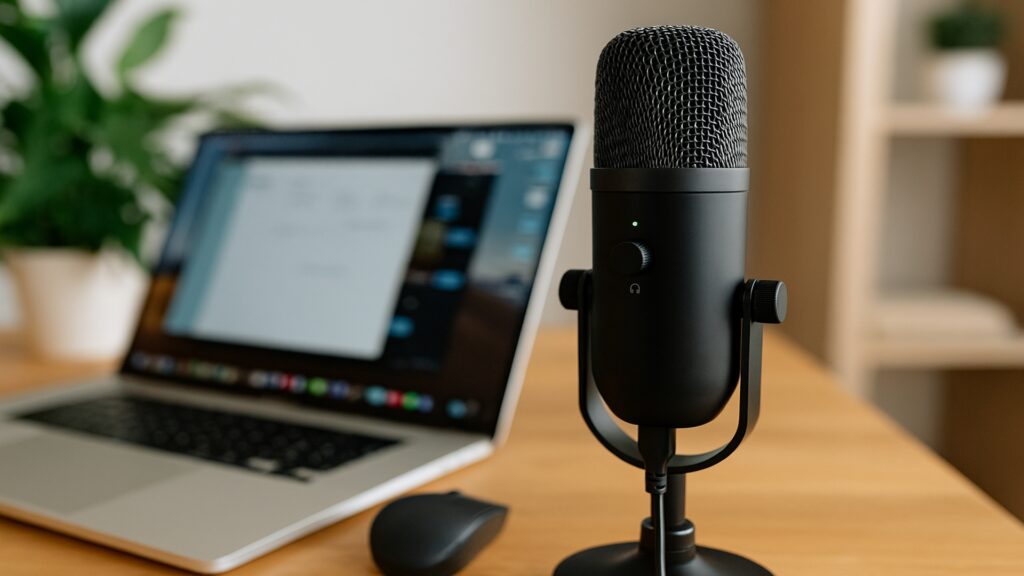
People will forgive “okay” video but not bad audio. Start here if you do calls, webinars, or content.
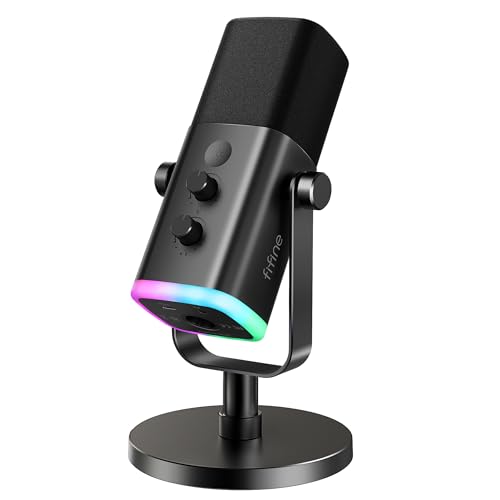
Mics that punch above their price:
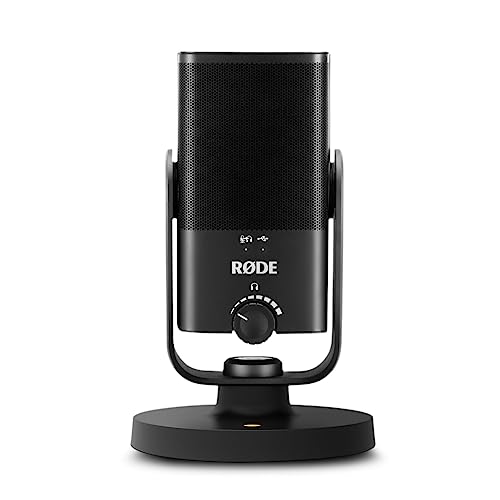
Simple improvements that make a big difference:
- Record in a quieter room, face a soft surface (curtains, couch) to reduce echo.
- Keep the mic 6–8 inches from your mouth and speak past it, not directly into it.
Look Good on Camera (Without a Studio Budget)

Camera options:
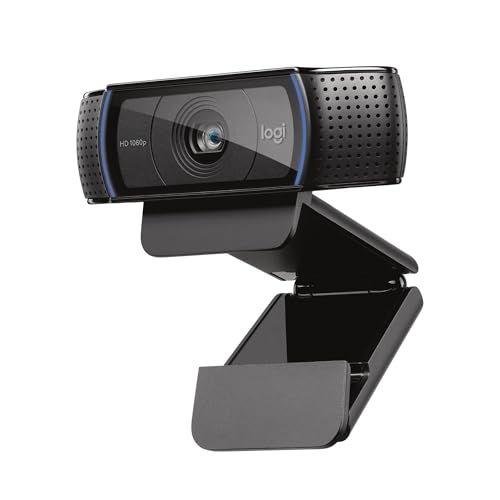
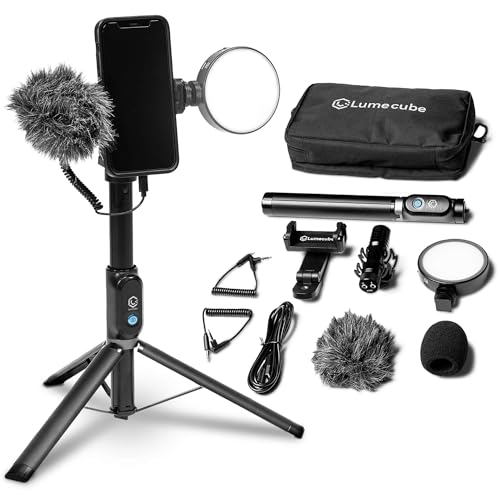
- Your smartphone – Paired with a tripod, it often beats webcams for video.
Lighting:
Framing basics:
- Eye-level camera, head-and-shoulders frame, uncluttered background. Done.
Your Everyday Productivity Stack (Keep It Light)
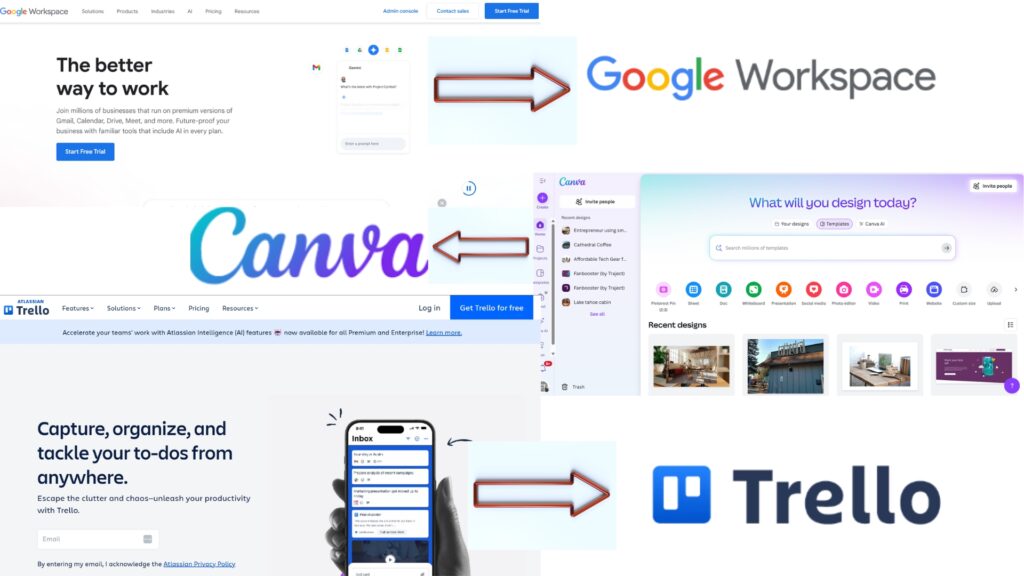
Google Workspace offers a comprehensive suite of cloud-based productivity tools, including Gmail, Drive, Docs, and Meet, designed to enhance collaboration and efficiency for businesses of all sizes.
- Seamless Collaboration
- Cross-platform Access
- Integrated Apps
- Limited Offline Functionality
- Less Advanced Features
- Privacy Concerns
Long time powerful digital design platform well-known and used by content creators of all kinds.
- Extremely beginner-friendly
- Huge library of templates and graphics
- Easy resizing and brand kit support
- Advanced features locked behind Pro
- No built-in analytics or lead capture

ClickUp is an all-in-one productivity platform offering customizable task management, real-time collaboration, and advanced reporting to streamline your workflow.
- Free plan offers a good amount of feature
- Affordable project management software
- Lots of integrations
- Need to invest time into proper set up
- Not as intuitive as other platforms
Start with the free versions. If your workflow truly demands premium features, you’ll know.
Your Website & Blog: The Digital Home Base
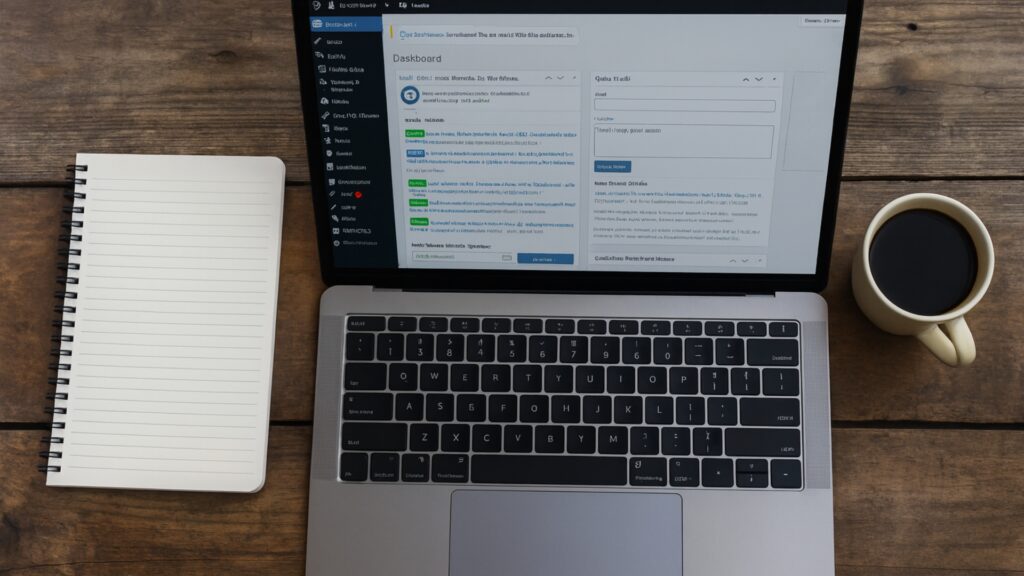
Even if you sell via DMs or calls, your website and blog establish credibility, help with local content marketing, and give leads a trusted place to land.

Build a Site, Sell Your Stuff, Start a Blog & More
Most of the sites you know are probably built on WordPress. Create stunning websites or blogs easily with WordPress.com—a powerful, user-friendly platform offering customizable themes and intuitive tools to bring your ideas to life.
- User-friendly Interface
- Customizable Themes
- Hosting Included
- Limited Customization On Free Plan
- Premium Features Can Be Costly
- Ads Displayed On Free Sites
- User-friendly interface
- Scalable for growth
- Extensive app marketplace
- Transaction fees without Shopify Payments
- Monthly subscription cost
- Limited customization on basic plans

- Clean, intuitive interface
- All-in-one community + course platform
- Gamification (points, levels, leaderboards)
- Easy course and community setup
- Built-in calendar, DMs, member profiles
- Flat pricing ($99/month) with unlimited members
- Zapier integration
- Active, engaged user base
- Very limited customization/branding
- No native video hosting
- Limited event management (no built-in hosting)
- Basic automation & integrations
Marketing Tech That Actually Helps You Sell
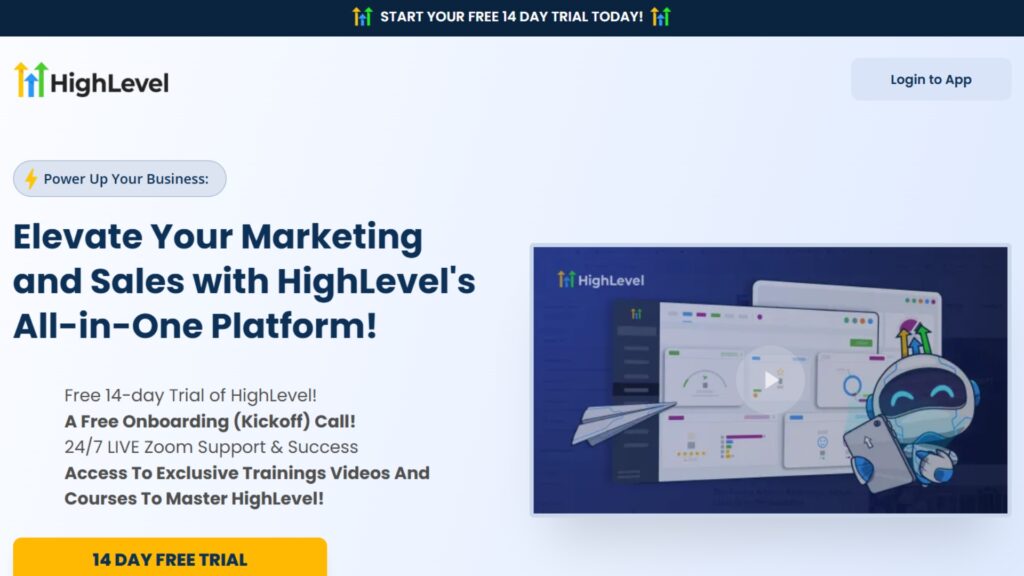
Pick one system that helps you capture leads, nurture them, and follow up automatically instead of juggling five apps.

Ideal for marketers & businesses seeking all-in-one CRM, automation, and lead management solutions.
- Comprehensive CRM And Automation Tools
- Robust Lead Management Features
- Great Tool for Agencies Looking to Streamline
- Steep Learning Curve For New Users
- Higher Pricing Tier For Advanced Features
- Limited Customization In Certain Areas
MailerLite is an email marketing platform designed for small businesses, creators, and entrepreneurs to build and manage email campaigns, newsletters, and automations. It also includes tools for creating landing pages, signup forms, and simple websites, making it an all-in-one solution for growing and engaging an audience.
- Free plan includes automation, landing pages, forms
- Clean, beginner-friendly interface
- Strong email deliverability
- Affordable pricing with full features
- No templates on free plan
- Missing advanced features (CRM, testing, reporting)
- Limited support on free plan
- Basic customization for landing pages/sites
- ClickFunnels – If you want laser-focused funnel building for offers, webinars, or lead magnets.
Keep it simple: one funnel, one lead magnet, one nurture sequence. Improve the copy before you add more tools.
Automate the Repetitive Stuff (Time Is Your Advantage)
Save hours per week by connecting your apps:
Make.com (formerly Integromat) is a visual no-code automation platform that lets you connect apps and build complex workflows using a drag-and-drop editor. It’s designed to automate repetitive tasks, move data between tools, and streamline processes without traditional coding.
- Visual, no-code automation builder
- Extensive integrations & custom API support
- Competitive pricing with generous free tier
- Strong community and learning resources
- Steep learning curve for advanced workflows
- Credit-based usage can escalate costs
- Debugging and error handling can be difficult
- Reliant on external app stability
n8n is an open-source workflow automation tool that allows you to connect apps, APIs, and databases using a visual, node-based editor. It can be self-hosted or used in the cloud, giving you flexibility and full control over your data.
- Open-source and self-hosting option
- Highly customizable with JavaScript and APIs
- Large library of integrations and nodes
- Free to use with flexible pricing for cloud
- Steeper learning curve than no-code rivals
- Requires technical setup for self-hosting
- UI less polished compared to tools like Zapier or Make
- Smaller community and ecosystem than bigger players
Common automations: Imagine this, someone signs up on your site, they get a welcome email instantly, your CRM pings you to follow up, your socials announce the new resource, and even your Google Business Profile stays updated all without you lifting a finger.
Create Content Fast (That Still Looks Good)
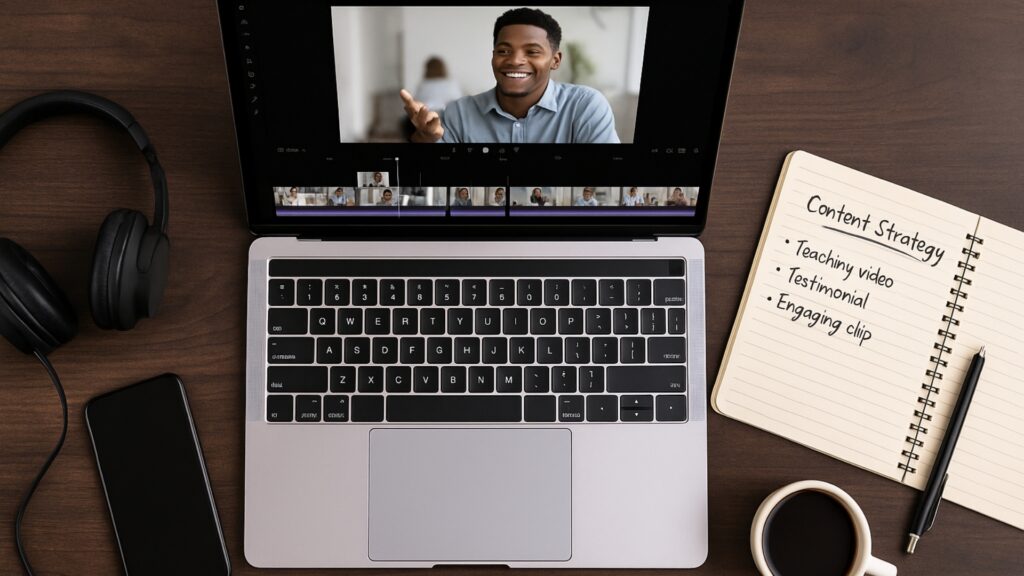
- CapCut – Quick video edits, captions, and social-ready formats.
- HeyGen – Turn scripts into AI-driven presenter videos (great for tutorials and sales pages).
- Spotter Studio – Handy for batch video creation.
- InstaDoodle – Simple explainer-style visuals for pitches and landing pages.
- ElevenLabs – Studio-quality AI voiceovers for product demos and reels.
- Content at Scale – Long-form content assistance (pair with your expertise and editing).
Want a quick social strategy? Post one “teaching” clip, one “proof” clip, and one “personal” clip per week.
Three Starter Kits by Budget (Mix & Match)
Bare-Bones ($0–$150):
- Your current laptop + BOYA BY-M1 lav for calls/recording
- Natural window light + phone tripod
- Google Workspace (free tier), Canva (free), Trello (free)
- WordPress on low-cost hosting (InMotion entry plan)
Lean & Polished ($150–$500):
- Fifine K669B mic + Logitech C920 webcam
- Ring light + laptop stand + external SSD (512GB)
- Canva Pro (optional), ClickUp (free), MailerLite (free)
- Make.com for basic automations
Confident Creator ($500–$1,200):
- Refurb MacBook Air M1 or mid-tier Windows laptop
- Blue Snowball iCE mic + softbox or brighter LED
- External SSD (1TB) + noise-canceling headphones (Anker Q20)
- GoHighLevel or ClickFunnels + Metricool for scheduling/reporting
- CapCut + ElevenLabs or HeyGen for content velocity
Avoid These Common Pitfalls
- Buying gear before you sell. Close your first 3–5 customers with what you have; then upgrade with confidence.
- Subscribing to everything. Use one tool fully; if it’s truly missing a must-have feature, then expand.
- Chasing cinematic quality. Clear audio + good lighting + consistent publishing beats “perfect” production.
- No backup plan. An external SSD + cloud backup is much cheaper than losing your files.
Quick Setup Checklist (Use What Fits Your Situation)
- Reliable laptop with at least 8GB RAM and 256GB storage
- External SSD + weekly backup routine
- Affordable USB mic + simple LED light
- Google Workspace + Canva + a light project tool (Trello/ClickUp)
- WordPress + InMotion Hosting (or Shopify for ecommerce)
- One marketing system (GHL or ClickFunnels + email)
- One automation flow in Make.com (welcome email, task creation, etc.)
- One content workflow (record then edit in CapCut then post via Metricool)
Focus on What Truly Matters
The best tech gear for entrepreneurs isn’t about having the latest or the flashiest setup — it’s about choosing tools that make your work easier, help you look and sound professional, and give you the confidence to move forward.
Start simple, invest wisely, and upgrade only when your growth calls for it. With the right essentials in place, you’ll be ready to focus less on the tools themselves and more on building the business you set out to create.
Because at the end of the day, success doesn’t come from owning every gadget — it comes from using the right gear to show up consistently, share your value, and keep moving forward.
Frequently Asked Questions

Not at all. Start with what you already have — like your laptop and smartphone. Add new gear only when you notice a gap, such as poor audio in calls or limited storage.
For most entrepreneurs, it’s a reliable laptop. It’s the hub for everything you do. A good microphone would be next if you’re often on calls or creating content.
Focus on audio first (a budget USB mic goes a long way), then add simple lighting like a ring light or even natural light near a window. These small upgrades create a polished impression.
Refurbished gear from trusted sellers (like Amazon Renewed or BackMarket) is often the best balance of price and performance. Just make sure it comes with a warranty.
Think of gear as the physical equipment (laptops, mics, webcams), and tools as the software systems (project management apps, automation platforms) that help you run your business more efficiently.
Start free whenever possible. Most tools have generous free versions. Upgrade only when your workflow demands it — not because of FOMO or hype.