Scaling local SEO and content marketing is about more than publishing a few blog posts or claiming a Google Business Profile. To compete in today’s search results, businesses need to work smarter, not harder. The right tools streamline time-consuming processes, provide clear data, and help teams make smarter decisions at scale.
This guide covers the best tools across keyword research, content optimization, local SEO management, analytics, and automation. Each section breaks down features, pricing, pros and cons, and practical use cases so businesses can choose what truly supports their growth.
- Google Keyword Planner Best Free Starter Tool for Local Keyword Research
- Ahrefs Best for Competitor Analysis & Backlink Data
- SEMrush Best All-in-One SEO & Marketing Suite
- Grammarly Best for Error-Free, Polished Content
- Surfer SEO Best Data-Driven On-Page Optimization
- Clearscope Best for Semantic Keyword Expansion
- Google Business Profile Best Free Tool for Local Visibility
- BrightLocal Best for Multi-Location Review & Citation Management
- Moz Local Best Affordable Listing Management Tool
- Google Analytics Best for Website Traffic & Conversion Insights
- Google Search Console Best for Tracking Search Performance
- Local Falcon Best for Geo-Grid Local Rank Tracking
- GoHighLevel (GHL) Best All-in-One Automation for Agencies
Keyword Research & Planning Tools
Google Keyword Planner — Best Free Starter Tool for Local Keyword Research
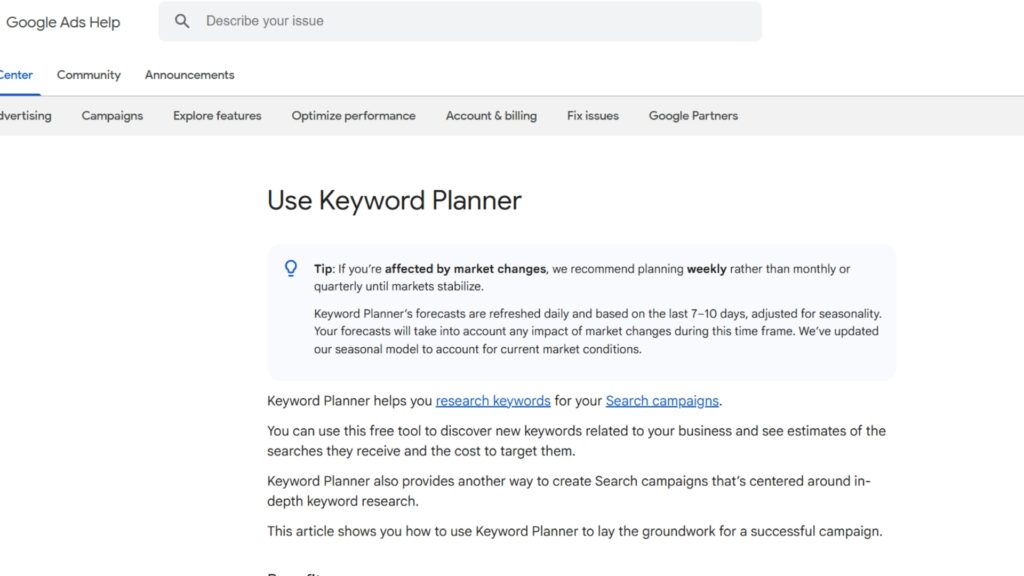
Beyond just numbers, Google Keyword Planner gives you valuable context around how keywords behave over time. You can see seasonal spikes, long-term growth trends, and even forecasted search interest, which helps you plan content calendars and marketing campaigns more strategically. This makes it a practical tool not only for identifying target keywords but also for understanding when and how to use them for maximum visibility.
For businesses targeting specific locations, it’s especially useful in uncovering local search intent.
Key Features
- Keyword ideas with monthly search volumes.
- Location targeting to find geo-specific queries.
- Forecasting to estimate clicks and impressions.
Real-World Use Case
A landscaping company in Austin could use Google Keyword Planner to identify searches like “Austin lawn care” or “emergency tree services in Austin.” These keywords help shape both service pages and blog content.
Want a deeper walkthrough? Check out our full Google Keyword Planner guide for step-by-step details.
Pricing & Plans
- Free with a Google Ads account.

- Free to use.
- Reliable search volume data straight from Google.
- Location-specific filtering is ideal for local SEO.
- Limited keyword difficulty metrics compared to paid tools.
- Data grouped into ranges unless actively running ads.

Quick Tip
Always add geo-modifiers (city, neighborhood) when doing keyword research for local businesses to uncover phrases customers are actually typing.
Ahrefs — Best for Competitor Analysis & Backlink Data

What sets Ahrefs apart is how it combines these features into one easy-to-use dashboard. You can track keyword rankings, explore backlink profiles, and monitor competitor strategies all in one place. This makes it a go-to tool for marketers who want both a high-level view of their SEO performance and the ability to dig into the details that drive results.
Its combination of keyword, link, and content gap analysis makes it a versatile choice for businesses scaling their SEO efforts.
Key Features
- Keyword Explorer with global and local metrics.
- Backlink tracking and competitor link analysis.
- Content Gap analysis to find missed keyword opportunities.
Real-World Use Case
A law firm in Denver can use Ahrefs to see what keywords competitors are ranking for, then target gaps like “Denver family lawyer consultation.”
Pricing & Plans
Lite
- $99/month
Basic keyword and site explorer access.
Standard
- $199/month
Advanced metrics and larger query limits.
Advanced
- $399/month
API, more seats, expanded limits.
Enterprise
- $999/month
Custom scaling for agencies.
- Excellent competitor insights.
- Robust backlink data.
- Versatile for both content marketing and local SEO.
- Pricey for solo users.
- Learning curve for beginners.
Quick Tip
Use the Content Gap feature to spot keywords your competitors rank for but you don’t – these are prime opportunities for new blog posts.
SEMrush — Best All-in-One SEO & Marketing Suite
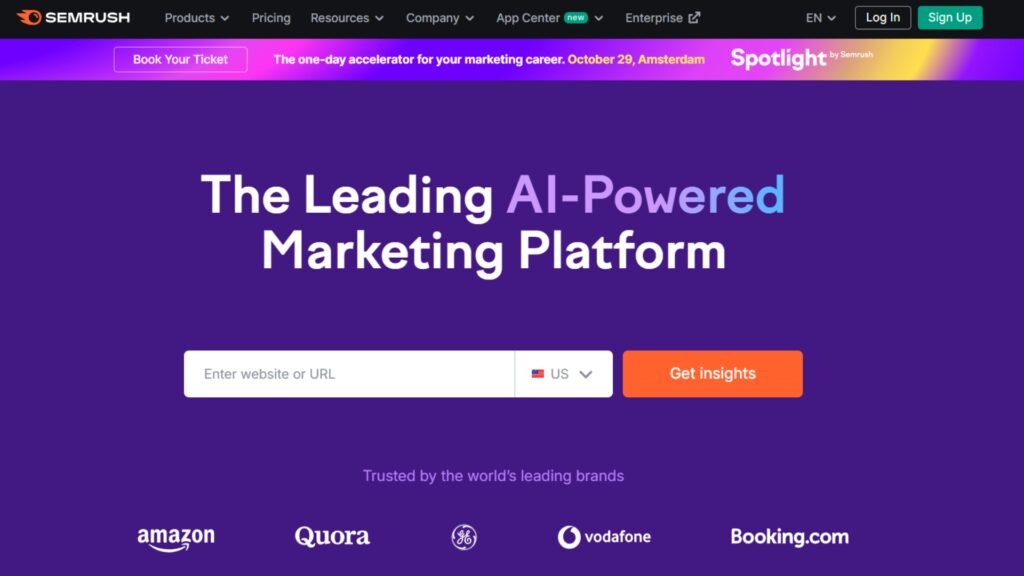
SEMrush is an all-in-one marketing suite that combines keyword research, SEO tracking, PPC insights, and content planning. It’s designed for businesses that want to centralize their marketing strategy while scaling across multiple channels.
With strong local tracking features, it’s especially useful for businesses targeting regional visibility.
It also helps with content marketing by showing what topics your audience cares about, spotting gaps in your existing posts, and tracking how content performs. For local SEO, tools like Position Tracking and Listing Management keep your business visible in local searches, while the Content Toolkit makes it easier to plan and create content that gets results.
Key Features
- Keyword Magic Tool for deep keyword research.
- Position tracking by city or zip code.
- Topic Research for blog content ideas.
A yoga studio in Miami could use SEMrush to track “yoga classes Miami” rankings across neighborhoods while generating blog ideas around “best yoga poses for beginners.”
Pricing & Plans
Pro
- $129.95/month
Great for freelancers.
Guru
- $249.95/month
Content marketing toolkit included.
Business
- $499.95/month
API access, extended limits.

- Combines SEO, PPC, and content in one platform.
- Accurate position tracking for local SEO.
- Excellent competitor benchmarking.
- More expensive than some alternatives.
- Some features feel overwhelming for new users.
Quick Tip
Use SEMrush’s Position Tracking to monitor local keyword rankings at the city or neighborhood level for the clearest local visibility picture.
Content Creation & Optimization Tools
Grammarly — Best for Error-Free, Polished Content
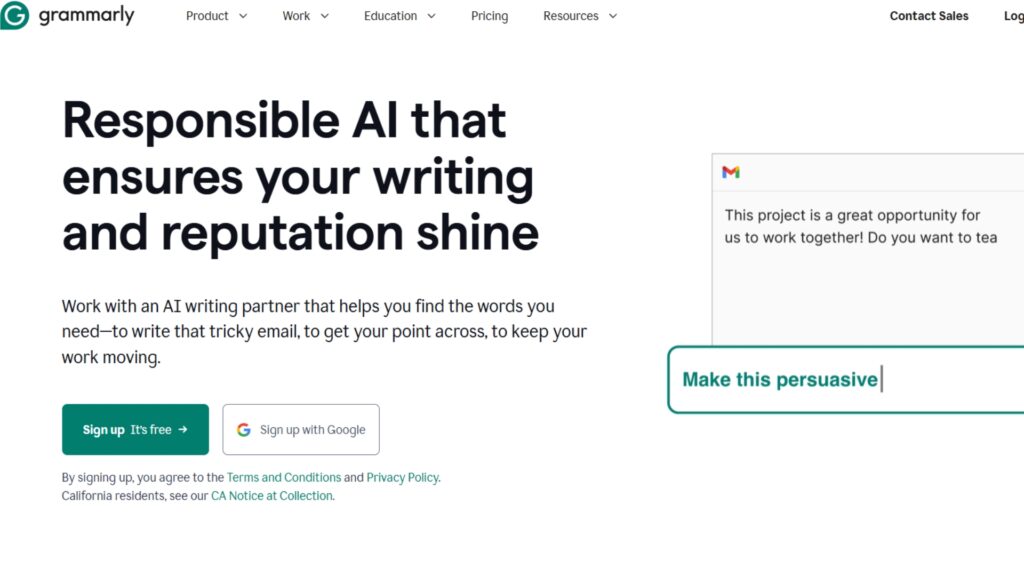
Grammarly is a writing assistant that helps improve grammar, clarity, and tone across all types of content. For businesses creating blogs, service pages, and social posts, it ensures everything stays polished and professional. Its real-time suggestions make editing faster and easier, while advanced features like tone detection help maintain consistency across different platforms. This makes Grammarly a reliable tool for teams that want to streamline content production without sacrificing quality.
Key Features
- Grammar, spelling, and punctuation checks.
- Tone adjustments and clarity suggestions.
- Plagiarism detection (premium).
Real-World Use Case
A marketing agency writing blogs for multiple local businesses can rely on Grammarly to maintain professional, error-free writing across projects.
Pricing & Plans
Free Plan
- $0/month
Basic grammar, spelling checks, and tone detection; limited AI prompts
Pro
- $12/month
Includes all Free plan features, plus full-sentence rewrites, tone adjustments, plagiarism detection, enhanced word choice tools, and up to 2,000 AI prompts per month.
Enterprice
- Custom pricing
All Pro features, plus unlimited AI prompts, advanced security controls, data loss prevention, granular roles/permissions, and dedicated support.
Grammarly enhances your writing with AI-powered grammar checks, style improvements, and plagiarism detection, ensuring clear and effective communication.
- Real-time Grammar Checks
- User-friendly Interface
- Multi-platform Support
- Premium Version Costly
- Occasional Inaccurate Suggestions
- Limited Non-english Support
Quick Tip
Pair Grammarly with an SEO content tool like Surfer to balance readability and keyword optimization.
Surfer SEO — Best Data-Driven On-Page Optimization
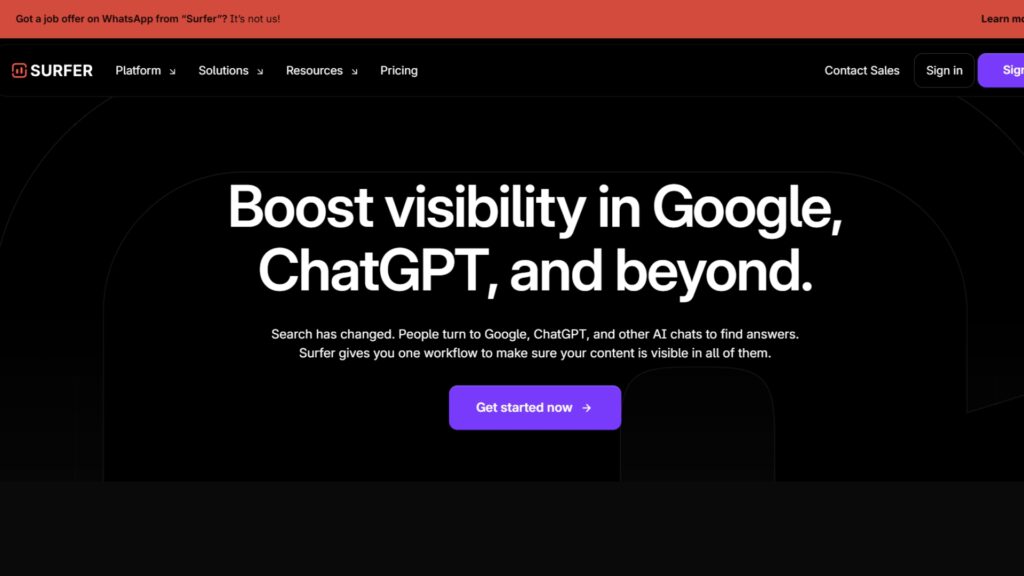
Surfer SEO is a content optimization platform that analyzes top-ranking pages to provide data-driven content guidelines. It removes the guesswork from writing by suggesting keyword usage, content length, and structure.
Surfer SEO also highlights opportunities to improve existing pages, making it easier to refresh underperforming content and boost rankings. Its real-time feedback helps writers and marketers adjust their drafts as they go, ensuring content is both user-friendly and search-optimized.
Businesses use it to create content that aligns with search intent and performs better in Google’s results.
Key Features
- Content Editor with keyword and structure guidelines.
- SERP Analyzer for competitor analysis.
- Audit Tool for improving existing pages.
Real-World Use Case
A dentist in Denver wants to rank for “affordable teeth whitening Denver.” Surfer shows the right word count, headings, and related terms like “cosmetic dentist” to build a stronger page.
Pricing & Plans
Essentia
- $89/month
Content editor credits for freelancers.
Scale
- $179/month
More credits and NLP features.
Max
- $299/month
Team access and white-label reports.
- Enterprise: Custom pricing for agencies.
- Provides clear, data-based content optimization guidance
- Excellent for updating or improving existing blog posts
- Integrates smoothly with common editing workflows
- Works best when paired with a drafting tool
- Requires basic SEO understanding to use effectively
Quick Tip
Run an Audit on older blog posts every 6 months. Refreshing content can quickly improve rankings without writing new articles.
Clearscope — Best for Semantic Keyword Expansion
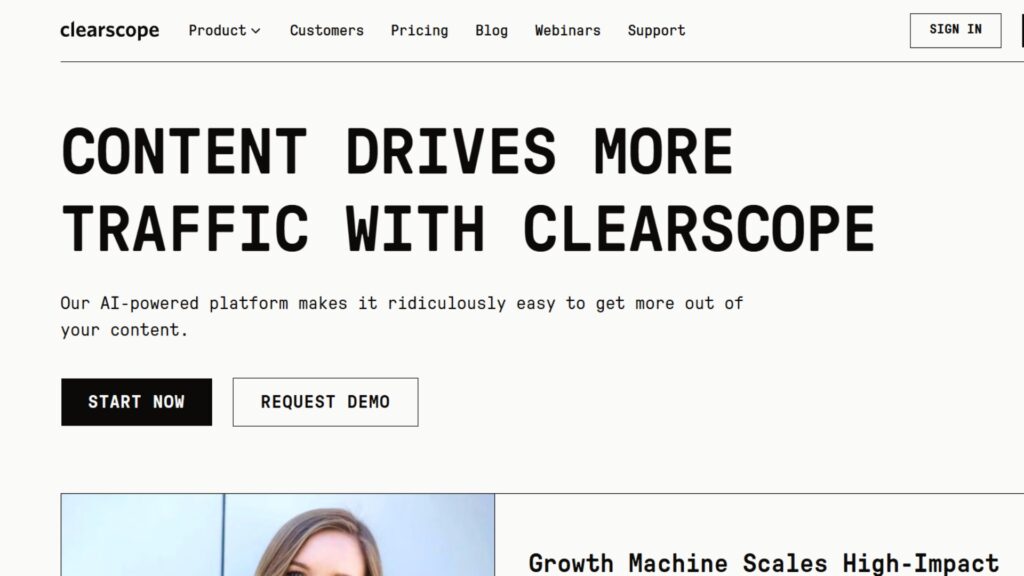
Clearscope is an advanced content optimization tool that focuses on semantic relevance. Instead of just targeting a single keyword, it helps writers expand content with related terms and concepts that Google expects to see. This makes it ideal for creating comprehensive, well-rounded blog posts.
Key Features
- Content Editor with related term suggestions.
- Readability analysis.
- Integration with Google Docs and WordPress.
Real-World Use Case
A fitness center writing about “personal trainers in Seattle” could use Clearscope to also include semantically related terms like “weight training classes” or “Seattle gym.”
Pricing & Plans
Essentials
- $170/month
Basic optimization
Business
- $350/month
Higher limits, API access.
- Enterprise: Custom pricing.
- Excellent semantic keyword suggestions.
- Simple, clean interface.
- Helps expand traffic potential beyond one keyword.
- Higher starting cost than competitors.
- Fewer additional SEO features.
Quick Tip
Use Clearscope alongside Google’s “People Also Ask” to create blog posts that cover a topic comprehensively.
Local SEO & Listing Management Tools
Google Business Profile — Best Free Tool for Local Visibility
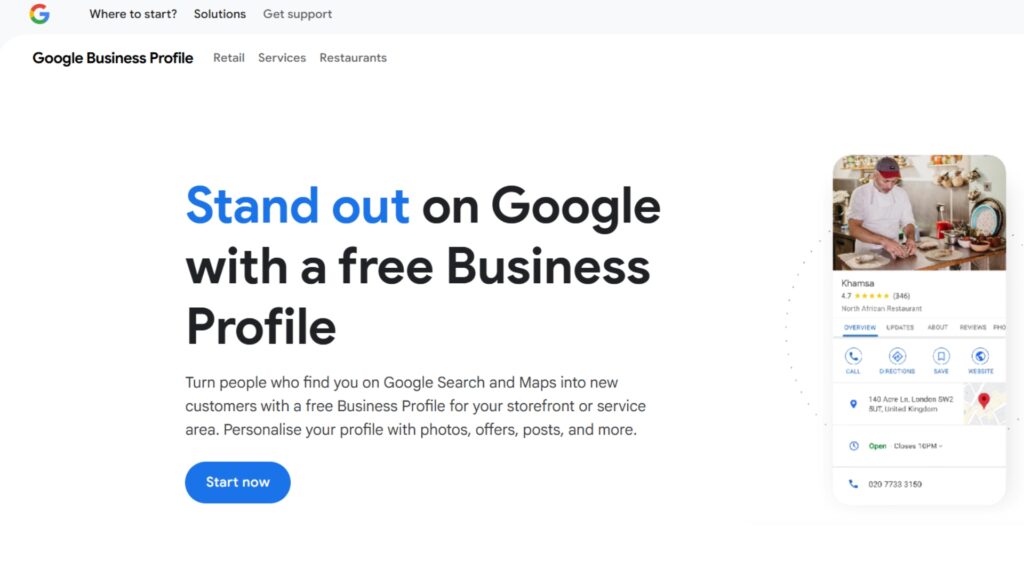
Google Business Profile is a free tool that allows businesses to set up and optimize their profile, managing how they appear in Google Maps and local search results.
It acts as a digital storefront, giving potential customers quick access to contact details, hours, reviews, and photos. For local SEO, it’s often the most influential factor in attracting nearby customers.
Keeping your Google Business Profile updated is key to staying competitive locally. Regularly posting updates, responding to reviews, and adding fresh photos signal to both Google and potential customers that your business is active and trustworthy. This not only boosts visibility in local search but also builds credibility, making it more likely that searchers choose your business over competitors.
Key Features
- Business information display on Maps and local pack.
- Review management.
- Posts and Q&A sections for engagement.
Real-World Use Case
A café in Portland that updates GBP with weekly posts and photos will likely outrank competitors with incomplete or outdated profiles.
Pricing & Plans
- Free to use.

- Critical for appearing in local packs.
- Direct connection to customers.
- Easy to set up.
- Requires regular updates to stay competitive.
- Limited customization.
Quick Tip
Post updates weekly – they act like free mini-ads in Google search results.
BrightLocal — Best for Multi-Location Review & Citation Management
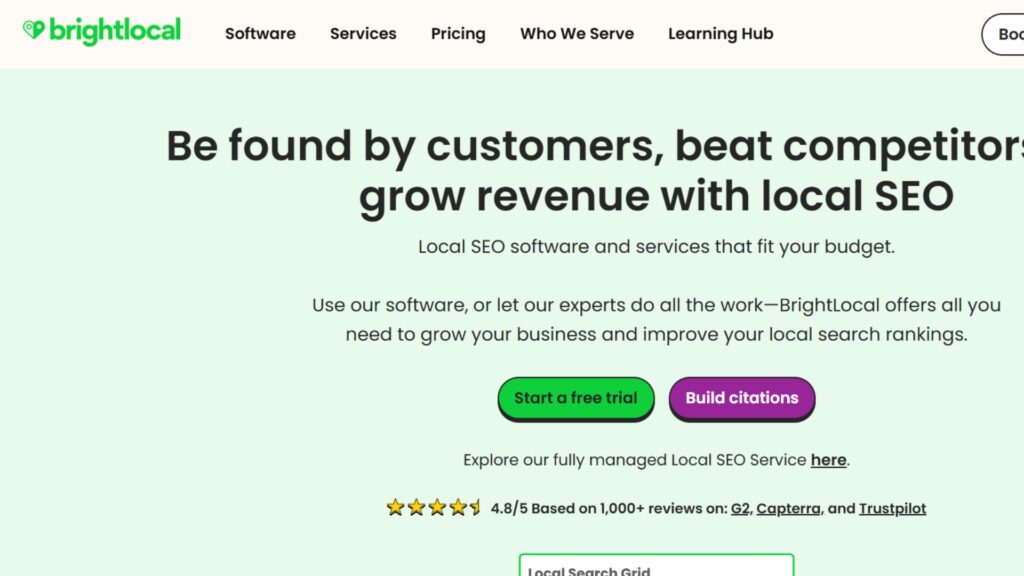
BrightLocal is an all-in-one local SEO platform built to simplify citation management, review monitoring, and rank tracking. It’s designed for businesses and agencies that need to oversee multiple locations without juggling spreadsheets.
With reporting and audit features, BrightLocal provides actionable insights into how a business is performing locally.
It also makes scaling easier by keeping all local SEO tasks in one place. You can track reviews across platforms, fix inconsistent business listings, and see how each location ranks in search. For agencies, BrightLocal offers white-label reports and tools to manage multiple clients smoothly, making it a practical choice for local growth.
Key Features
- Citation Builder with pay-as-you-go option.
- Local rank tracking across maps and organic.
- Review monitoring and generation campaigns.
- White-label reporting for agencies.
Real-World Use Case
A multi-location dental practice uses BrightLocal to sync listings across platforms and monitor patient reviews from one dashboard.
Pricing & Plans
Track
- $39/month
Rank tracking, citation audits.
Manage
- $49/month
Adds listing sync and GBP posting.
Grow
- $59/month
Includes review monitoring and generation.
Enterprise
Custom.

BrightLocal is an all-in-one local SEO platform trusted by small businesses and agencies to manage citations, track rankings, and collect reviews with ease.
- Affordable
- Great UI
- Includes reviews + audit tools
- Manual setup for some features
Quick Tip
Run a Local Search Audit with the free trial to quickly find NAP inconsistencies across directories.
Moz Local — Best Affordable Listing Management Tool
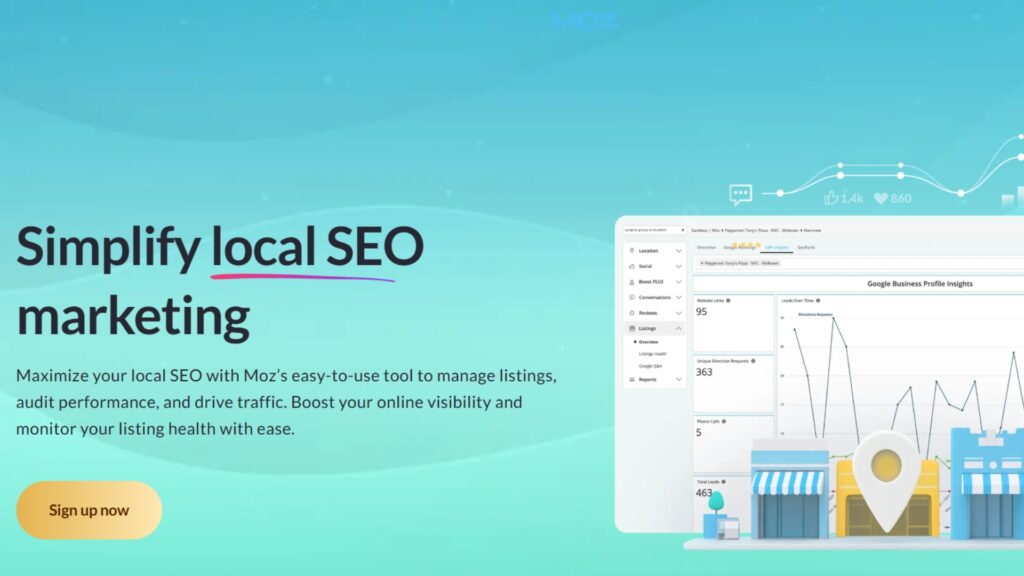
Moz Local is a citation management tool that automates listing distribution across online directories, helping businesses maintain NAP consistency across the web.
It ensures a business’s name, address, and phone number stay consistent – a critical factor in local search rankings. By simplifying updates and suppressing duplicates, it saves time while improving credibility with search engines.
It’s also a budget-friendly option for small businesses that want reliable local SEO support without the high cost. With tools to monitor reviews, push real-time updates, and check listing health, Moz Local helps keep your online presence accurate and visible across major platforms.
Key Features
- Automated listing distribution.
- Duplicate listing suppression.
- Review management.
Real-World Use Case
A small retail store ensures its name, address, and phone number are consistent on over 50 directories with Moz Local’s automated sync.
Pricing & Plans
Lite
-
$14/month
per location.
Basic listing management, automated syncing, duplicate removal, review monitoring, and Google & Facebook integration.
Preferred
-
$20/month
per location.
All Lite features plus reputation management and social posting.
Elite
-
$33/month
per location
Everything in Preferred plus submissions to additional directories.
Moz Local helps small businesses keep their listings accurate and in sync across top directories with simple automation.
- Very beginner-friendly
- Clean interface
- Real-time updates
- Limited customization
- Not ideal for agencies
Quick Tip
Start with the Preferred plan to access both listing distribution and review management at a low cost.
Analytics & Tracking Tools
Google Analytics — Best for Website Traffic & Conversion Insights
Google Analytics is a web analytics tool that tracks how users interact with a website. It reveals which traffic sources bring visitors, how users behave once on-site, and which pages drive conversions. This makes it essential for scaling content marketing and improving ROI.
Key Features
- Traffic sources and user behavior reports.
- Conversion tracking.
- Integration with Google Ads.
Real-World Use Case
A real estate agency measures which blog posts generate inquiries, then doubles down on similar content.
Pricing & Plans
- Free (GA4).
- GA360 available for enterprises with advanced needs.

- Comprehensive data.
- Free and widely supported.
- Essential for growth tracking.
- GA4 learning curve is steep.
- Overwhelming for new users.
Quick Tip
Set up goals to measure leads and conversions, not just visits.
Google Search Console — Best for Tracking Search Performance
Google Search Console is a free tool that shows how Google views and indexes a website. It helps businesses identify technical issues, track keyword performance, and measure organic search visibility.
For local SEO, it’s invaluable for spotting opportunities hidden in long-tail queries.
It also helps you see which pages bring in the most traffic, where your clicks come from, and how users find your site. With features like indexing reports and mobile usability checks, businesses can quickly fix issues that hurt rankings and uncover new keywords to target for local growth.
Key Features
- Keyword performance tracking.
- Indexing issue detection.
- Click-through rate reporting.
Real-World Use Case
A cleaning company sees queries like “eco-friendly cleaning service” are driving traffic, then builds blog posts around those terms.
Pricing & Plans
- Free

- Direct insights from Google.
- Easy to connect.
- Critical for technical SEO.
- Limited to Google data.
- Doesn’t provide competitive analysis.
Quick Tip
Use the Performance report to identify low-CTR keywords. Improve meta titles and descriptions to attract more clicks.
Local Falcon — Best for Geo-Grid Local Rank Tracking
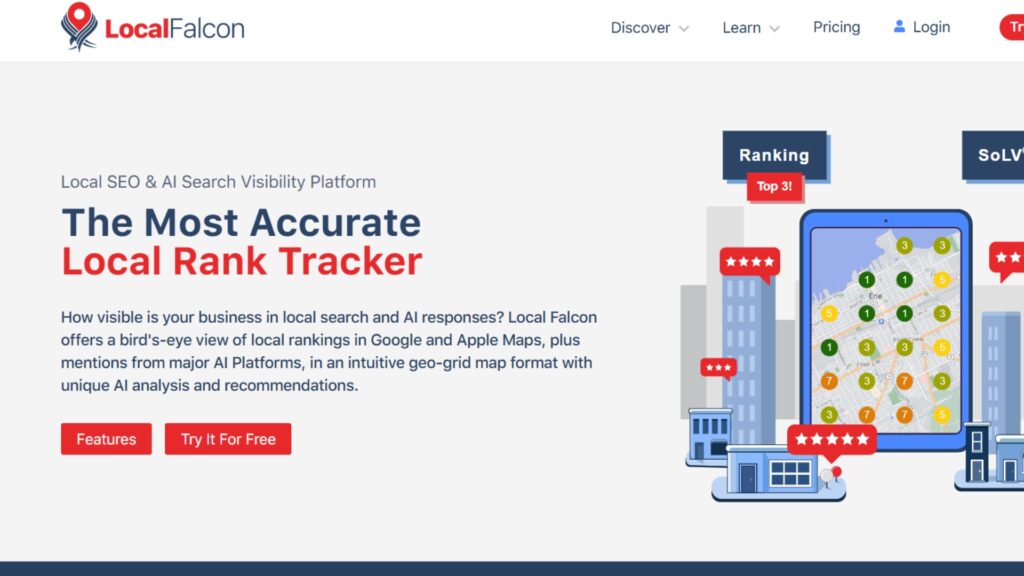
Local Falcon is a rank-tracking tool that visualizes how businesses perform across different parts of a city, making it easier to track your local SEO performance without hiring an agency.
Instead of showing a single ranking, it provides geo-grid results, highlighting areas of strength and weakness. This makes it especially helpful for businesses with multiple service areas.
It’s a great choice for spotting hyper-local opportunities and understanding how visibility changes block by block. With real-time maps and easy-to-read reports, Local Falcon helps businesses adjust strategies, target new neighborhoods, and monitor competitors with precision.
Key Features
- Visual map grids showing rankings across a city.
- Competitor comparisons.
- Historical performance tracking.
Real-World Use Case
A pest control company can see if it ranks higher in suburban neighborhoods but weaker downtown, then adjust content or ads accordingly.
Pricing & Plans
Starter
- $24/month
90,000 credits
Basic
- $49.99/month
180,000 credits
Pro
- $99.99/month
372,000 credits
Premium
- $199.99/month
756,000 credits

- Unique visual ranking data.
- Great for multi-location businesses.
- Helps identify weak spots in local presence.
- Credits can run out quickly.
- Focused only on rankings, not content.
Quick Tip
Run scans for your most important keywords in different neighborhoods to find hyper-local SEO opportunities.
Automation & All-in-One Systems
GoHighLevel (GHL) — Best All-in-One for Automation and Lead Management

GoHighLevel is a comprehensive marketing automation and CRM platform popular with agencies and local businesses. It consolidates tools for email, SMS, funnels, and reputation management into one system making it easy for business owners to see their business marketing efforts at a glance. Since it’s an all-in-one, GHL reduces the need to juggle multiple software subscriptions.
Key Features
- CRM with pipeline management.
- Email and SMS automation.
- Reputation management and review requests.
- Funnel and landing page builders.
Real-World Use Case
A local roofing business starts running Google ads and uses GHL to track leads from a single dashboard, automate review requests, and improve their conversions with email marketing.
Want a deeper dive into how this works? Check out our full post on GHL for local businesses.
Pricing & Plans
Agency Starter
- $97/month
Full CRM, funnel and website builder, email/SMS tools, pipeline and calendar features, review management, automation workflows, and support for up to 3 sub-accounts
Agency Unlimited
- $297/month
Unlimited sub-accounts, API access, and branded desktop app (custom domains and branded login)
Agency Pro (SaaS Pro)
- $497/month
SaaS Mode, white-label mobile/desktop apps, rebilling (with markup) for services (SMS, email, AI), advanced API access, split testing, and client billing tools

Ideal for marketers & businesses seeking all-in-one CRM, automation, and lead management solutions.
- Comprehensive CRM And Automation Tools
- Robust Lead Management Features
- Great Tool for Agencies Looking to Streamline
- Steep Learning Curve For New Users
- Higher Pricing Tier For Advanced Features
- Limited Customization In Certain Areas
Quick Tip
Set up automated review requests to boost local reputation without manual follow-ups.
How to Choose the Right Tools for Your Business
Not every tool will be the right fit for every business. A freelancer managing a few clients won’t need the same setup as a multi-location company. The best way to choose is to think about three things:
Budget:
Start with free tools like Google Keyword Planner, Google Business Profile, and Search Console if you’re on a tight budget. Add paid tools only when you see consistent results.
Team Size:
Solo business owners may prefer simpler, all-in-one platforms. Larger teams or agencies might need specialized tools for each part of SEO and content.
Goals:
If the goal is visibility in one city, tools like Moz Local are enough. If you’re expanding into multiple areas or running ads, BrightLocal or GoHighLevel might be more useful.
Keeping your actual needs in mind will help you avoid paying for features you won’t use.
Common Mistakes to Avoid When Scaling Local SEO
Even with great tools, it’s easy to get stuck. Here are a few things to watch out for:
- Using too many tools at once – Start small, then add more when needed.
- Chasing rankings only – Traffic is good, but conversions matter more.
- Forgetting reviews – Local SEO is about trust. Reviews and ratings matter just as much as keywords.
- Overlooking duplicate listings – Failing to merge or remove duplicates can confuse both customers and search engines, hurting visibility.
Avoiding these mistakes keeps your strategy simple and effective.
Conclusion
Scaling local SEO and content marketing takes consistency, insight, and the right mix of tools. From free essentials like Google Business Profile to specialized platforms for content and analytics, each option plays a role in building visibility and reaching new customers.
The best approach is to select a few core tools that solve immediate challenges, then expand the stack as growth demands.
Frequently Asked Questions

Free tools like Google Keyword Planner, Google Business Profile, and Google Search Console are enough to start. Paid tools become helpful when you want to scale, track competitors, or manage multiple clients.
Start with Google Business Profile to appear on Maps, then add BrightLocal or Moz Local if you need to manage listings and reviews, and to decide which local directory service is right for you.
If you want a budget-friendly option, Surfer SEO offers strong features for writers. Clearscope is better for businesses that need semantic depth and wider keyword coverage.
Not always, but GoHighLevel comes close for businesses and agencies. It combines CRM, automation, and review management — though most businesses still use it alongside keyword and content tools.
Using too many tools without a clear plan. The key is to pick the ones that solve your current problem and expand as you grow.