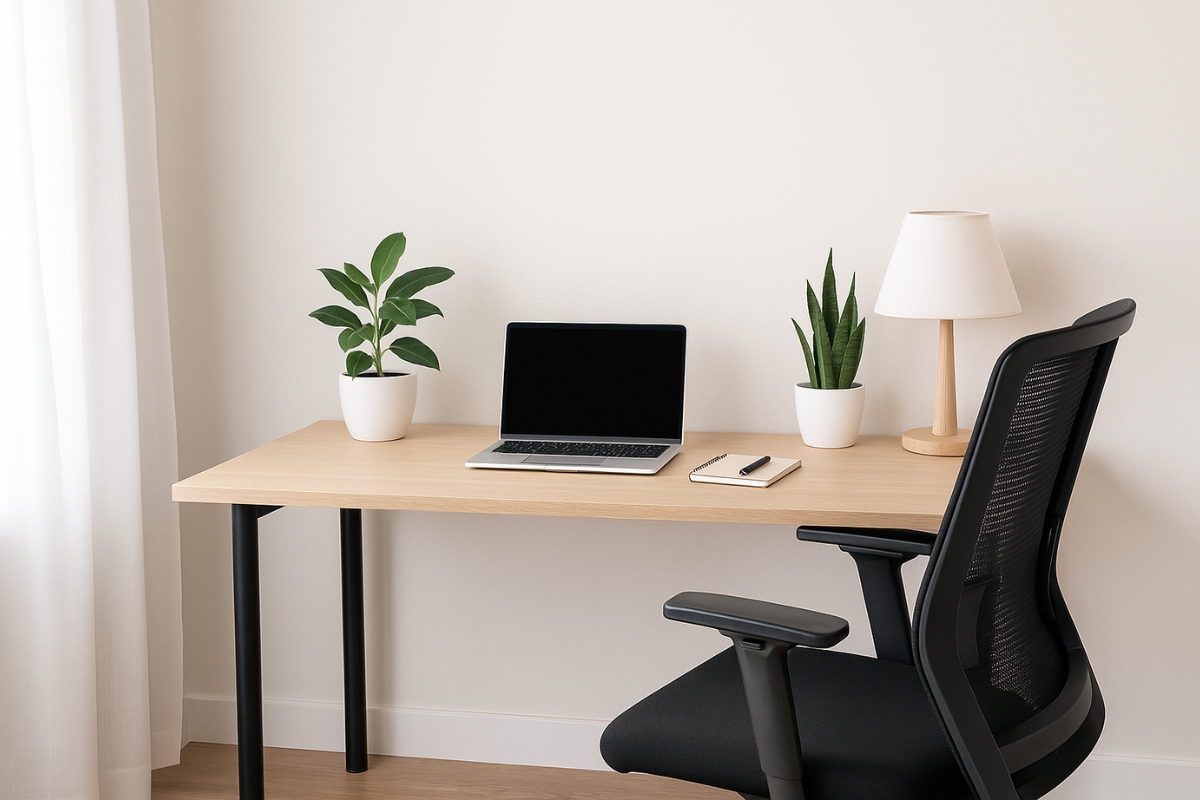
If your dining table is still pulling double duty as your workspace and your lunch spot, it might be time to upgrade. Whether you’re running a Shopify store, coaching clients, or finally launching that blog, your home office setup can seriously affect your productivity, focus, and even your income. This guide will walk you through the actual must-haves you need to set up a comfortable, productive space as an online entrepreneur.
Let’s break it down, step by step—no fluff, no complex tech talk, just practical tips that work.
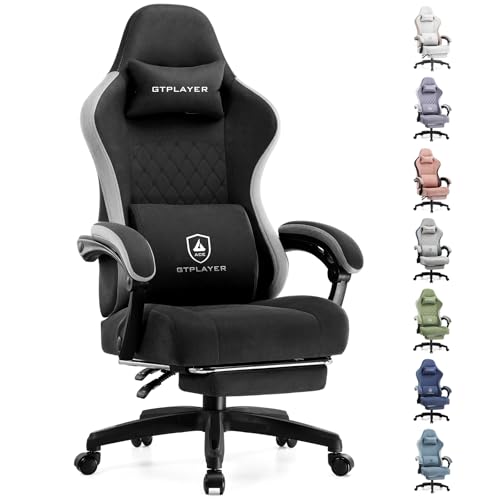
1. A Chair That Has Your Back (Literally)
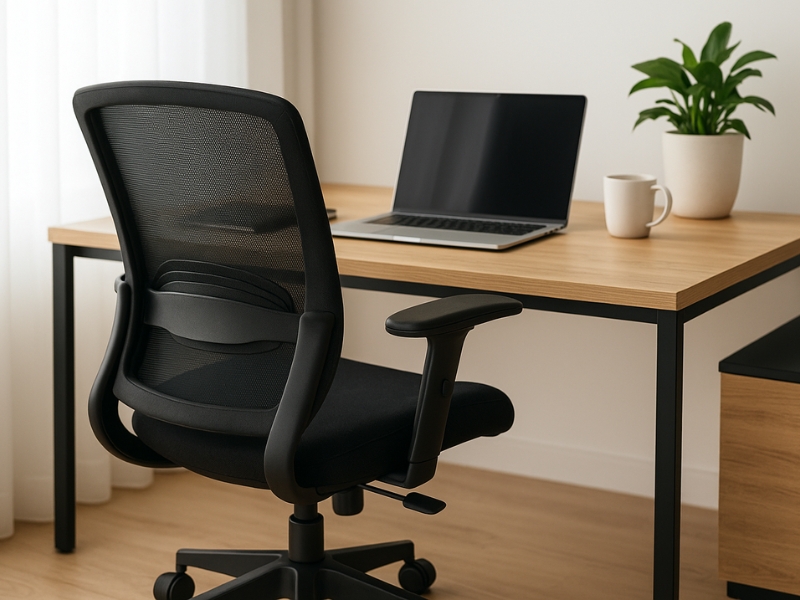
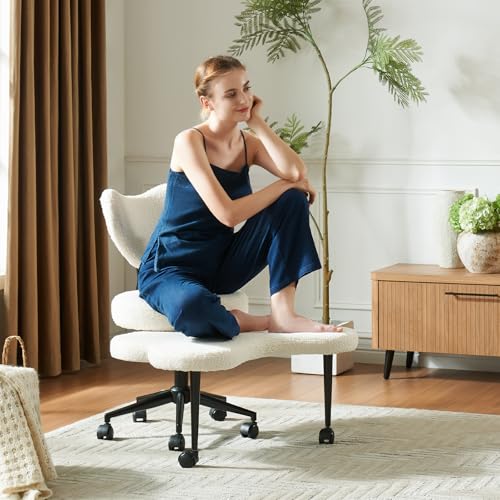
Back pain is one of the top complaints among remote workers. Sitting for long hours without proper support can lead to fatigue, stiffness, and even long-term issues. An ergonomic chair with adjustable features keeps your posture aligned and your focus sharp.
What to look for:
- Adjustable height and lumbar support
- Breathable material
- Optional: wheels and reclining function
Tip: You don’t have to splurge on Herman Miller. Look for ergonomic chairs with solid reviews under $150.
|
Best Cozy Option
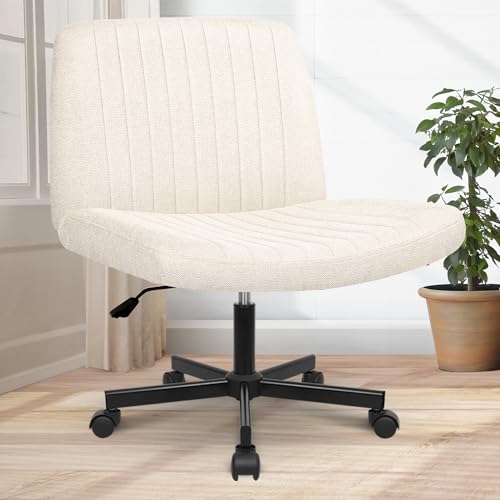
|
Best Ergonomic Support
|
Best for Fidgeters
|
|
4.5
|
4.3
|
4.4
|
|
$71.98
|
$129.99
|
$129.99
|

2. A Desk That Matches Your Workflow
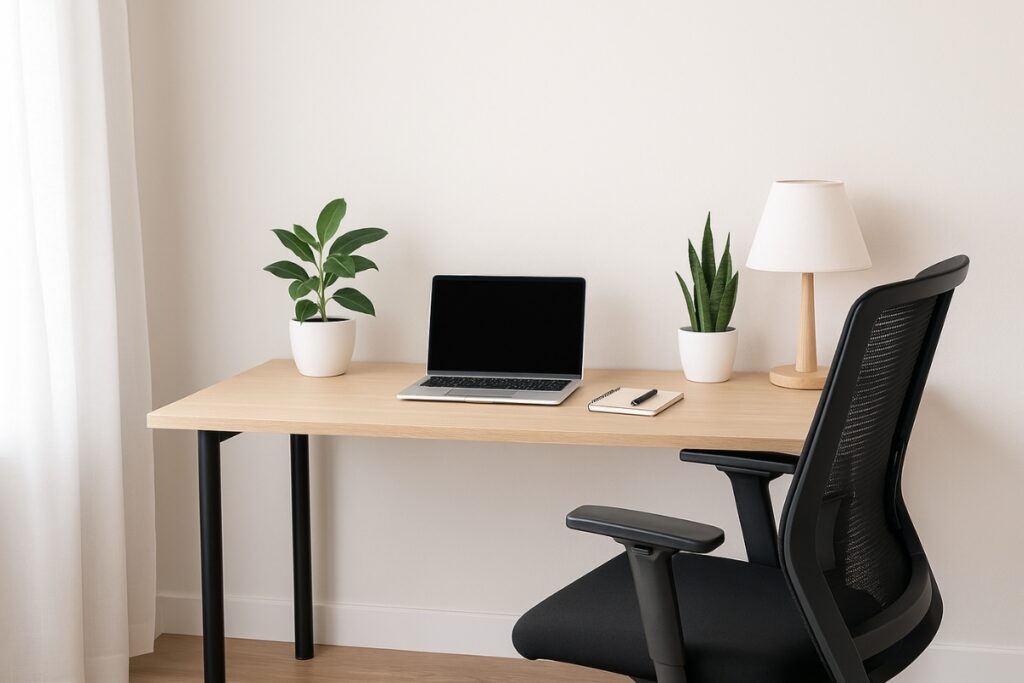
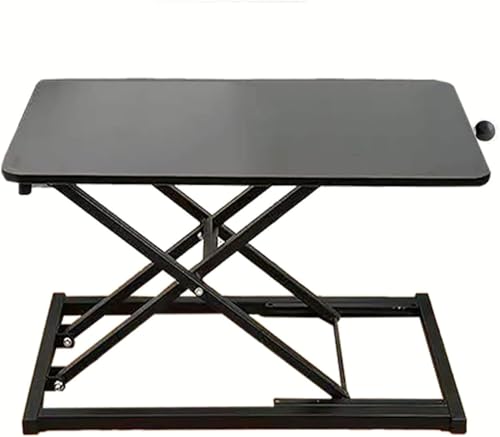
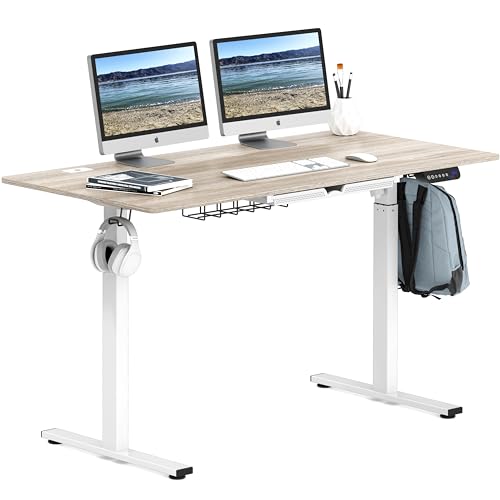
Your desk isn’t just where your laptop sits. It’s where big ideas are planned and daily tasks get done. A functional desk helps create mental boundaries between work and life while giving your tools and gear a proper home.
What to consider:
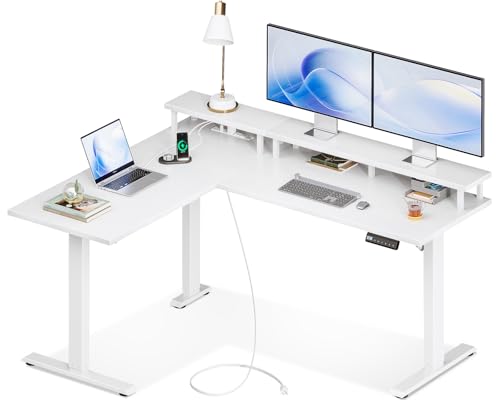
- Enough space for your laptop, notes, and maybe a second screen
- Cable management if you hate messy wires
- Height-adjustable desks (or desk converters) if you like to stand occasionally
|
Best for Multiple Monitors
|
Best Budget Option
|
Best Simple Adjustable Desk
|
|
5.0
|
4.5
|
4.3
|
|
$179.99
|
$55.99
|
$184.97
|
3. High-Speed Wi-Fi (The Non-Negotiable)
Uploading content, hosting client calls, and managing systems all rely on a solid connection. If your internet is laggy, your business tasks will suffer. Wi-Fi speed is one of the best investments you can make in your setup.
What to do:
- Check your provider’s upload speed (not just download!)
- Invest in a mesh system if you’re working far from your router
- Use a wired Ethernet connection for calls or live streams
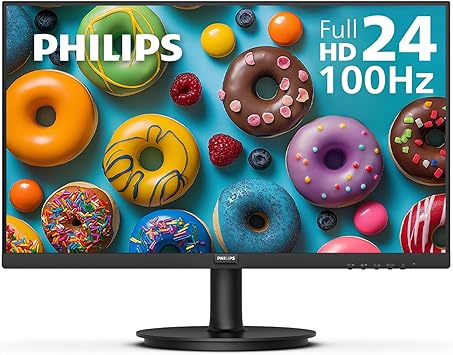
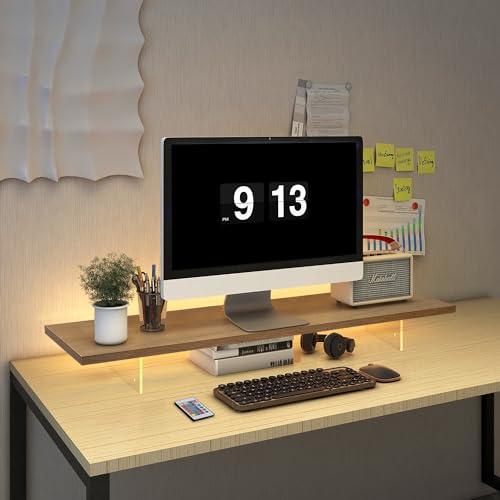
4. A Second Monitor (Or At Least a Laptop Stand)
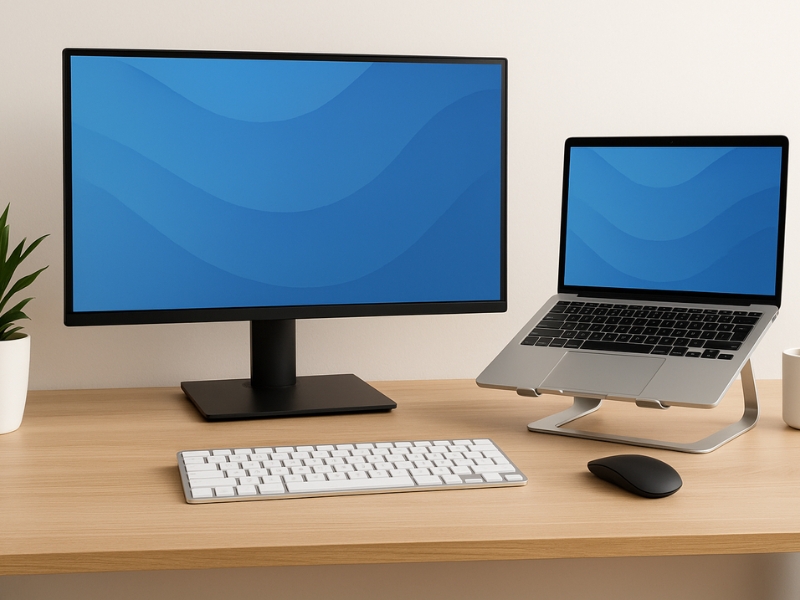
Multitasking is easier when you’re not toggling between 14 open tabs. Having a second screen or elevating your laptop can seriously boost productivity and help maintain better posture throughout the day.
Recommended setup:
- Second screen for email, research, or project management
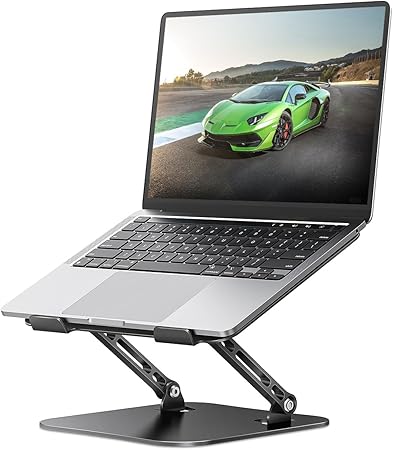
- Laptop stand to bring your screen to eye level
- External keyboard and mouse = better posture + faster workflow
|
Best Budget Option
|
Great Warranty
|
Best Modern Style
|
|
4.5
|
4.7
|
4.6
|
|
$17.99
|
$79.99
|
$39.99
|
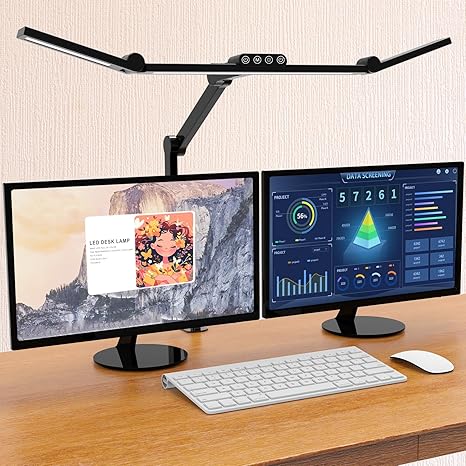
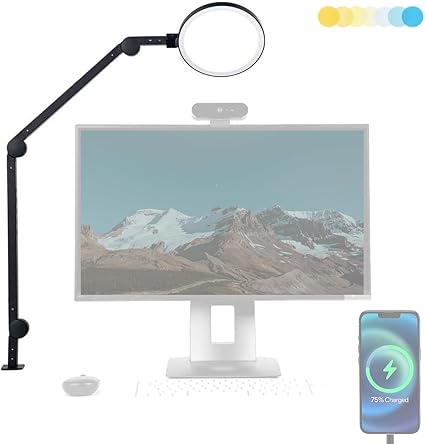
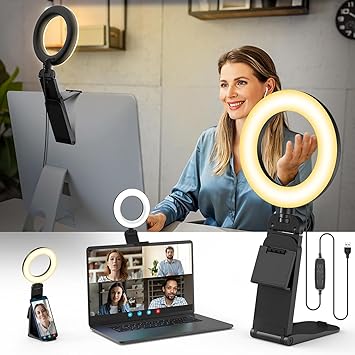
5. Lighting That Doesn’t Make You Look Like a Vampire
Poor lighting causes eye strain and makes Zoom calls look unprofessional. Proper lighting sets the tone of your workspace and helps with energy levels, especially if you’re working late.
What helps:
- Natural light is best—position your desk near a window
- Add a desk lamp with adjustable brightness
- Ring lights are great for content creators or client calls
|
Great Low Profile
|
Highly Adjustable Option
|
Best Portable Option
|
|
4.5
|
4.5
|
4.4
|
|
$49.99
|
$149.99
|
$18.98
|
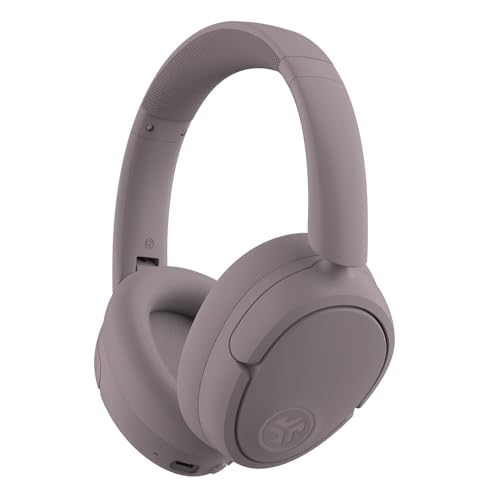
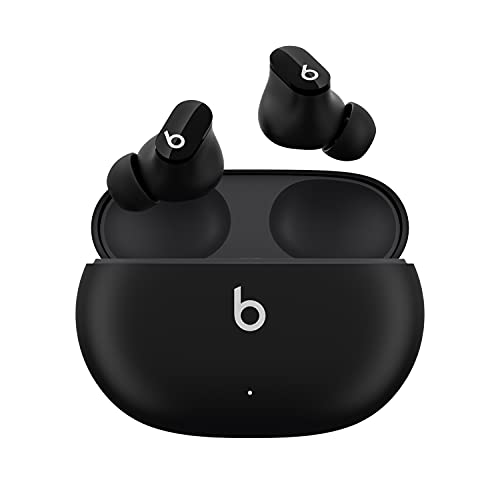
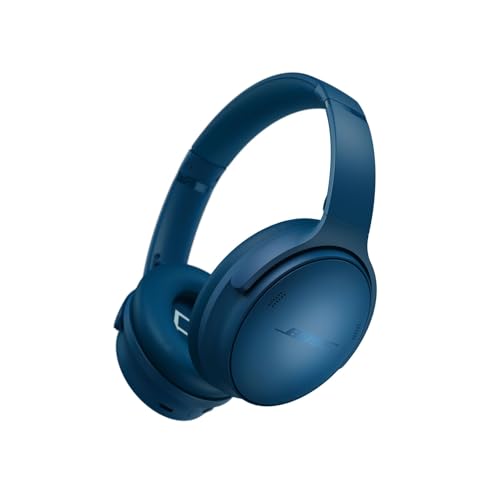
6. Noise-Canceling Headphones
Whether it’s barking dogs or noisy neighbors, distractions are focus killers. Good headphones let you tune into deep work or show up professionally on calls without worrying about background noise.
Look for:
- Comfortable over-ear headphones
- Noise-canceling feature
- Decent built-in mic
|
Budget Headphones
|
Affordable Earbuds
|
Premium Headphones
|
|
4.5
|
4.3
|
5.0
|
|
$79.98
|
$99.95
|
$359.00
|
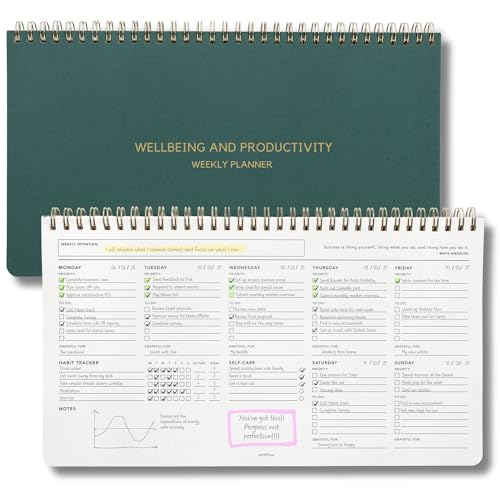
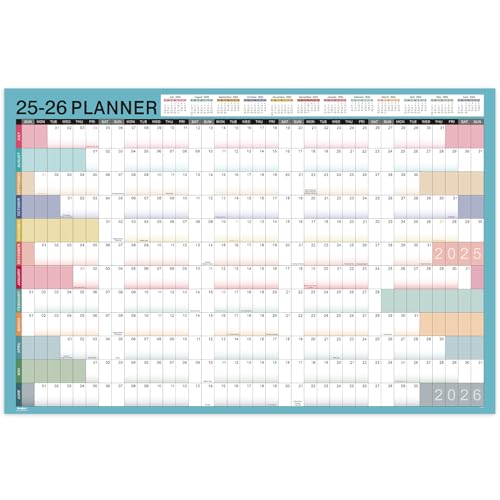
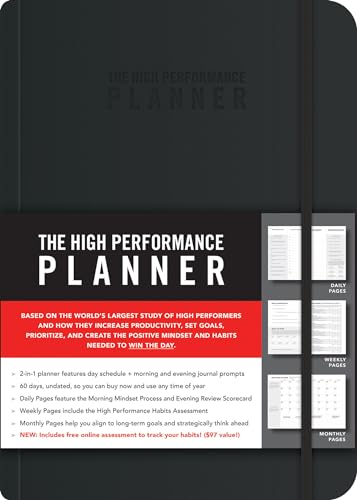
7. Whiteboard or Planner (For Brain Dumps and Deadlines)
Your brain is for ideas, not storage. Writing things down helps you keep track of launches, content plans, and meetings. Visual tools also keep you grounded when tasks start piling up.
Options:
- Magnetic whiteboards for daily to-dos
- Monthly planners for launches, blog posts, or promos
- Digital planning tools work too if you prefer a minimalist setup
|
Best Multi-Use Planner
|
Best for Year-at-a-Glance
|
Best Productivity Planner
|
|
4.6
|
5.0
|
5.0
|
|
$29.95
|
$15.99
|
$17.25
|
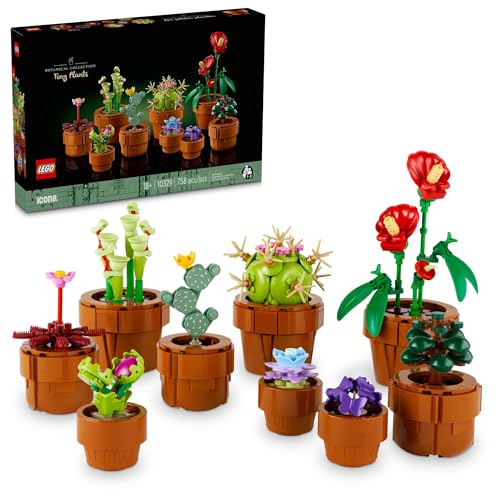
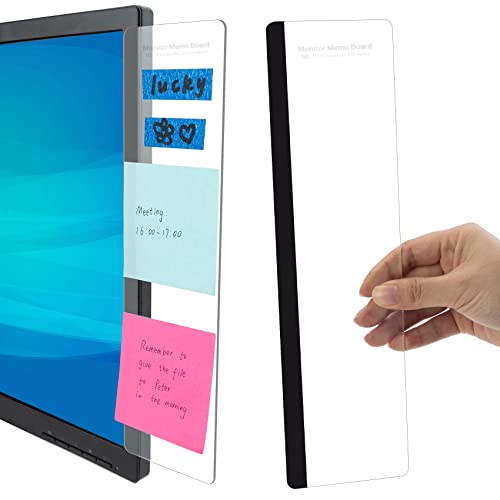
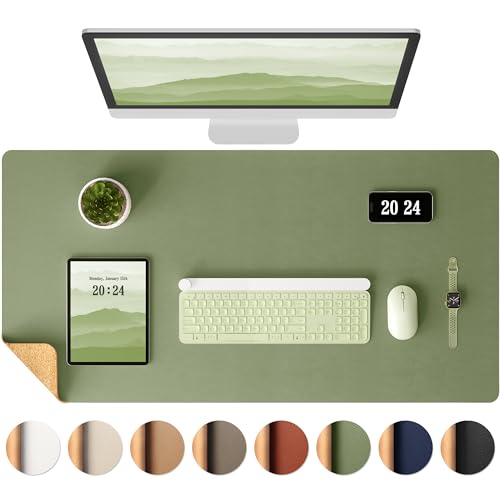
8. Plants or Personal Touches
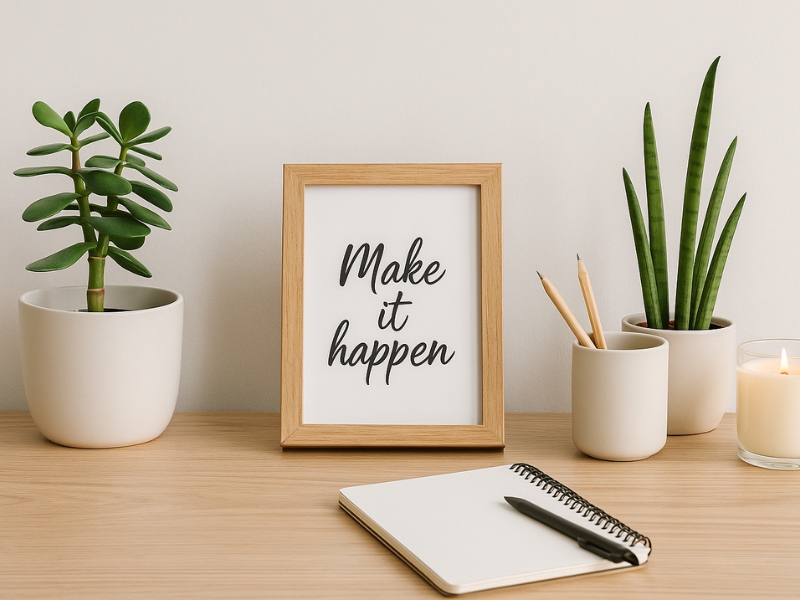
A workspace that feels good to be in can genuinely improve your mood and productivity. Adding little personal details helps you stay inspired and reminds you why you’re doing this in the first place.
Simple upgrades:
- Low-maintenance plants like snake plants or succulents
- Inspiring wall art, mood boards, or affirmations
- Cozy rug or candle for sensory vibes
|
Best for Kids at Heart
|
Great for Reminders
|
Adds a Pop of Color
|
|
4.6
|
4.4
|
4.6
|
|
$39.95
|
$6.98
|
$11.95
|
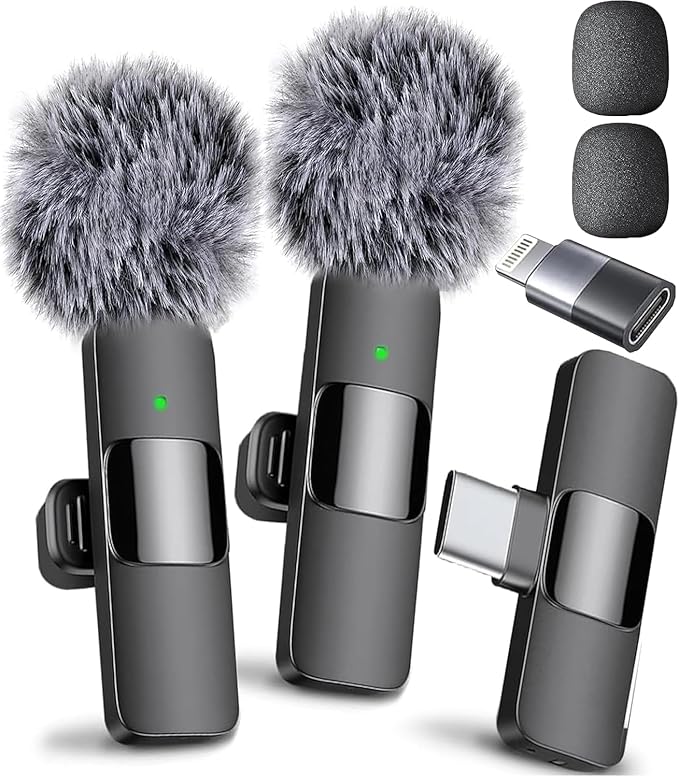
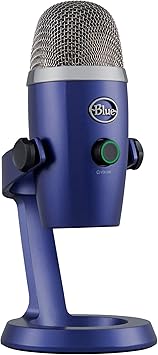
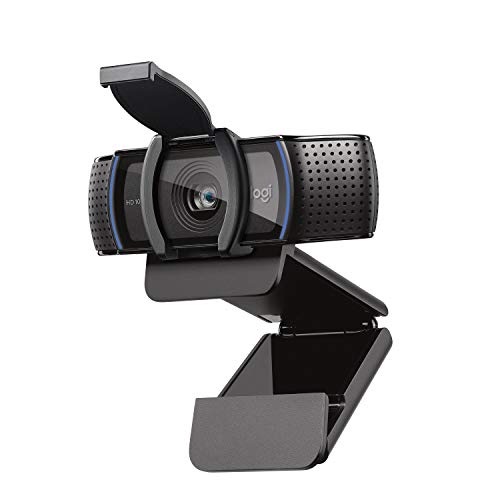
9. Webcam and Mic Upgrades (If You Create Content)
Blurry video and poor audio can hurt your brand’s credibility. If you’re hopping on client calls, filming tutorials, or creating content, upgrading your gear can make you stand out without much effort.
Suggested tools:
- Logitech C920 webcam (classic favorite)
- Blue Yeti or Fifine mic (great for budget-friendly quality)
|
Best for Content Creation
|
Great for Podcasting
|
Easy Camera Upgrade
|
|
4.7
|
4.3
|
4.6
|
|
$18.29
|
$94.99
|
$66.00
|
10. Time-Tracking or Task Tools
Without structure, time disappears fast. Whether you’re freelancing or running a full team, using systems to track your time or tasks makes it easier to stay on top of your goals.
Try:
- Free options like Trello, Notion, or ClickUp
- Pomodoro timer apps to structure deep work sessions
- Digital planners or CRMs if you’re managing multiple clients or products
Ready to Build Your Space (and Your Business)?
A great home office setup doesn’t have to be expensive—it just has to work for you. Start small, upgrade gradually, and build a space that supports your goals. Your business (and your back) will thank you.
Final Thoughts
Your office doesn’t have to be Pinterest-perfect. It just has to make you feel like the CEO you’re becoming. Create a setup you’re excited to sit down to every day—and you’ll notice the momentum build faster than you think.
Frequently Asked Questions

Not at all. Many great ergonomic chairs, desks, and tools are budget-friendly—you just need to choose what fits your workflow.
Start with a good chair. Comfort is non-negotiable when you’re sitting for hours daily.
Use vertical storage, cable organizers, and only keep essentials on your desk. A clean setup helps you think clearer and work better.
Nope! Start with the basics, then build your workspace as your business grows.
Only temporarily. It’s not stable enough for client calls or uploads.
Natural light plus a small ring light is the winning combo. It keeps you well-lit without looking overexposed.