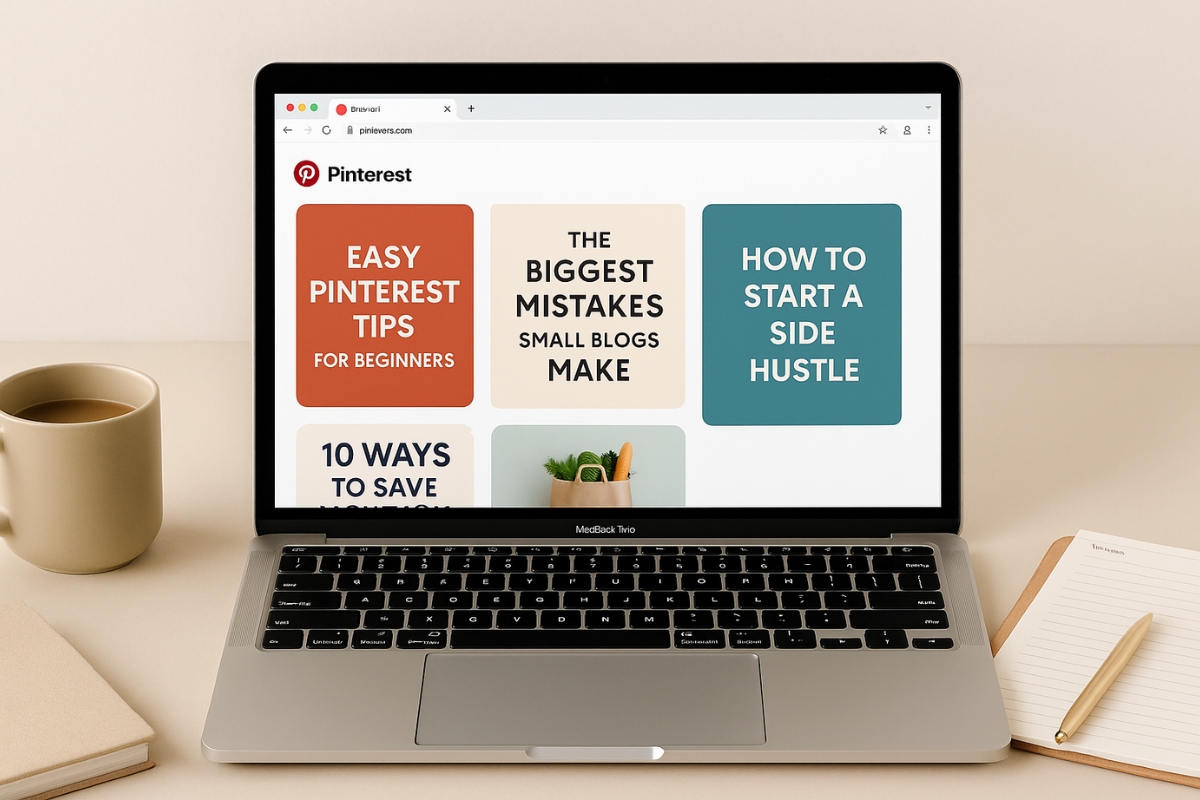
If you’re struggling to get Pinterest clicks, your pin design might be the culprit. One of the biggest game-changers (that doesn’t require a full rebrand or 6 hours in Canva) is using the right pin types.
And yes, there is such a thing as the “right” style—especially if you want more saves, clicks, and people actually landing on your blog.
Whether you’re DIY-ing your blog or using Pinterest as your main traffic driver, this post is your shortcut to understanding which Pinterest styles actually perform—and why.
Why Pinterest Templates Matter (More Than You Think)
Pinterest isn’t just about aesthetics. Pinterest is a search engine disguised as a mood board. So while beautiful pins might stop the scroll, it’s not about looking pretty—it’s about being useful at a glance.
Here’s what the right style pins can do:
- Bring you reliable traffic from Pinterest
- Keep your brand looking consistent and professional
- Highlight your blog content in a way that makes people want to click
- Help you test different formats and styles to see what your audience responds to
Think of them as your blog post’s hype squad. Let’s break down the types you need.
1. Standard Blog Post Pins (Your Bread & Butter)
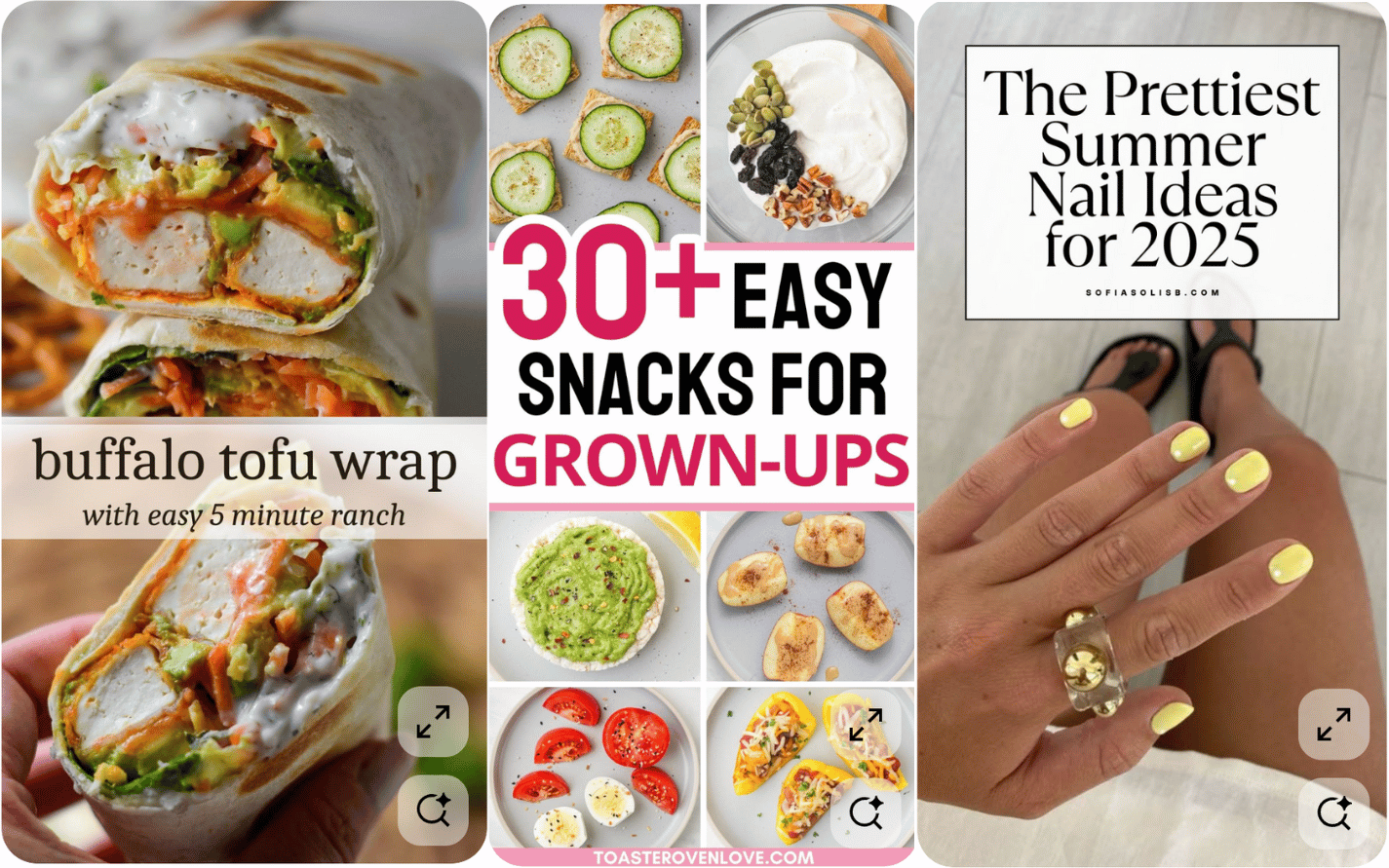
When you’re using Pinterest for your blog, you need a no-fuss layout that gets the job done—especially when readers are scrolling fast. Think of it as your go-to for everyday pinning—especially for tips, tutorials, or lifestyle posts.
What works well:
- Try clean, bold fonts, keep headlines 6–8 words max, and use light backgrounds with soft overlays to keep things easy to read on mobile.
- Headlines that offer value, like a solution or a benefit (“10-Minute Dinners Even Picky Kids Love”)
- Simple backgrounds—either a photo that matches the topic or a muted block of color
Use for:
- Tutorials and how-tos
- “Best of” lists and roundups
- Advice and lifestyle content
Use the same design as a base, then tweak the text or imagery. This way, you can test which version gets the most traction.
2. Product or Affiliate Pins (Show, Don’t Just Tell)
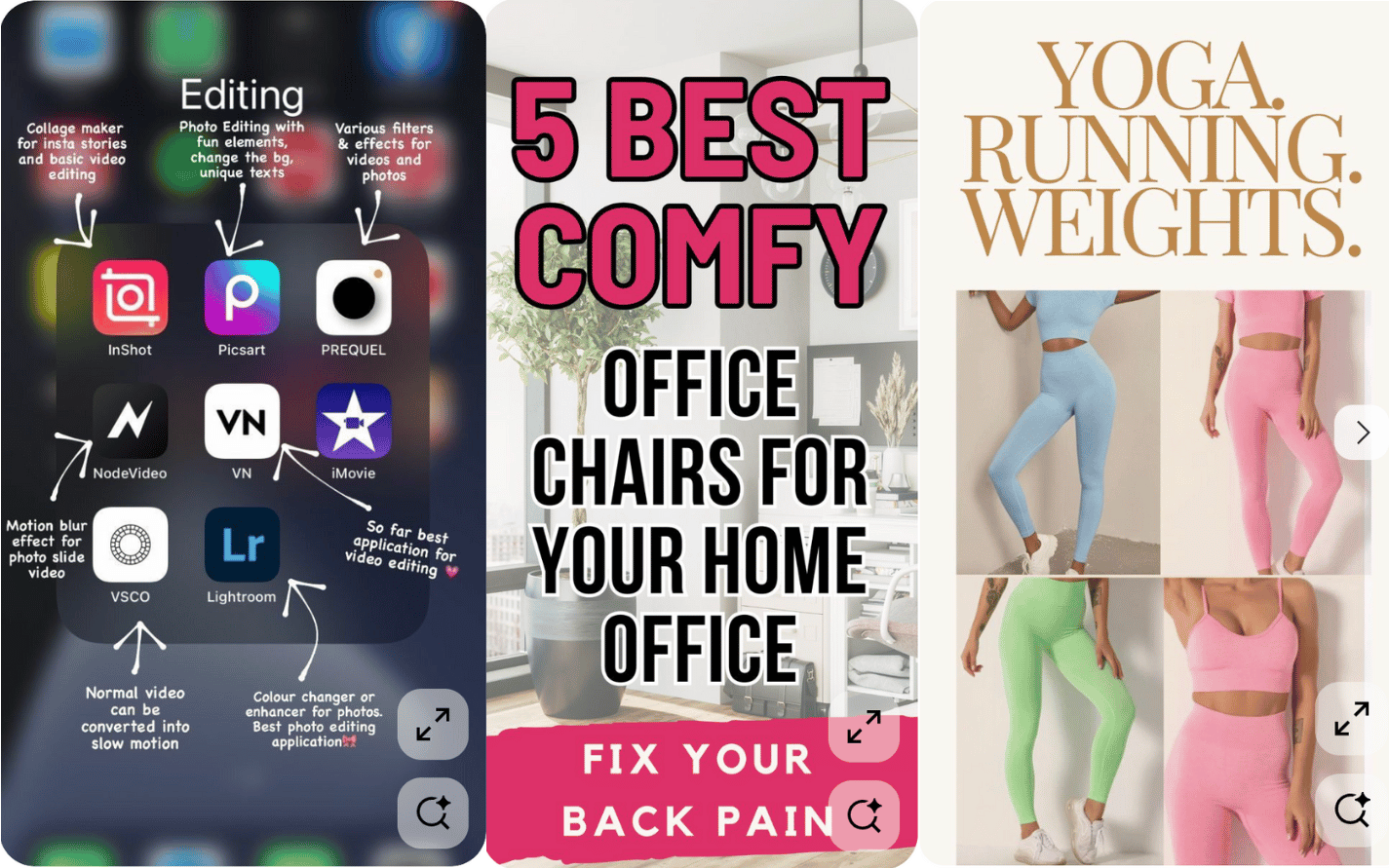
These pins are for posts where you’re recommending or reviewing tools, gear, or gifts. The design should do the explaining at a glance—so users instantly know what to expect.
What works well:
- Use white space and boxed text with neutral backgrounds.
- High-quality product images (especially lifestyle shots)
- Numbered layouts that create curiosity (“Top 5 Tools I Swear By”)
- Short, clear text blocks that say why it matters
Use for:
- Amazon or Etsy affiliate lists
- Review-style blog posts
- Resource pages
If you’re tracking performance with a landing page, make sure your CTA matches the tone of the pin. “See Why I Love It” can work better than just “Click Here.”
3. Quote or Engagement Pins (Boost Saves & Follows)
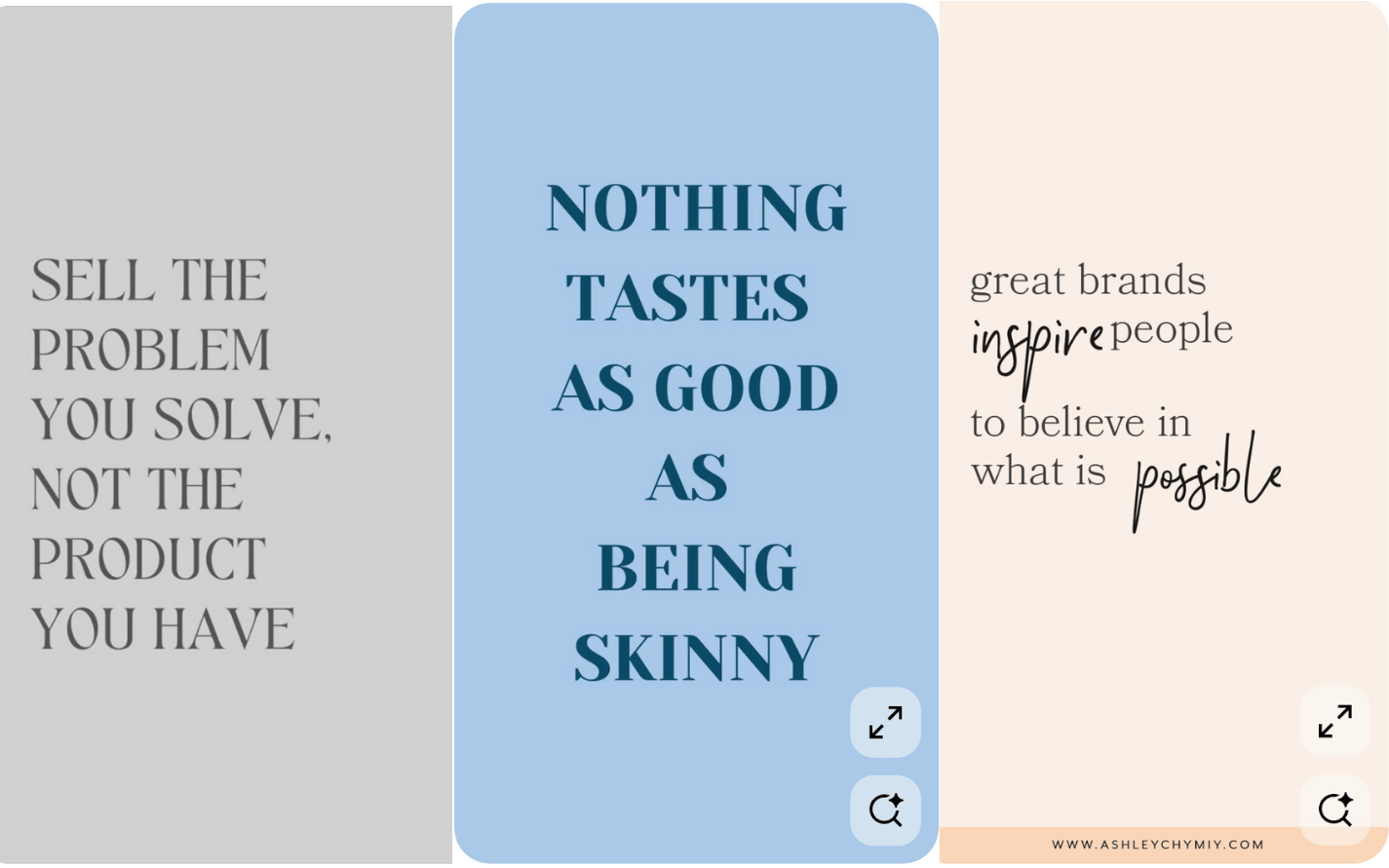
These pins aren’t designed for traffic—they’re for building community and staying visible. Think: connection over clicks.
What works well:
- Eye-catching backgrounds (solid colors, gradients, or textures)
- Pair with a bold sans-serif or mixed font styles. Keep your quote short—no more than 10 words.
- One-liner quotes, relatable tips, or mini checklists
- Soft CTAs like “Save this!” or “Tag a friend”
Use for:
- Breaking up your pin feed with non-link content
- Attracting new followers through shareable visuals
- Warming up new audiences before you promote something
Keep your brand colors and fonts consistent, even if the content is playful. This builds trust without being overly promotional.
4. Carousel or Step-by-Step Pins (Teach Something Fast)
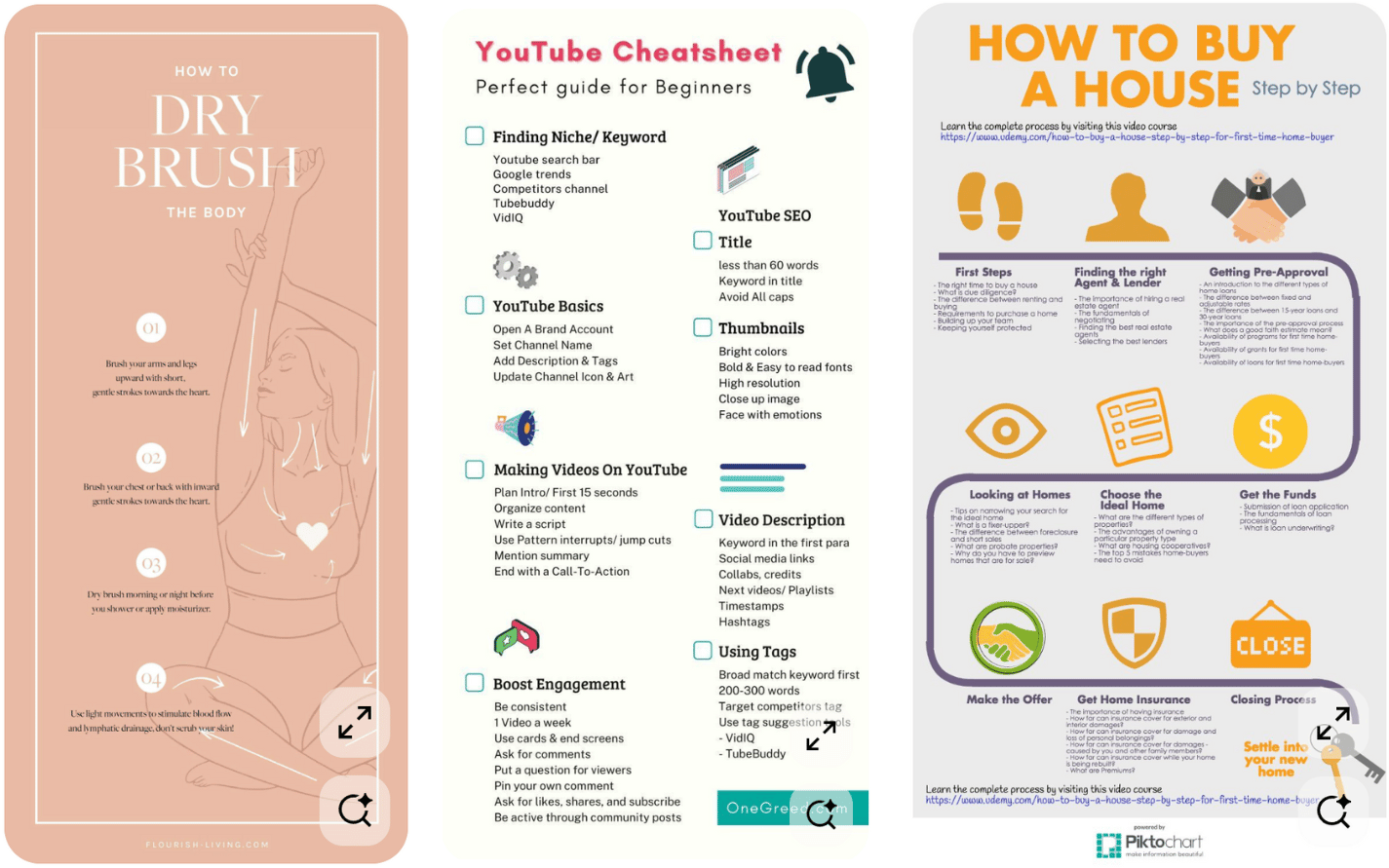
These are great for teaching something quickly, especially when your audience is on mobile and wants answers now.
What works well:
- Stick to vertical layouts
- Simple layouts with one idea per slide
- Clear numbering or visual cues that guide the reader
- A title slide that hooks and a final slide that encourages action
Use for:
- Short tutorials
- Quick tips
- Before/after or transformation stories
These pins often get more saves because users want to revisit them later. Focus on content that’s useful, skimmable, and easy to apply.
5. Freebie or Opt-In Pins (Grow Your List Quietly)
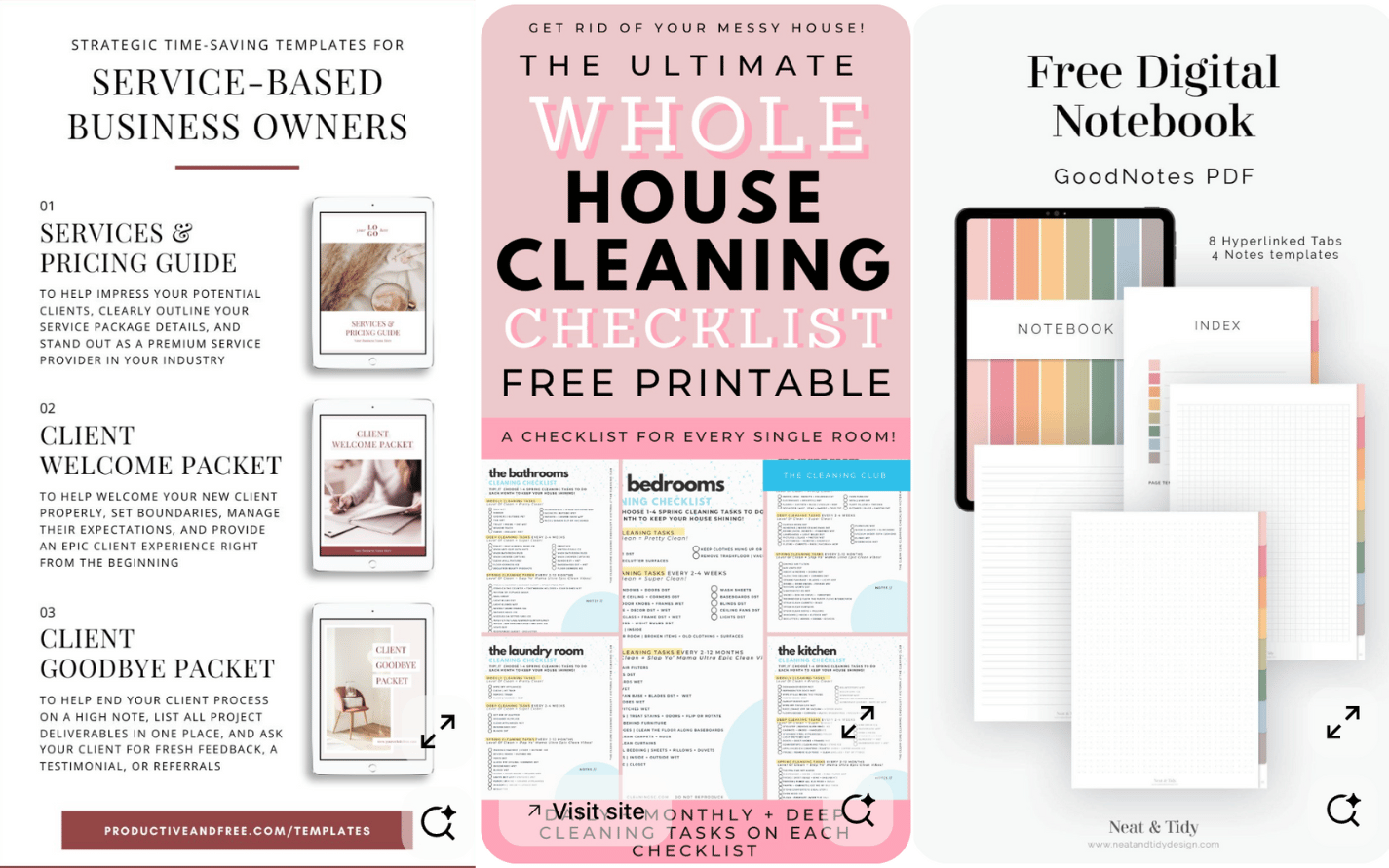
If you offer checklists, ebooks, or free tools—this pin style is a low-pressure way to highlight them.
What works well:
- A bold headline like “Free Blog Post Checklist”
- A light CTA—“Download Now” or “Grab the Free Guide”
- Use flat lay mockups or digital tablet graphics to “show” the freebie
Use for:
- Content upgrades
- Newsletter freebies
- Resource libraries
Keep the pin design clean and make the freebie feel valuable. People are more likely to opt in when it looks like something they’d actually use.
6. Seasonal or Trend Pins (Tap Into What’s Hot)
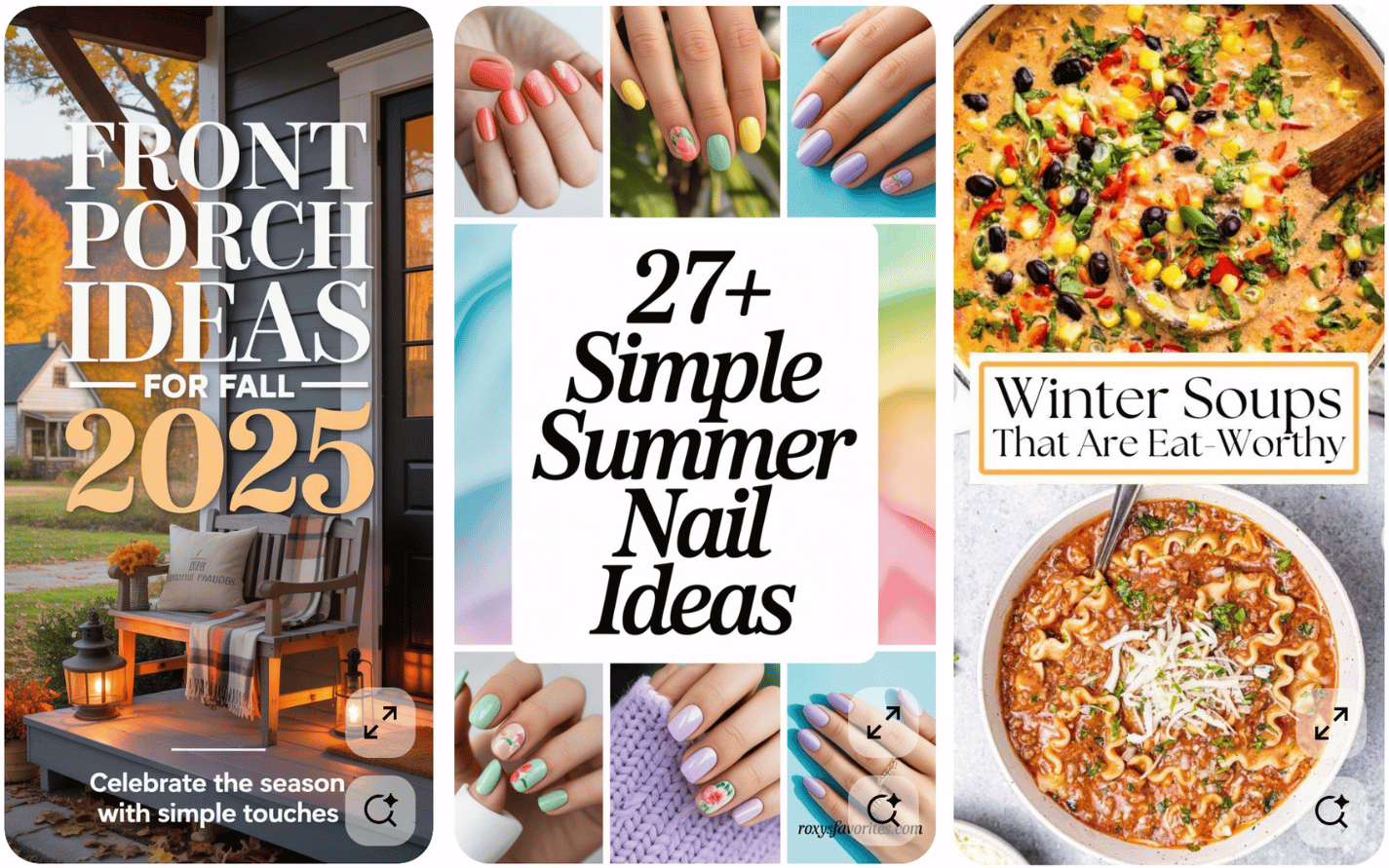
These pins help you stay relevant and boost reach when people are searching for timely ideas.
What works well:
- Seasonal imagery (fall leaves, spring blooms, holiday sparkle)
- Headlines that include the occasion or season (“Spring Cleaning Checklist 2025”)
- Clear visuals that match the moment
Use for:
- Holiday tips or guides
- Seasonal routines or checklists
- Timely product roundups
Start pinning these at least 30–45 days in advance. Pinterest rewards early content, and your pins will have time to gain traction before the season hits full swing.
How to Use These Styles Like a Pro
It’s not just about choosing the right type—it’s how you use them consistently.
Batch your designs weekly, play with variations in headline and colors, and use scheduling tools to keep things consistent. Don’t forget to sneak in keywords in your pin title and description—Pinterest loves context.
Boost your Pinterest & IG reach with Tailwind’s smart scheduler. Perfect for bloggers & small biz owners seeking easy, automated growth.
- Easy Scheduling & Automation
- Smart Analytics For Better Decisions
- Integrations With Top Social Platforms
- Premium Plans Can Be Pricey
- Initial Learning Curve
- Limited Features On Free Plan

Your Next Pinning Move
Your Pinterest strategy doesn’t have to be complicated. But it does need to be consistent and purposeful. Having the right pin styles in your toolkit gives you the foundation to test, learn, and grow.
So whether you’re blogging about food, parenting, side hustles, or something totally random but awesome—these templates will make your life easier.
Happy pinning!
Frequently Asked Questions
Yes! Each design has a different goal—clicks, saves, or engagement. Mixing styles keeps your content fresh and effective.
Ideally, give your posts more reach with multiple pin styles and spread them out over time. This helps you test what works and gives Pinterest more chances to surface your content.
Absolutely! That’s the point of templates—just tweak key elements—like your title or photo—for a fresh take to match your new content while keeping your branding consistent.
Canva offers loads of free templates that are easy to customize and are beginner-friendly. You can also use Photoshop or other design tools if you prefer more control.
Templates help streamline your pin creation and improve visuals, but consistent pinning and keyword use are what really grow traffic over time.
Yes! Just customize the layout to showcase your product images, highlight benefits, and link directly to your product pages or offers.