Show Up in Local Searches—Without Spending a Dime
If you’re a local business owner just trying to figure out how to show up on Google, you’re not alone. Maybe you’ve heard the term “local SEO” tossed around—but let’s be real, it sounds way more complicated than it needs to be.
The truth is, you don’t need an agency or expensive software to get started. You just need a few free tools and a little guidance to help people find you when they search things like “coffee shop near me” or “plumber in [your town].”
In this guide, I’ll walk you through 6 of the best free tools that will help you build a strong local SEO foundation—without the fluff, jargon, or overwhelm. These are the same tools I’d recommend to a friend just starting out.
Why Local SEO Matters
Before we dive into tools, here’s the “why” in plain English:
- People in your area are already searching for what you offer.
- If you’re not showing up, your competitors are.
- Local SEO helps you get found—on Google Maps, in search results, and even voice search.
Let’s make that happen—without spending anything upfront.
1. Google Business Profile (GBP)
Get Found on Google Maps—for Free
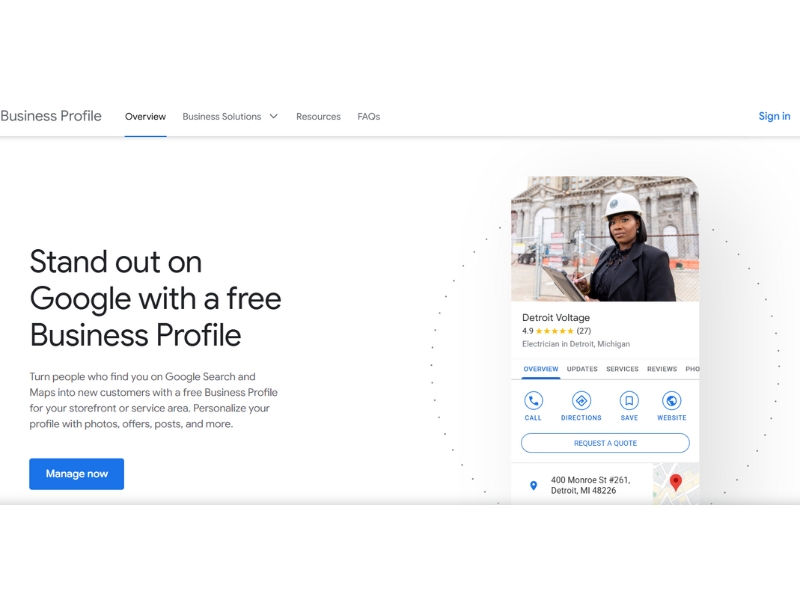
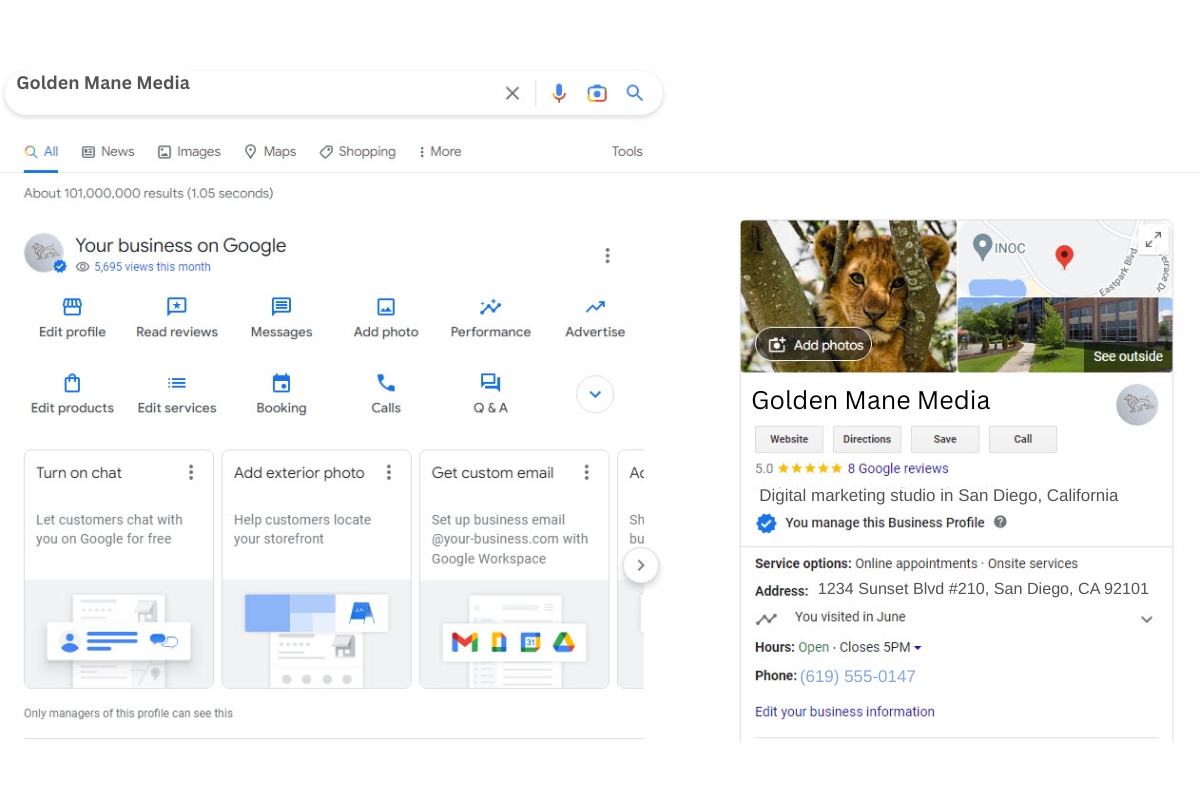
Google Business Profile (GBP) is your free storefront on Google. When people search for businesses like yours in their area, your GBP listing shows up in Google Maps and the “Local Pack” (the 3 results under the map).
Why it matters:
It’s the #1 way local customers find you—especially on mobile. A properly optimized GBP can lead to more phone calls, direction requests, website visits, and foot traffic.
Why it’s beginner-friendly:
It’s free, easy to set up, and you can start seeing results fast. No coding or website is required. Just verify your business (via postcard or phone), enter your info, add photos, and you’re live.
Tip:
Encourage happy customers to leave reviews and reply to them! Engaging with reviews builds trust and improves visibility.
2. Whitespark Local Citation Finder (Free Version Available)
Find and Fix Listing Inconsistencies
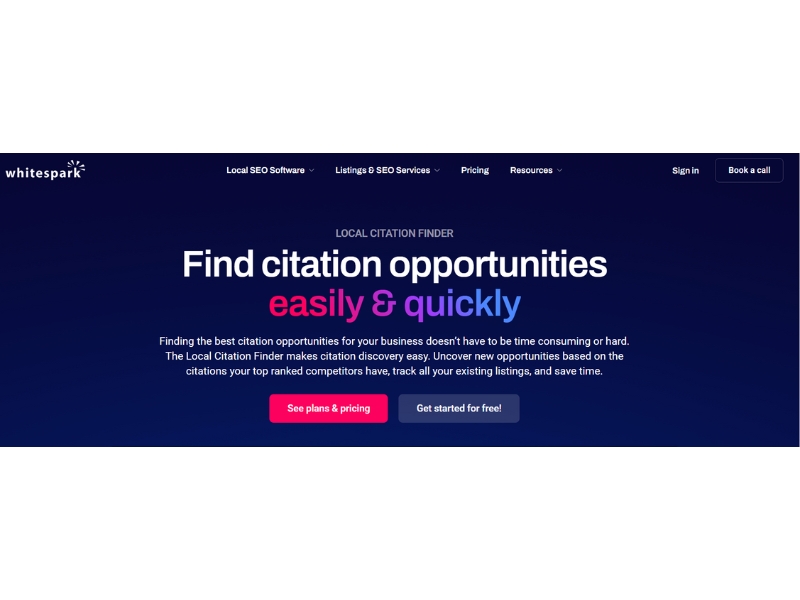
Whitespark helps you identify where your business is listed online and flag any missing or incorrect details (like your name, address, or phone number).
Here’s why it’s useful:
Search engines use citation consistency to verify your business is real and located where you say it is. Inconsistent or duplicate listings can hurt your rankings and confuse potential customers.
Perfect for first-timers:
Whitespark does the hard part—finding the listings for you. You’ll get a clear to-do list so you can correct or create listings one by one. No SEO knowledge needed.
The free version gives you just enough to identify and correct the most important listings like Yelp, Facebook, and Apple Maps.
Name, address, and phone number (NAP) inconsistencies can decrease your business’ credibility, so it’s important to ensure these all match.
3. Ubersuggest (Free Tier Available)
Discover Local Keywords You Should Be Using
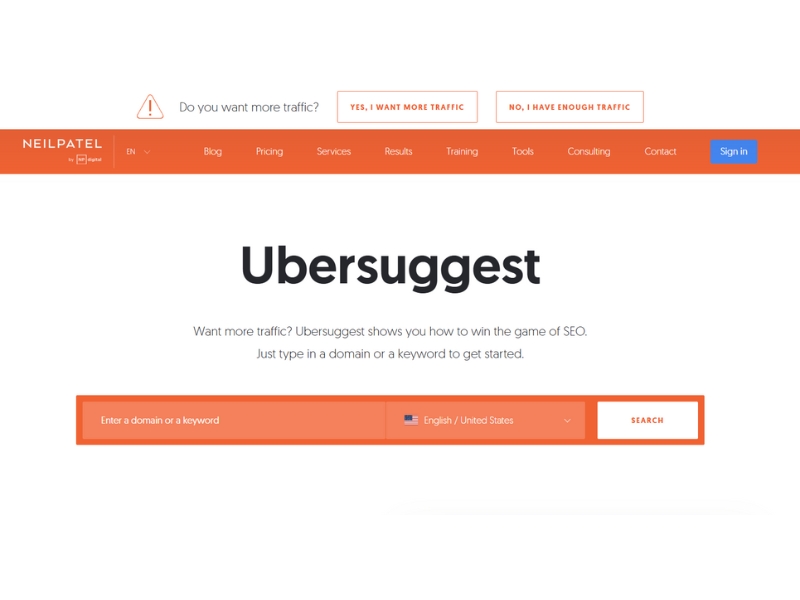
Ubersuggest, by Neil Patel, helps you see what your potential customers are actually typing into Google—and gives you keyword ideas with search volume and competition levels.
How it helps your business grow:
To get found, you need to use the words your customers are actually searching for. Ubersuggest helps you uncover those terms so you can use them in your website copy, blog posts, and even your Google Business Profile.
Great if you’re new to SEO:
Unlike advanced tools (like Ahrefs or SEMrush), Ubersuggest has an easy-to-use interface, clear labels, and explanations. No SEO background needed—you’ll understand what keywords are worth targeting without feeling lost.
You can run limited free searches daily—perfect for getting 3–5 strong local keyword ideas without a subscription.
Use case:
Try searching “your service + your city” (e.g., “plumber Miami”) and look at the keyword suggestions. These are gold for updating your website and GBP.
4. Canva
Create Visuals That Help You Stand Out in Search
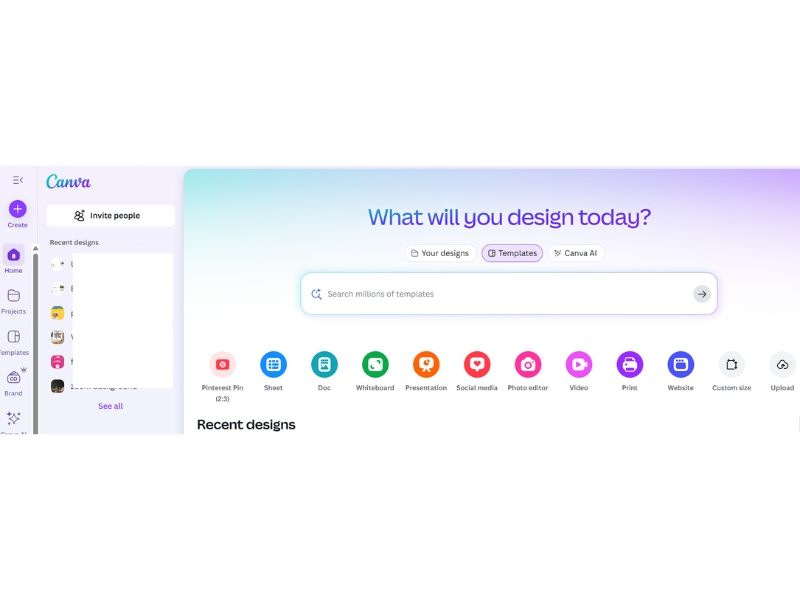
Canva is a free graphic design tool that makes it easy to create quality images for your Google Business Profile, website, or social media.
Why you’ll want this in your toolkit:
Great visuals = better trust and engagement. A clean logo, sharp cover photo, or clear before-and-after graphic can make your listing stand out on Google and increase clicks and calls.
No learning curve required:
Canva’s templates are pre-made and designed for non-designers. You can create a graphic in under 10 minutes using just your logo, colors, and photos.
Example:
Use Canva to design a “Meet the Team” photo collage or a graphic that highlights your top Google reviews and pin it to your GBP profile.
5. Google Search Console (GSC)
Track What You’re Ranking For
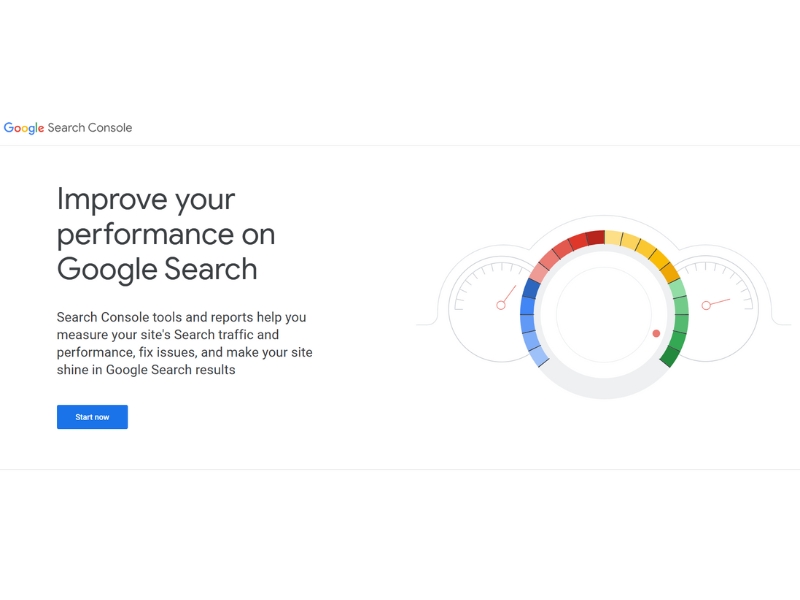
GSC is a free tool from Google that shows how your website is performing in search—what keywords people are using, how many clicks you’re getting, and what pages are showing up.
What makes this tool important:
It gives you real data about how your business is doing in search—not guesses. You can identify pages that are starting to rank and make small updates to push them higher. It’s also where you’ll submit your website sitemap if you have one.
Easy enough to start using today:
Once you verify your website (just once), GSC collects data automatically. You don’t need to check it daily—just peek in monthly for progress insights.
What to look for:
Go to the “Performance” tab and look at your top keywords. If you’re getting impressions but few clicks, you may just need a better meta title or description.
6. Google Maps App (Your DIY Audit Tool)
See Yourself the Way Customers Do
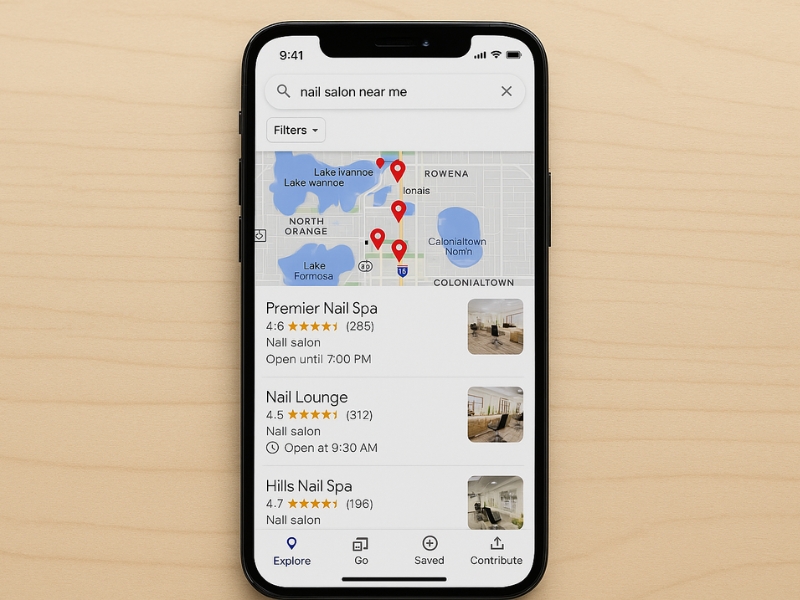
Open Google Maps and search for your business type in your area (e.g., “nail salon near me”). See who shows up—and where you fall in the results.
Why it matters:
This gives you a real-world view of your visibility compared to competitors.
Why it’s free-friendly:
It’s already on your phone. Use it to audit your presence and improve your listing with better photos, hours, or reviews.
Do this once a month to stay aware of how you’re appearing locally.
What Should You Do First?
Here’s a beginner-friendly order of steps:
- Set up or optimize your Google Business Profile
- Audit your online listings using Whitespark
- Use Ubersuggest to find 3–5 local keywords
- Create visuals in Canva for your GBP or website
- Check Google Search Console monthly
- Use Google Maps to spot-check your visibility
Want a step-by-step Local SEO checklist?
Grab the free Quickstart Guide to make setup even easier — perfect for busy business owners.
Final Thoughts
Getting started with local SEO doesn’t have to cost a dime. With these free tools, you can begin building your online presence, get found in local searches, and attract more foot traffic—all without hiring a pro.
And if you’re still thinking, Where do I even start?—start with your Google Business Profile. It’s your most powerful free tool.
Take it one step at a time. You’ve got this.
Frequently Asked Questions

Local SEO helps your business show up when people nearby search for services like yours. Think “bakery near me” or “dog groomer in [your city].” If you want more local customers, local SEO helps them find you.
Start by creating a free Google Business Profile. It’s the first (and most important) step in local SEO. Once verified, your business can show up in local searches and Google Maps.
A website helps, but it’s not required. You can start with just a Google Business Profile. Over time, having a simple website with your services, contact info, and local keywords will boost your visibility even more.
You can see some changes—like appearing in Google Maps—within a few weeks. But building strong rankings usually takes 3–6 months, depending on how competitive your area is and how consistent your efforts are.
Begin with:
– Google Business Profile
– Google Search Console
– Ubersuggest (free version)
– Canva (for visuals)
These tools are beginner-friendly and give you a strong foundation—no big budget needed.