Local SEO is one of the most powerful ways for a small business to attract customers in its own neighborhood.
Think of it as the digital version of making sure the shop window looks inviting, the sign is readable, and the directions are easy to follow.
A local SEO audit is the check-up that ensures all those digital storefront elements are working together.
The good news is, anyone can run a DIY audit with the right steps. This guide breaks everything down into clear actions, without technical jargon, so even first-timers can follow along.
Quick Local SEO Audit Checklist
- 1. Update and optimize Google Business Profile
- 2. Ensure directory citations are consistent
- 3. Review local keywords and on-page SEO
- 4. Check page loading speed and mobile site responsiveness
- 5. Check review frequency, quality, and response time
- 6. Review and plan for additional local backlinks
- 7. Record important tracking metrics
Step 1: Review Your Google Business Profile
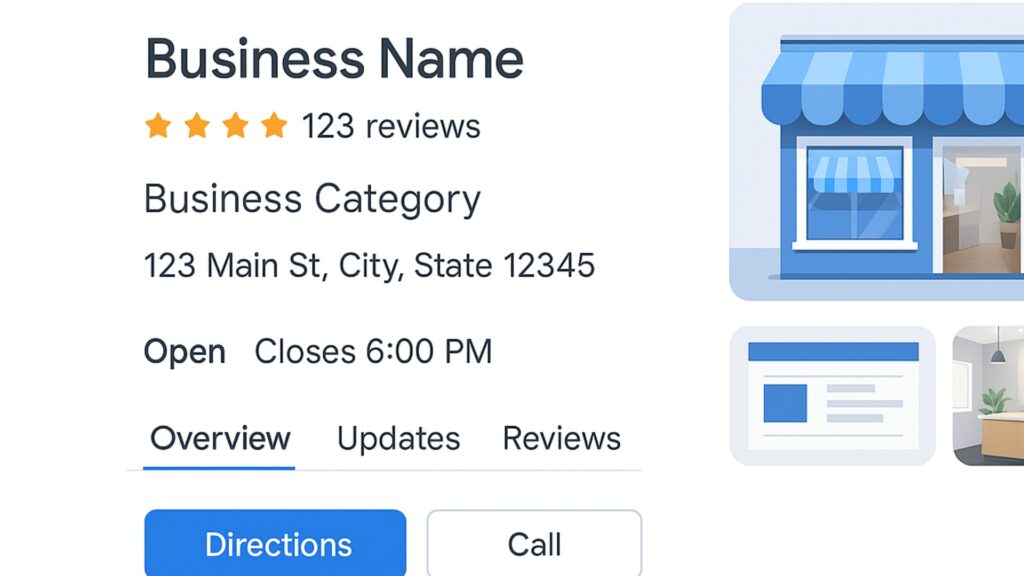
Google Business Profile (GBP) is often the very first impression a customer has. A complete, accurate profile can make the difference between a click and being ignored.
What to do:
- Log in to Google Business Profile Manager.
- Double-check NAP (Name, Address, Phone number). Even small differences like “Street” vs. “St.” can create confusion.
- Update business hours, including seasonal or holiday changes.
- Add high-resolution images of the storefront, team, or menu. Businesses with photos typically get more clicks.
- Fill in your business’ categories, attributes (e.g., “Family-friendly,” “Wheelchair accessible”), and services.
A polished profile improves visibility in Google Maps and helps the business stand out in the local pack. Many businesses also overlook Google Business ranking factors like categories, photos, and reviews, which play a role in search placement.
Post updates weekly – events, promotions, or behind-the-scenes shots – to show Google the business is active.
Once your profile is up-to-date, the next step is making sure your details are consistent across the web.
Step 2: Check Local Listings and Citations
Citations are mentions of your business on directories and review platforms. They only help if the details are consistent everywhere.
How to audit citations:
- Search “[business name] + [phone number]” and “[business name] + [address]” in Google. Note every listing.
- Compare each one with your GBP and website. Correct outdated details.
- Look for niche directories: restaurants on OpenTable, salons on Booksy, lawyers on Avvo.
Inconsistent citations lower trust with search engines. Strong NAP consistency across directories like Yelp, Yellow Pages, and Bing Places is one of the most reliable ways to improve local rankings.
Recheck citations quarterly to catch errors early.
Common mistake: Many businesses update their website address but forget to update Yelp or Facebook, leading to duplicate listings that confuse customers and search engines.
With consistent details across directories, it’s time to make sure your own website sends the right signals.
Step 3: Audit On-Page SEO
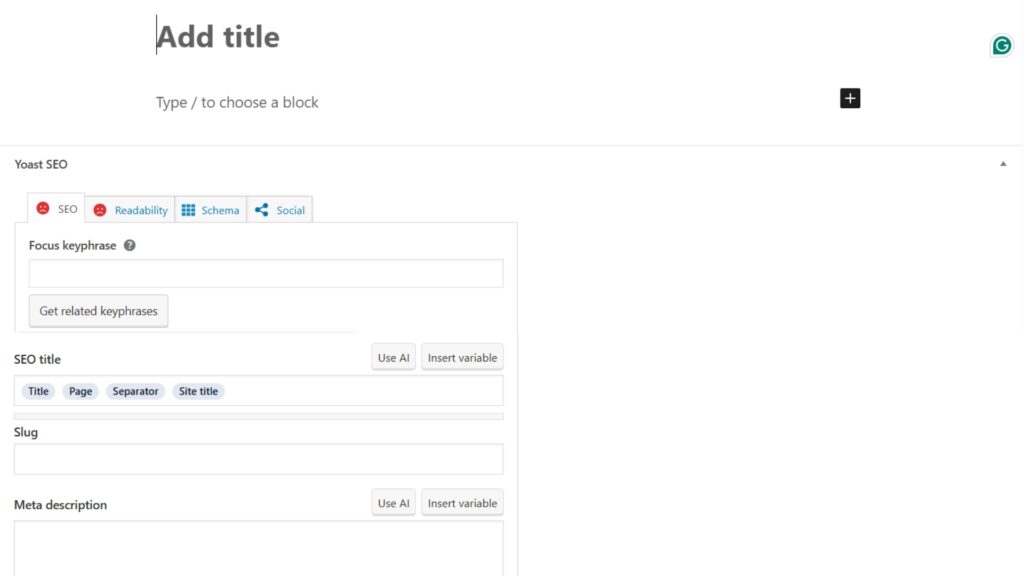
Your website is the foundation of online presence. Even if a business ranks in the map pack, customers usually click through to the site before making a decision.
What to review:
- Title tags and meta descriptions: Include a local keyword. Example: “Austin Family Dentist – Bright Smiles Dental.”
- Headings (H1, H2, H3): Organize content for readability.
- Content: Add location naturally. Example: Instead of “We fix air conditioners,” write “Trusted air conditioning repair in Phoenix.”
- Schema markup: Add LocalBusiness schema so Google clearly understands your services and location.
On-page SEO clarifies what you do and where you serve, making it easier for Google to rank you above competitors.
For multi-location businesses, create unique landing pages for each city or neighborhood.
Common mistake: Copy-pasting the same “Services” content across multiple location pages. Google may see this as duplicate content.
Once the site is optimized for content, the next step is ensuring visitors have a smooth experience when they land on it.
Step 4: Review Website Speed and Mobile Friendliness

A fast, mobile-friendly site isn’t just a bonus – it’s expected. Most local searches happen on smartphones and slow sites push customers away.
How to check speed:
- Run your site through PageSpeed Insights. Aim for 90+ on both mobile and desktop.
How to fix issues:
- Compress large images with TinyPNG.
- Use lazy loading for images.
- Remove unnecessary plugins or code.
- Upgrade to a reliable hosting provider.
Mobile usability checklist:
- Buttons and fonts should be easy to tap without zooming.
- Test booking or contact forms on mobile.
- Keep navigation menus simple and clear.
Faster sites lower bounce rates, while mobile-friendly design improves both rankings and conversions.
Common mistake: Uploading 5MB photos straight from a phone to the website. Large images drag down speed dramatically.
Once the site loads quickly and works well on mobile, the next priority is building trust through reviews.
Step 5: Analyze Reviews and Reputation
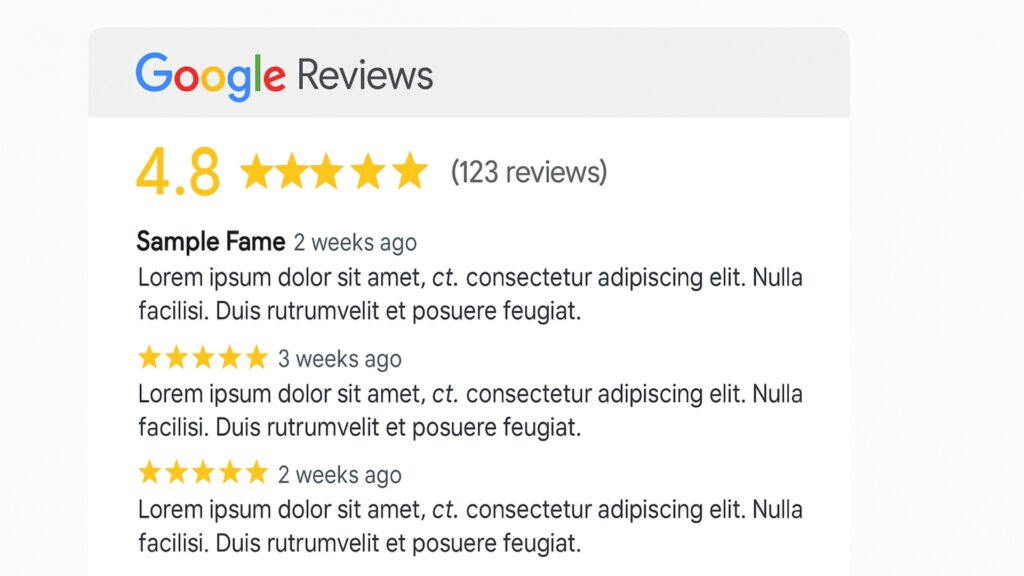
Reviews are today’s word-of-mouth marketing. They not only influence customers but also factor into Google’s local ranking algorithm.
Audit steps:
- Count reviews across Google, Yelp, Facebook, and niche platforms.
- Note average star ratings. Anything below 4 stars may need urgent improvement.
- Look for recurring themes: “slow service,” “friendly staff,” or “great value.”
- Check recency. A five-star review from three years ago won’t help as much as one from last week.
Businesses with steady review growth rank higher and convert more visitors. Getting reviews is not just about numbers – quality review responses are key and play a large role, especially if you’ve had bad Google reviews in the past.
Use automated review request tools. Platforms like GHL (GoHighLevel) let you send friendly text or email review requests to happy customers.
Aim to include service keywords in your responses and encourage your customers to provide a review for their specific service.
Example:
- Bad review response: “Thanks.”
- Better review response: “Thank you for your kind words, Sarah! We’re glad you enjoyed your same day car detailing and look forward to seeing you again soon.”
With reputation in check, the next step is building authority through backlinks.
Step 6: Assess Backlinks and Local Links
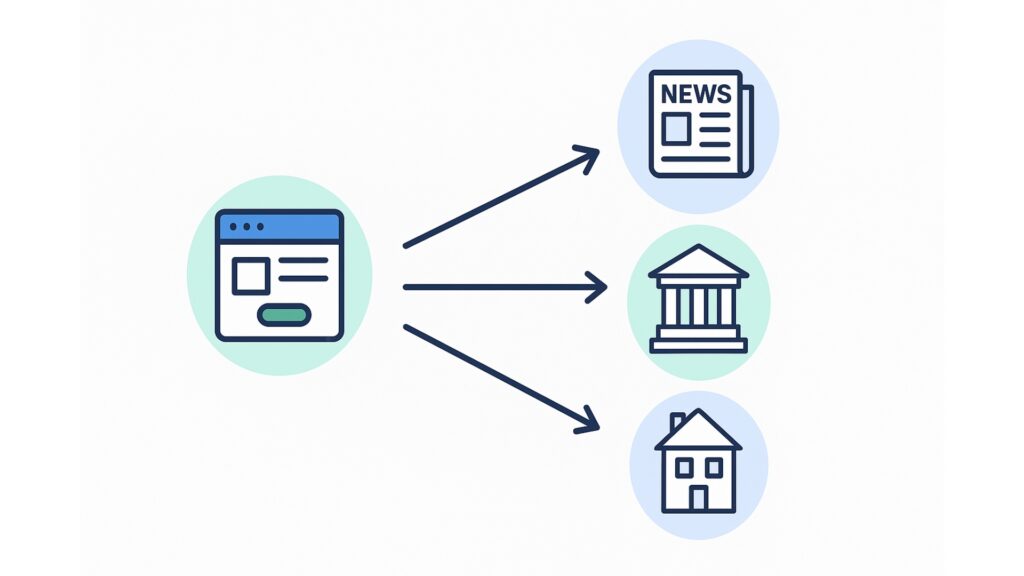
Links are digital endorsements. The more trustworthy and relevant the links, the stronger the site’s authority.
Audit steps:
- Use Moz, SEMrush, or Ahrefs to view backlinks.
- Look for local sources: chamber of commerce, local newspaper features, or community blogs.
- Identify spammy links and disavow them if necessary.
- Plan to build new links through community involvement.
Examples of link opportunities:
- Sponsor a local charity event.
- Partner with a nearby school for a scholarship page.
- Write guest posts for a neighborhood magazine.
Local links carry more weight than irrelevant ones. Following proven local link building strategies helps businesses establish both authority and community presence.
Common mistake: Buying cheap, irrelevant backlinks. These can harm rankings instead of helping.
With strong links pointing in, the last step is measuring whether all this work is paying off.
Step 7: Track Results and Adjust
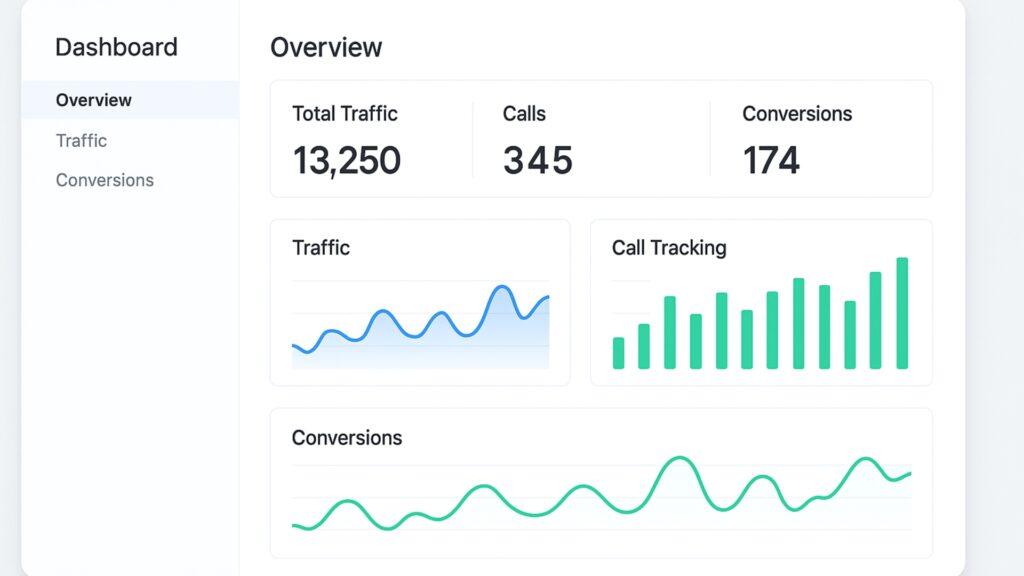
An audit is only useful if progress is monitored and improvements tracked.
How to track progress:
- Use Ubersuggest or SEMrush for keyword rankings.
- Monitor website traffic with Google Analytics.
- Track leads: calls, contact form submissions, or bookings.
- Check GBP Insights for calls, clicks, and directions requests.
- Use tools like Local Falcon to get a detailed location-based ranking in Google Maps.
SEO is not a one-time job. Regular tracking highlights what’s improving and where strategy needs adjustment.
Keep a simple monthly report with rankings, traffic, and leads. Over time, this helps identify long-term patterns.
SEO Audits Give Clarity and Direction
A local SEO audit is the foundation of stronger online visibility. By addressing profiles, citations, website content, speed, reviews, and backlinks, businesses can improve rankings and attract more nearby customers.
For ongoing growth, consider adding a blog to publish fresh, keyword-rich content that supports local SEO and builds trust. Consistent content creation paired with regular audits helps maintain visibility and build long-term authority.
Done consistently, an audit is not just a checklist but the start of an ongoing cycle of growth.
Frequently Asked Questions
A local SEO audit reviews how well a business appears in local searches. It covers profiles, website content, citations, reviews, and backlinks.
It ensures potential customers find accurate, up-to-date information. Even small errors can reduce visibility and cost a business valuable leads.
A full audit twice a year is ideal, with monthly mini-checks for profiles, reviews, and citations.
No. Many steps can be done manually, but free tools like PageSpeed Insights, Google Analytics, and Ubersuggest make it faster.
For a single-location business, 2–4 hours is typical. Larger businesses with multiple locations may need more time.