
Managing content ideas, publishing schedules, and performance metrics can quickly become overwhelming without the right system in place. To stay consistent and maximize results, businesses and creators rely on powerful tools that simplify scheduling and deliver actionable analytics.
Here’s a roundup of the best content scheduling and analytics tools designed to save time, boost productivity, and keep every campaign on track.
EDITOR’S CHOICE
|
Best for Beginners Who Want Simplicity

|
Best Dashboard for Analytics + Scheduling

|
Best for Agencies Managing Multiple Clients

|
|
Primary Rating:
4.5
|
Primary Rating:
4.5
|
Primary Rating:
4.6
|
|
Pros:
|
Pros:
|
Pros:
|
|
Cons:
|
Cons:
|
Cons:
|
- Very user-friendly
- Affordable with free option
- Basic analytics included
- Limited advanced reporting
- Team features only in paid plans
- All-in-one scheduling + analytics
- Competitor benchmarking
- Professional reporting tools
- Can be overwhelming at first
- Advanced tools behind paid plans
- White-label reporting
- Canva integration
- Ideal for client management
- Limited free trial
- Pricier than some small-team tools

- Buffer Best for Beginners Who Want Simplicity
- Later Best for Visual Planners & Instagram/TikTok Growth
- Meta Business Suite Best for Facebook/Instagram Management
- Metricool Best All-in-One Dashboard for Analytics + Scheduling
- RecurPost Best for Recycling Evergreen Content
- Sprout Social Best for Enterprise Teams & In-Depth Analytics
- Sendible Best for Agencies Managing Multiple Clients
- ContentStudio Best for Content Curation + AI-Powered Workflows
- Fanbooster (by Traject) Best for Scalable Multi-Brand Management
- Repurpose.io Best for Content Repurposing & Automation
Best Tools for Beginners
Buffer — Best for Beginners Who Want Simplicity
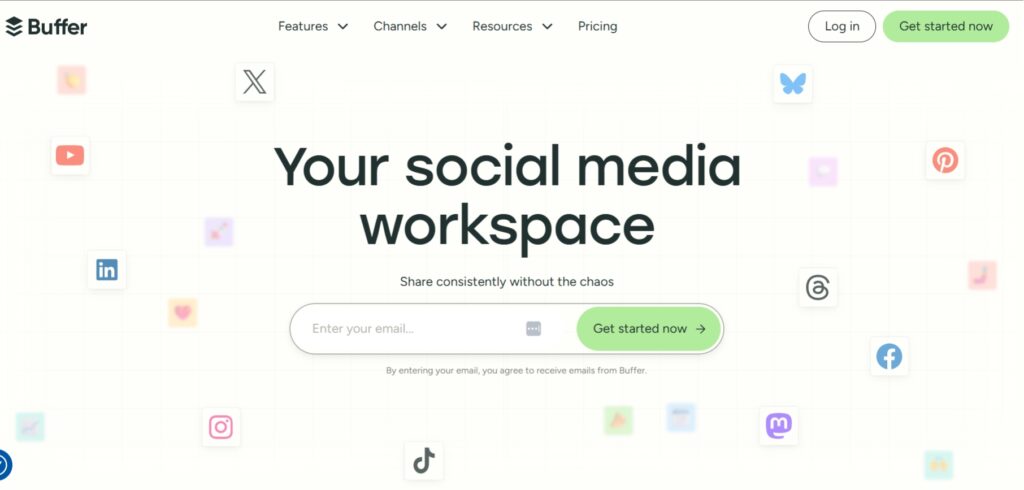
Buffer is one of the easiest scheduling tools for beginners, thanks to its clean design and simple workflow. It’s great for individuals and small businesses who want a quick way to post consistently and track performance without extra complexity.
Key Features:
- Auto-publish or notify posting across multiple platforms
- AI Assistant to help generate post ideas instantly
- A built-in content calendar makes it easy to organize posts alongside drafts, saved ideas, and libraries.
- Engagement tools for replying to comments and DMs
- Collaboration workflows and multi-user support (paid plans)
Plans & Pricing:
Free
- $0/month
3 channels, 10 scheduled posts per channel
Essentials
-
$5/month
per channel
Unlimited posts, analytics, hashtag manager
Team
-
$10/month
per channel
Includes collaboration features
Agency
-
$120/month
10 channels + $6/channel for more
Buffer is great for beginners who want a no-fuss way to schedule posts and get quick insights. It’s ideal if you just want to stay consistent without advanced features slowing you down.
- Very user-friendly
- Affordable with free option
- Basic analytics included
- Limited advanced reporting
- Team features only in paid plans
Later — Best for Visual Planners & Instagram/TikTok Growth
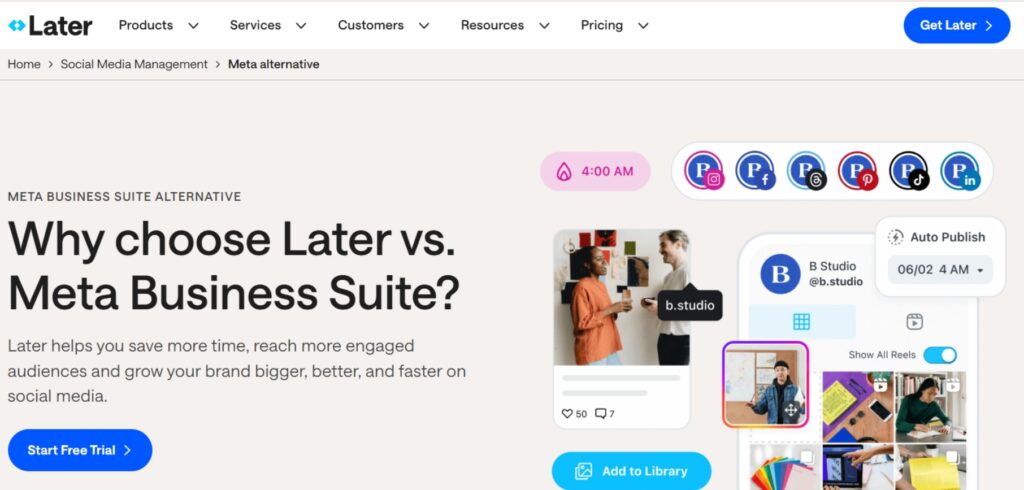
Later is especially popular with creators and small brands focused on Instagram and TikTok. It features a drag-and-drop visual content calendar and a grid preview that lets users plan their Instagram feed with precision.
Key Features
- Auto-scheduling for Instagram, TikTok, Facebook, Pinterest, LinkedIn, YouTube, Threads, and Snapchat
- Visual drag-and-drop planner for Instagram feed layouts
- Built-in Linkin.bio for shoppable and clickable feeds
- Hashtag suggestions, UGC collection, analytics, and AI caption tools
- Social inbox, approval workflows, and team collaboration features
Plans & Pricing:
Free
- $0/month
6 profiles
Starter
- $25/month
1 social set, 30 posts/profile, analytics
Growth
- $33/month
2 social sets, 150 posts/profile, inbox, team tools
Scale
- $73/month
Up to 48 profiles, advanced reporting

Later is perfect for creators who want to visually plan their Instagram or TikTok content. Meta Business Suite works best for small businesses focusing mainly on Facebook and Instagram.
- Visual grid planning (Later)
- Free scheduling & analytics (Meta)
- Built-in Linkin.bio (Later)
- Limited outside Meta platforms
- Paid plans needed for advanced tools
Meta Business Suite — Best for Facebook/Instagram Management
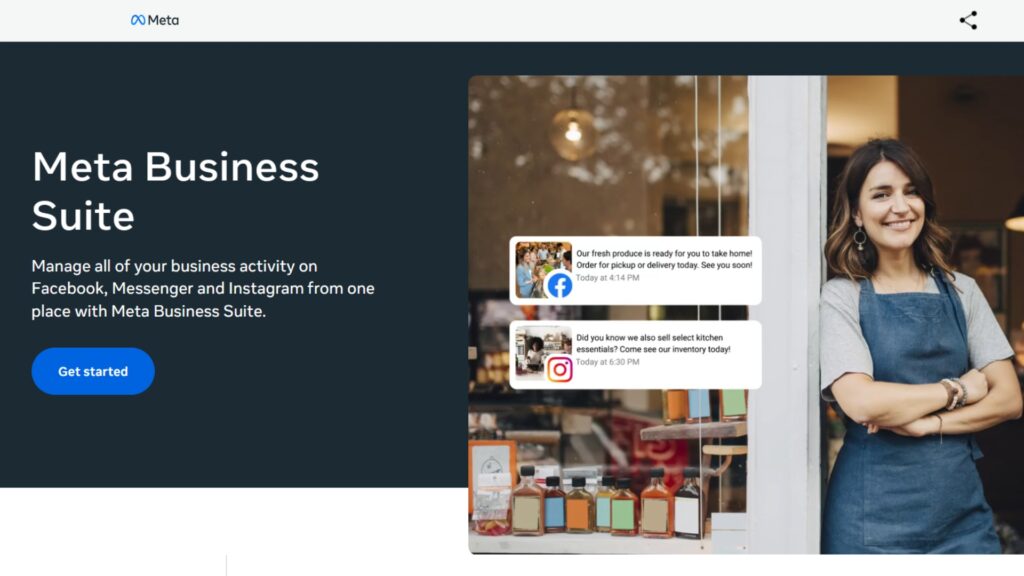
Meta Business Suite is Meta’s all-in-one free tool designed to manage Facebook and Instagram from a single dashboard. It’s great for small businesses looking to streamline scheduling, messaging, and insights across both platforms.
Key Features
- Schedule posts and stories on Facebook and Instagram
- Unified inbox for comments, DMs, and notifications
- Basic performance insights (reach, engagement, audience demographics)
- Direct integration with Meta Ads Manager
- Access via mobile app and desktop
Plans & Pricing:
Free for all users
- Post scheduling and drafts
- Messaging and comments in one inbox
- Ad creation and analytics
Best Budget-Friendly Tools with More Features
Metricool — Best All-in-One Dashboard for Analytics + Scheduling
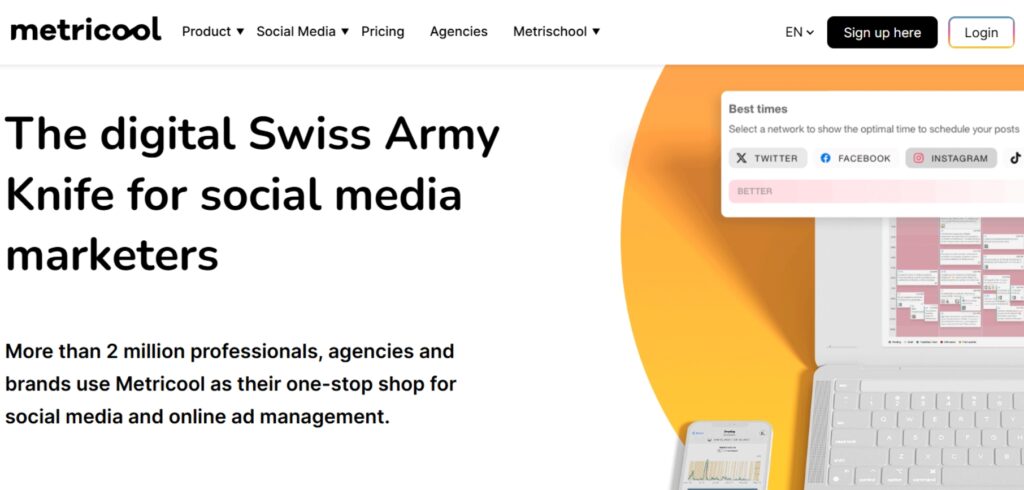
Metricool goes beyond scheduling with built-in analytics, competitor tracking, and reporting, making it a strong choice for freelancers and agencies. It’s designed for those who want both content management and performance tracking in one dashboard.
Key Features:
- Manage socials, blogs, and ads in one place
- AI Assistant, competitor tracking, and SmartLinks
- Exportable PDF/PPT reports and media integrations
- Canva, Google Drive, Zapier, and Looker Studio integrations
Plans & Pricing:
Free
1 brand, 50 posts/month, 3 months analytics
Starter
- $18/month
10 brands, full scheduling, analytics
Advanced
- $45/month
Team access, roles, integrations
Custom
For 50+ brands
A smart content management and analytics tool that connects your blog and social platforms for scheduling and insights.
- Easy-to-use dashboard for multi-platform scheduling
- In-depth analytics for performance tracking
- Great value with a generous free plan
- Some advanced analytics require paid tiers
- Interface may feel data-heavy for beginners
RecurPost — Best for Recycling Evergreen Content
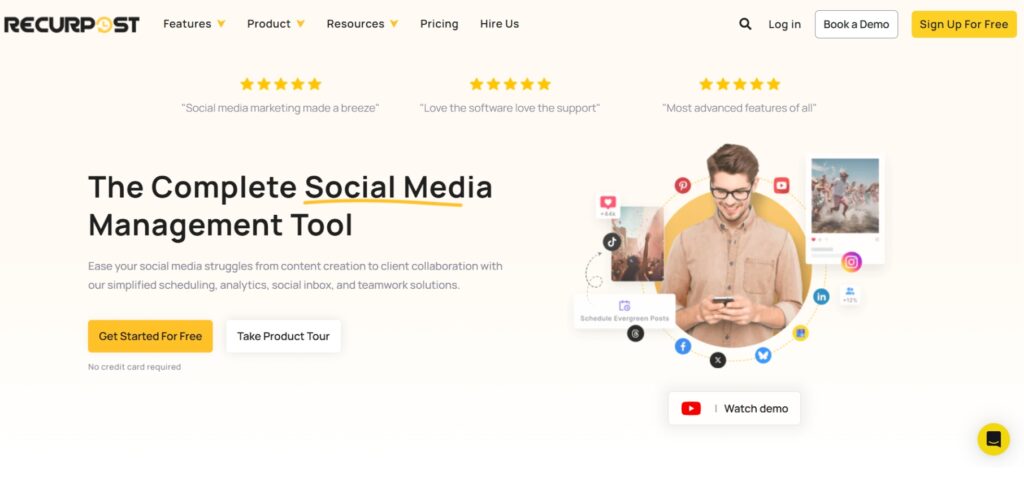
RecurPost is perfect for recycling evergreen content so your top-performing posts never go to waste. It’s ideal for small businesses or solo creators who want to stay consistent without constantly creating new content.
Key Features:
- Recurring and one-off post scheduling
- Social inbox and content import via RSS
- White-label reports and browser extensions
- Mobile app and multi-client approval flows
Plans & Pricing:
Starter
- $9/month
3 accounts, 20 daily posts/account
Personal
- $25/month
5 accounts, RSS import, more storage
Agency
- $79/month
10 accounts, team access
Enterprise
Custom pricing

RecurPost is perfect for anyone building an evergreen content strategy where top-performing posts keep driving results over time. It’s great if you’re short on time but want to stay visible online.
- Evergreen post recycling
- Affordable pricing tiers
- Supports approval workflows
- Outdated interface design
- Limited integrations
Best Tools for Teams & Agencies
Sprout Social — Best for Enterprise Teams & In-Depth Analytics
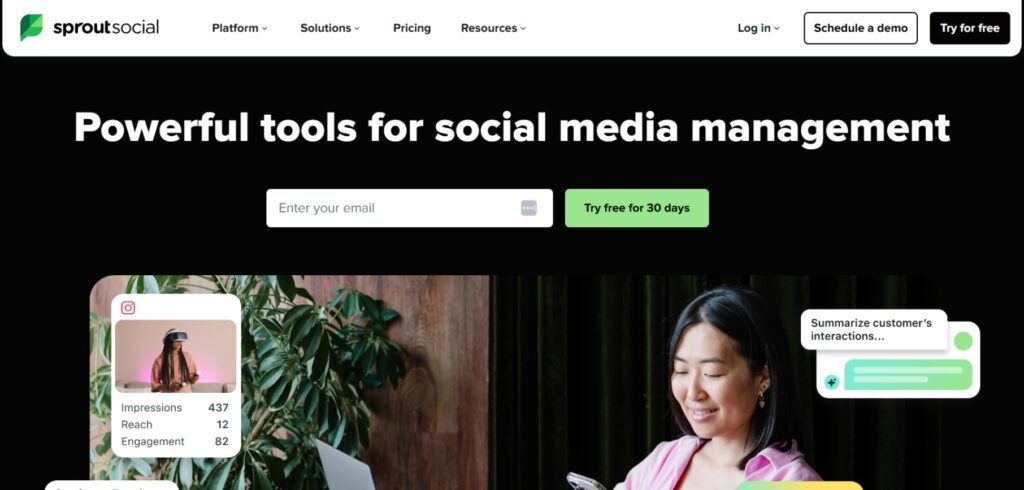
Sprout Social is a premium, enterprise-level platform that combines publishing, monitoring, engagement, and deep analytics. It’s best suited for teams and agencies that need collaboration and advanced reporting features.
Key Features:
- Unified Social Inbox across all networks
- Advanced publishing, queues, and content calendar
- AI-powered post optimization, tagging, and sentiment analysis
- Keyword, review, and location monitoring
Plans & Pricing:
Standard
- $199/month
5 profiles, keyword monitoring
Professional
- $299/month
Unlimited profiles, AI Assist
Advanced
- $399/month
Automation, helpdesk integration
Enterprise
- Custom pricing
Includes onboarding, SSO, support

Sprout Social is built for serious teams that need advanced features and deep insights.It’s best when collaboration, professional reporting, and aligning social efforts with your content funnel from TOFU awareness posts to BOFU conversion campaigns are top priorities.
- Enterprise-level reporting
- Unified inbox for all platforms
- Strong collaboration tools
- High price tag
- Too advanced for casual users
Sendible — Best for Agencies Managing Multiple Clients
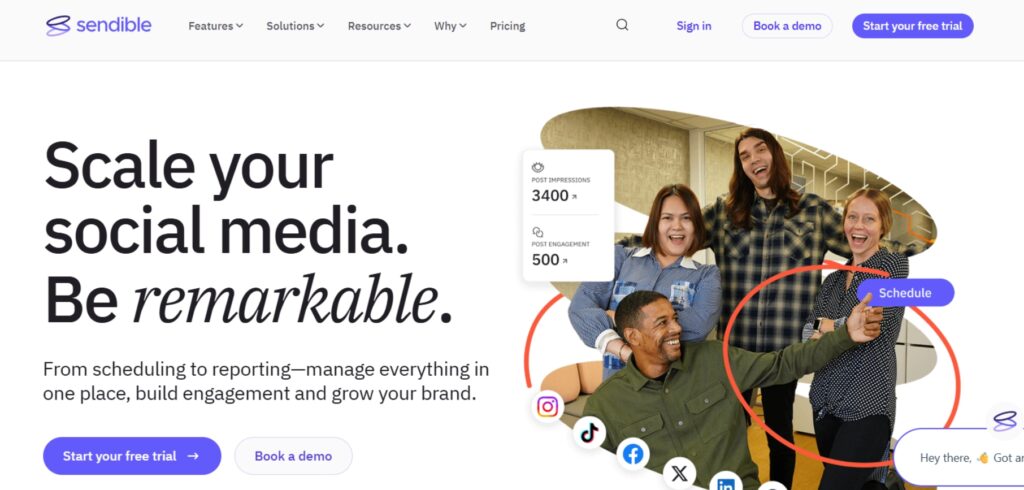
Sendible is tailored for agencies and freelancers managing multiple clients, offering customizable dashboards and white-label reporting. It balances powerful features with ease of use, making it a favorite among client-focused marketers.
Key Features:
- Smart content composer with bulk import
- Real-time social inbox and content library
- Custom tags, UTM tracking, automated reports
- White-label dashboards and client approval flows
Plans & Pricing:
Creator
- $26/month
6 profiles, AI, monitoring
Traction
- $80/month
24 profiles, team collaboration
Scale
- $179/month
White-label, hashtag library
Enterprise
- $675/month
SSO, 80 users, support manager
Sendible is great for agencies that want customizable, client-friendly dashboards. It helps deliver a polished experience while still being easy to manage.
- White-label reporting
- Canva integration
- Ideal for client management
- Limited free trial
- Pricier than some small-team tools
ContentStudio — Best for Content Curation + AI-Powered Workflows
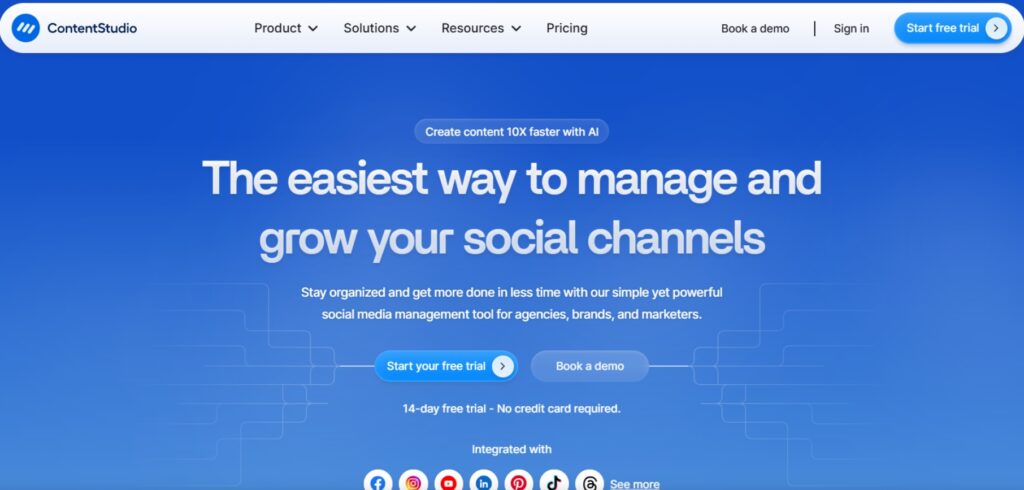
ContentStudio combines scheduling, publishing, and content discovery, helping brands stay creative while staying organized. It’s a versatile option for teams and agencies that want automation alongside collaboration tools.
Key Features:
- Centralized content planner for social and blog
- AI tools suggest captions, hashtags, and fresh content ideas to keep your feed engaging.
- Inbox, approval workflows, and workspace management
- Evergreen posting and content automation recipes
Plans & Pricing:
Standard
- $19/month
1 workspace, 5 social accounts, 10 GB storage
Advanced
- $49/month
Adds team support, more users/accounts, automation features
Agency Unlimited
- $99/month
Unlimited users, agency-focused features

ContentStudio works best for teams that want both automation and creative tools. It’s especially helpful for keeping content organized across multiple accounts.
- AI-powered ideas & automation
- Strong evergreen posting
- Multi-user collaboration
- Takes time to learn
- Pricey for larger teams
Fanbooster (by Traject) — Best for Scalable Multi-Brand Management
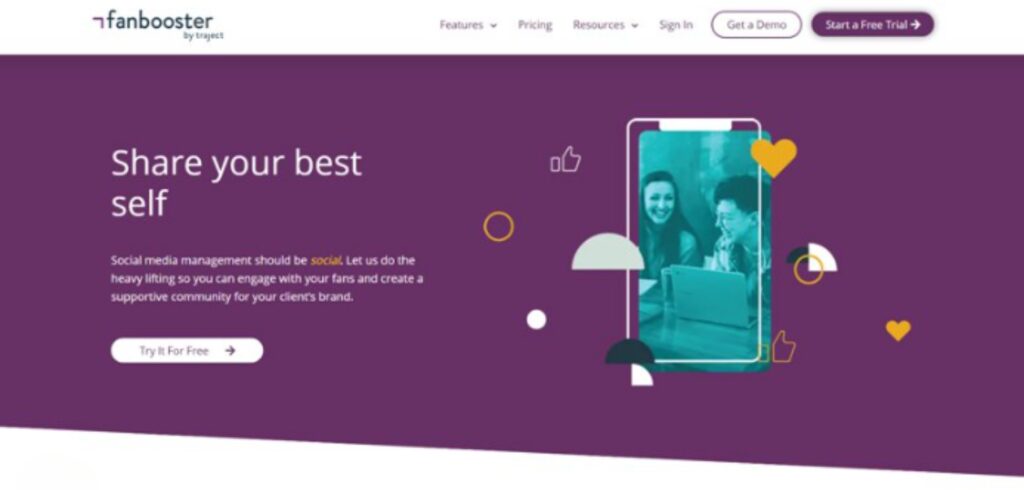
Fanbooster is built for agencies that manage multiple clients, offering strong analytics, reporting, and social listening tools. Its scalability and white-label features make it ideal for growing teams that need to handle a high volume of accounts.
Key Features:
- Visual planner and content automation
- Central dashboard for client accounts
- Sentiment analysis, hashtag insights, trend tracking
- Social listening, reporting, and brand customization
Plans & Pricing:
Standard
- $49/month
5 projects, 15 profiles
Advanced
- $99/month
10 projects, 30 profiles
Pro/Enterprise
- $199/month+
20+ projects, 80+ profiles

Fanbooster is designed for agencies that need scalable reporting and advanced listening tools. It’s best for managing lots of clients at once.
- Great for multi-client agencies
- Sentiment analysis built-in
- White-label dashboards
- UI isn’t as sleek as others
- Smaller user community
Repurpose.io — Best for Content Repurposing & Automation
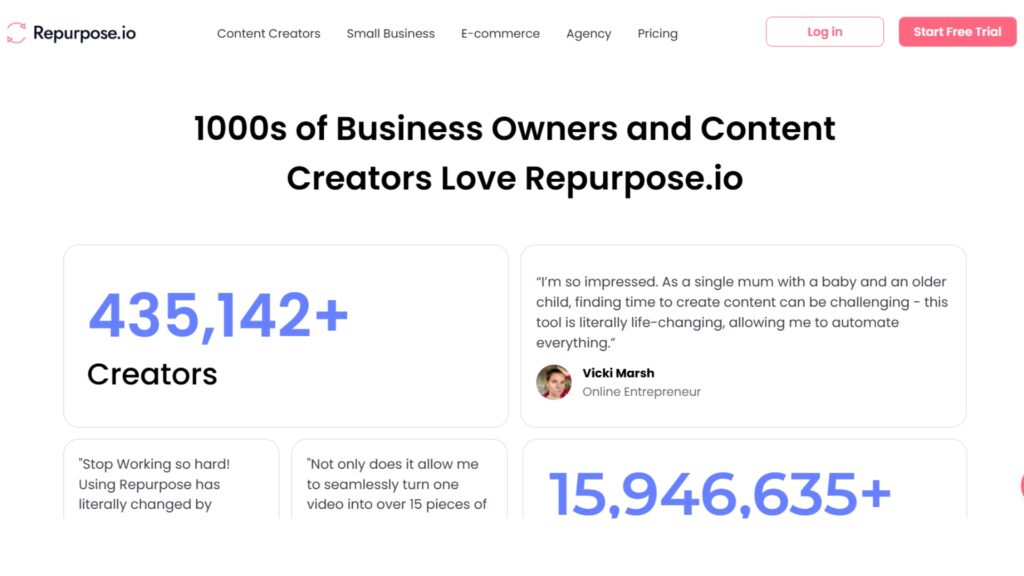
Repurpose.io helps creators, marketers, and agencies automate the transformation, videos, podcasts, livestreams into optimized pieces for multiple platforms with smart workflows and templates.
Key Features
- Automated content workflows: trim, resize, caption, brand.
- Visual calendar for scheduling and organizing posts.
- Custom video/audio templates, branding elements, progress bars.
- Integrates with TikTok, Instagram, Facebook, YouTube, Li nkedIn, Snapchat, Twitter, Threads, podcasts, Zoom, cloud storage, HeyGen.
- Watermark removal, auto resizing, and automatic backups to Drive/Dropbox.
- Mobile access, live chat, helpful tutorials, and Help Center.
Plans & Pricing
Starter
-
$0.97/day ( $35/month)
billed annually at $349
Up to 5 accounts per social media platform, unlimited published videos, includes core automation tools and templates
Pro
-
$2.19/day ($79/month)
billed annually at $790
Up to 10 accounts per platform, unlimited published videos, access to advanced templates, workflows, and priority processing
Agency
-
$4.97/day ( $179/month)
billed annually at $1,790
Up to 20 accounts per platform, unlimited published videos, white-label branding, client workspaces, and priority support

Automate & repurpose your content to grow your audience fast. Ideal for creators, coaches, & marketers seeking easy cross-platform reach.
- Saves Time By Automating Posts
- Expands Reach To Multiple Platforms
- Easy Setup And Beginner-friendly
- Monthly Subscription Cost
- Limited Advanced Customization
- Requires Consistent Content Creation
Choose the Right Tool Based on Your Needs
Now that you’ve seen the top content scheduling and analytics tools, the next step is choosing the one that best fits your situation.
Here’s a quick way to filter your options:
Just Getting Started?
- Choose simple, low-cost tools (or free ones like Meta Business Suite)
- Focus on posting consistently without feeling overwhelmed
- The goal here is to build good content habits and boost visibility
Already Posting Regularly?
- Use platforms with built-in analytics and scheduling features
- Look for tools that help you track performance, spot trends, and refine strategy
- Ideal if you’re entering the middle stage of your marketing funnel
Managing Multiple Brands or Clients?
- Prioritize tools with team collaboration, approval workflows, and client reporting
- Features like white-label dashboards and multi-brand support are key
- Perfect for agencies or marketers juggling several social accounts
Quick Comparison Table
To make it easier, here’s a quick comparison of which tools work best for different needs. Whether you’re after simple scheduling, advanced reporting, or even integrating with beginner-friendly local SEO tools, this breakdown will guide you.
| Goal | Best Tool(s) | Why |
| Start cheap and simple | Buffer, Later | Easy interface, basic analytics |
| Multi-platform workflows | Metricool, RecurPost | Affordable, feature-rich |
| Team collaboration & deeper insights | Sprout, Sendible, ContentStudio | Calendars, approvals, reporting |
| Agencies or power users | Fanbooster | White-labeling, multiple clients |
Final Thoughts
No matter where you are in your journey, whether you’re just starting out or scaling up, the right tools can make your content strategy smoother, smarter, and more effective.
The real magic happens when you choose the tool that fits your current stage of growth.
Want a shortcut to better results?Grab our free guide: [Content that Converts]
Learn how to turn every post into a lead-generating, trust-building, sales-driving machine.
Frequently Asked Questions
Buffer and Meta Business Suite both offer solid free plans. Buffer is great for beginners with up to 3 social channels, while Meta Business Suite is completely free if you’re focused on Facebook and Instagram.
For advanced analytics, Sprout Social and Metricool stand out. Metricool is more budget-friendly and great for freelancers, while Sprout Social is enterprise-level with deep reporting and monitoring.
A content calendar is a visual plan of when and where posts will go live, while content scheduling tools automate the publishing. Many tools, like ContentStudio and Later, combine both features.
Sendible and Fanbooster are top picks for agencies. They offer white-label reporting, approval workflows, and scalability for handling multiple brands without chaos.
It depends on your stage:
Beginners – Buffer or Later (simple & affordable)
Growing brands – Metricool or RecurPost (analytics + evergreen content)
Agencies/Enterprises – Sendible, Sprout Social, or Fanbooster (collaboration + scalability)
Yes, even simple scheduling tools save hours of manual posting and help you stay consistent. Starting with a free or low-cost plan is often enough to build momentum.