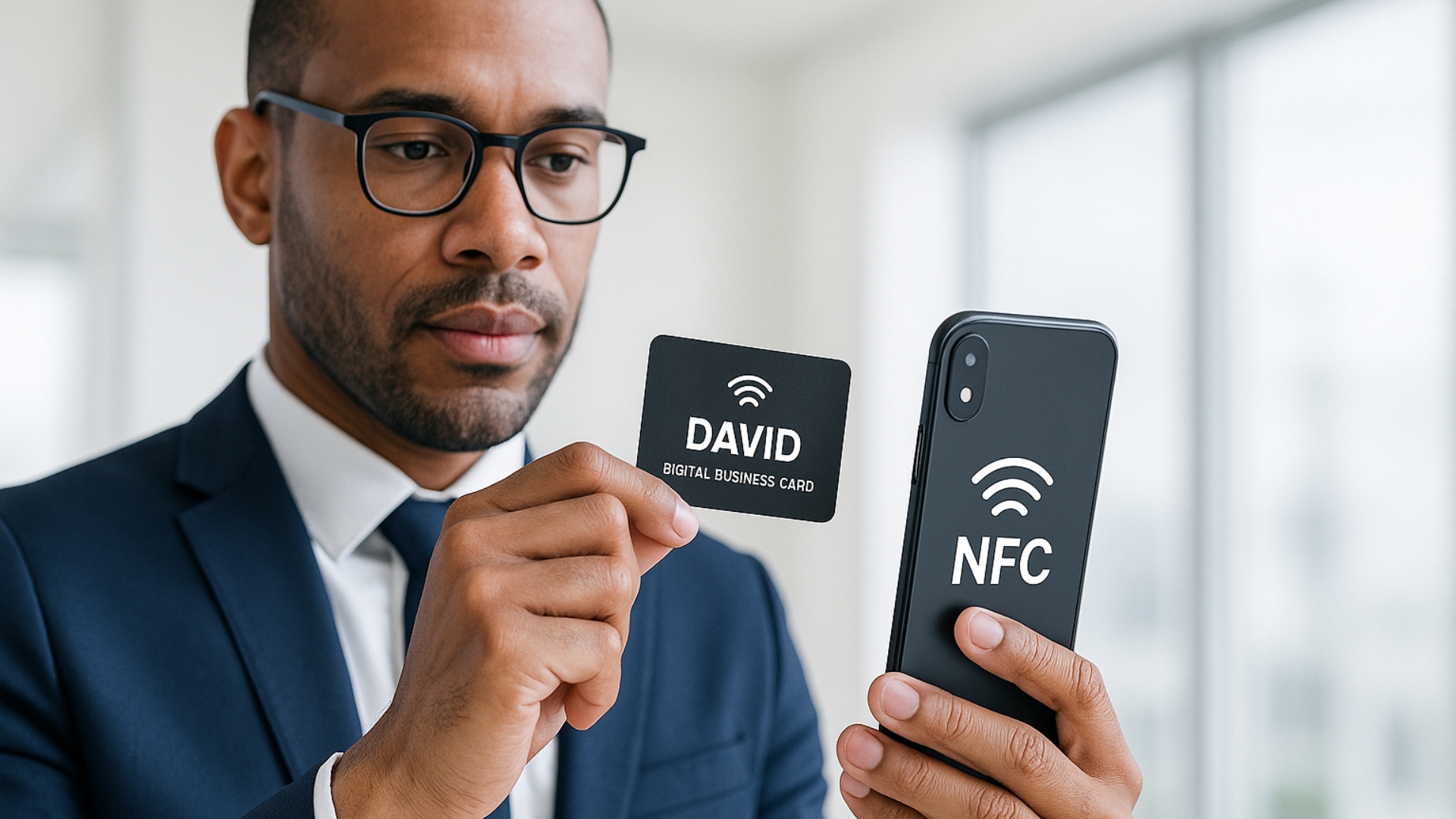
For small business owners, first impressions matter. A digital business card you can tap, scan, or share instantly isn’t just a cool gadget. It’s a smart way to turn quick introductions into real leads.
In a world where speed and convenience drive decisions, digital cards give you an edge. They eliminate the need for printed materials and let you connect with anyone, anywhere, whether online or in person.
These tools are becoming must-haves for professionals who want to make a strong impression and stay top-of-mind after that first handshake or Zoom call. More than just a paperless card, they let you share videos, social links, and booking links in one place, creating an interactive, branded experience.
Below is a clear, step-by-step roundup of the best digital business card tools. These include apps, NFC and QR-based solutions, and design platforms. Each tool is chosen for its ability to help you make meaningful connections that grow your network.
EDITOR’S CHOICE
|
Best for Stunning Visual Designs
|
Best for Sales Teams
|
Best for NFC Card Options
|
|
Primary Rating:
4.8
|
Primary Rating:
4.7
|
Primary Rating:
4.8
|
|
Pros:
|
Pros:
|
Pros:
|
|
Cons:
|
Cons:
|
Cons:
|
- High-quality, professional templates
- Easy customization for non-designers
- Affordable branding solution
- No built-in sharing or analytics
- Needs pairing with another platform for full use

What Makes a Digital Business Card Tool Convert?
Digital business cards aren’t just a modern alternative. They’re a smart tool for small business owners looking to grow their reach and streamline how they connect.
Here are a few ways different types of businesses can use them:
- Real estate agents can include links to property listings, video tours, and appointment schedulers, making it easy for leads to take the next step.
- Freelancers and consultants can showcase portfolios, offer free resources, or drive traffic to a lead magnet or booking calendar.
- Local service providers like plumbers, electricians, and handymen can include tap-to-call features, Google reviews, and map links for easy scheduling.
- Salons, spas, and beauty professionals can display galleries, highlight promotions, and accept appointments directly from the card.
- Retail or boutique shop owners can use digital cards to promote loyalty programs, showcase seasonal collections, or collect customer info for future campaigns.
- Event professionals and photographers can share galleries, testimonials, and service packages instantly, without relying on paper brochures.
No matter the industry, digital business cards help you make strong first impressions, stay top-of-mind, and simplify how people reach you, whether you’re networking in person or online.
Best Digital Business Card Tools and Who They’re For
- brandcrowd.com Best for Stunning Visual Designs
- Canva Most User-Friendly Design Tool
- VistaCreate Best for Animated and Dynamic Cards
- HiHello Best for Simplicity and Easy Sharing
- Popl Best for Sales Teams and Event Networking
- Mobilo Best Hybrid of Physical and Digital Cards
- Linq Best for Stylish NFC Cards
- Beaconstac/Uniqode Best for Enterprise Deployments
We’ll break down what each tool does best, who it’s most useful for, and how much it costs so you can choose the one that aligns with your goals.
Design Tools
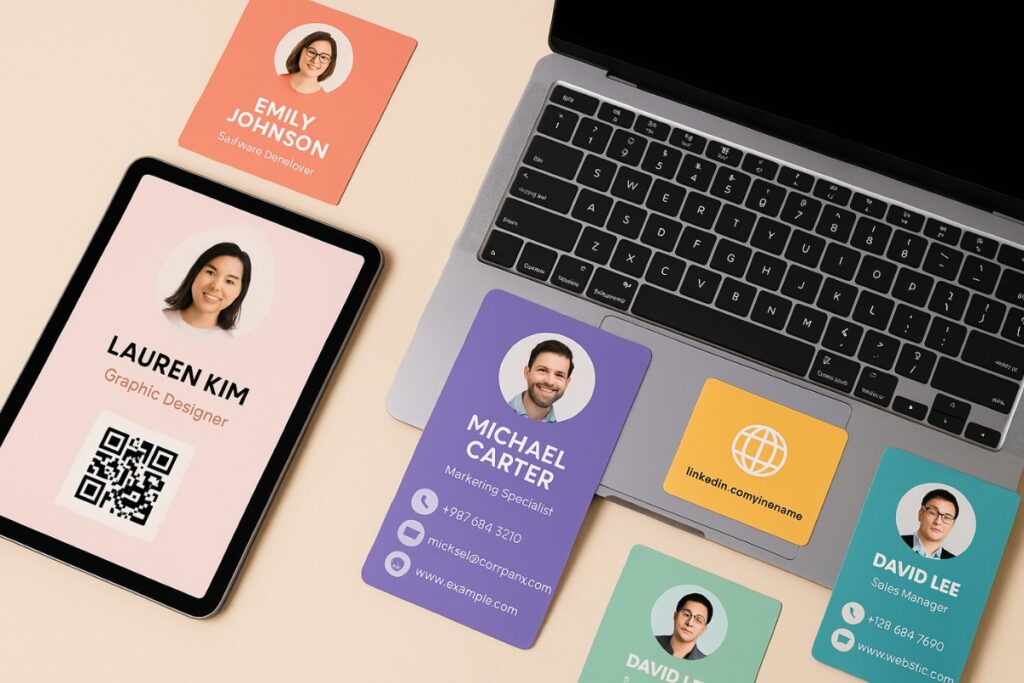
BrandCrowd — Best for Stunning Visual Designs
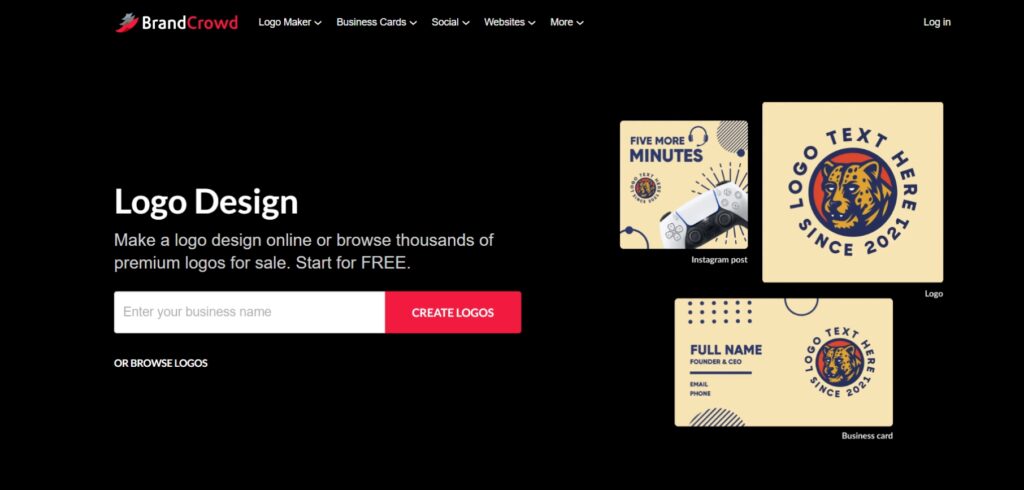
BrandCrowd is a design-first platform specializing in creating logos, branding kits, and visually stunning business card designs.
This makes it especially useful for small business owners who want to establish a cohesive visual identity across platforms without hiring a professional designer. From social profiles to printed materials, having a consistent brand look helps build recognition and credibility.
Its easy-to-use editor makes professional branding accessible even to non-designers. With thousands of templates across industries, users can customize colors, fonts, and layouts to align with their brand identity.
Because BrandCrowd is design-focused, it doesn’t handle sharing, analytics, or contact management. Instead, it complements platforms like HiHello or Popl by giving users high-quality visuals that enhance brand perception and conversion rates.
Key Features:
- Thousands of professional design templates
- Logo creation and branding kits
- Customizable colors, fonts, and layouts
- Downloadable assets for pairing with card-sharing tools
- Affordable design compared to hiring professionals
Pricing and Plans
Brandcrowd focuses on one-time design purchases with optional subscriptions.
Free Preview
- $0
Browse and customize thousands of templates.
Premium
- $9/month
Logo / Design Export
-
Starts at $20
High-resolution file download for personal or commercial use.
Custom Branding Package
-
Varies by asset
Expanded branding resources and template access across multiple platforms.
A quick design platform that helps you instantly create professional digital card visuals without needing a designer.
- High-quality, professional templates
- Easy customization for non-designers
- Affordable branding solution
- No built-in sharing or analytics
- Needs pairing with another platform for full use
Canva — Most User-Friendly Design Tool
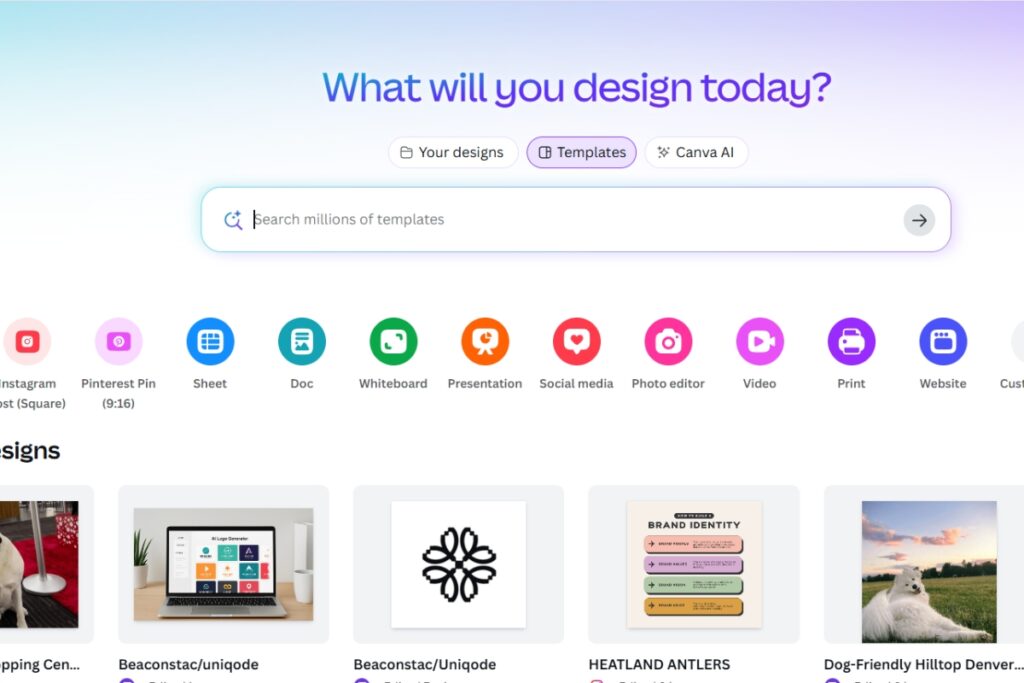
Canva is a widely used drag-and-drop design tool with an enormous selection of templates, fonts, icons, and branding tools.
Its ease of use makes it especially appealing to small business owners, solopreneurs, and side hustlers who want professional-looking visuals without needing formal design skills or expensive software. With just a few clicks, anyone can produce polished materials that reflect their brand.
It is ideal for creating graphics or digital card designs you can upload to an NFC card or QR platform. Canva also allows you to create entire brand kits and resize your card for different platforms.
Key Features:
- Drag-and-drop card designer
- Huge library of templates and graphics
- Social media and branding kit support
- Easy resizing for different formats
- Collaboration tools for teams
Pricing and Plans
Canva offers free access with paid upgrades.
Free
-
$0
Basic templates and tools, suitable for individuals.
Pro
-
$12.99/month
$119.99/year
Access to premium templates, advanced editing, brand kit, and collaboration tools.
Teams
-
$14.99/month per user
Collaboration features, shared brand kits, and workflow tools for businesses.
Long time powerful digital design platform well-known and used by content creators of all kinds.
- Extremely beginner-friendly
- Huge library of templates and graphics
- Easy resizing and brand kit support
- Advanced features locked behind Pro
- No built-in analytics or lead capture
VistaCreate — Best for Animated and Dynamic Cards
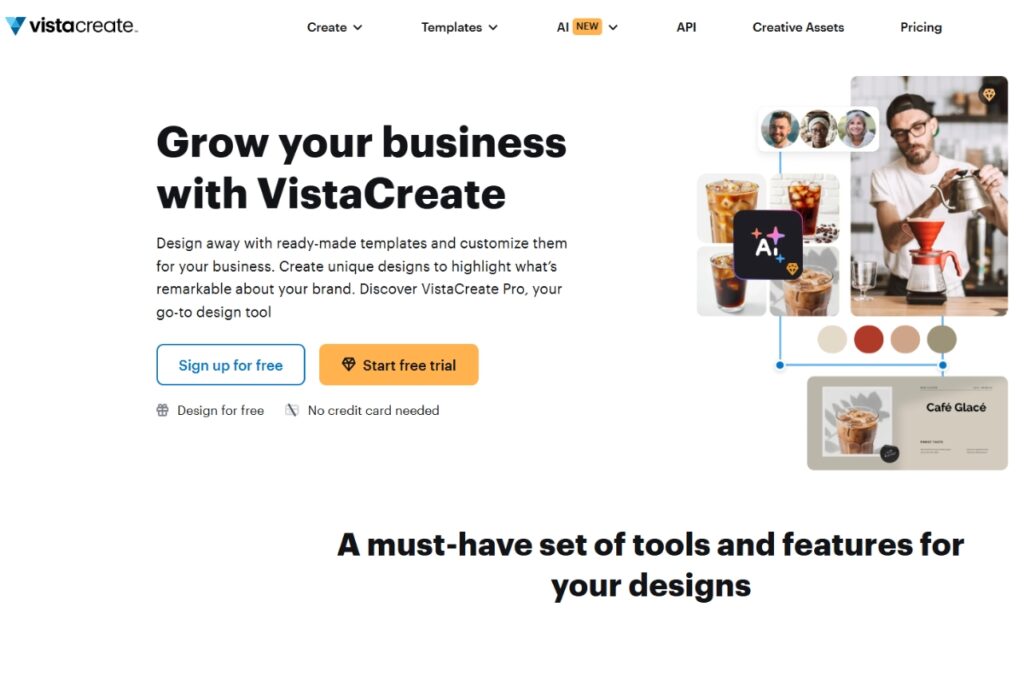
VistaCreate competes closely with Canva, offering strong visuals and animated assets for more dynamic card designs. It’s great for those who want to add motion or interactive elements to their digital cards, or who need access to niche template categories.
Key Features:
- Large template and asset library
- Animation and motion graphic support
- Branding tools for consistency
- Stock photos and design elements included
- Export for multiple formats
Pricing and Plans
VistaCreate offers a free plan with paid upgrades.
Starter
- Free
Basic design templates and assets.
Pro
-
$10/month
Access to premium templates, stock photos, animations, and advanced editing tools.
A design tool that stands out for adding animations and motion effects to your card designs.
- Strong animation and motion graphics support
- Wide variety of design templates
- Affordable compared to competitors
- Less popular than Canva (smaller community)
- Limited third-party integrations
Contact Sharing Tools
HiHello — Best for Simplicity and Easy Sharing
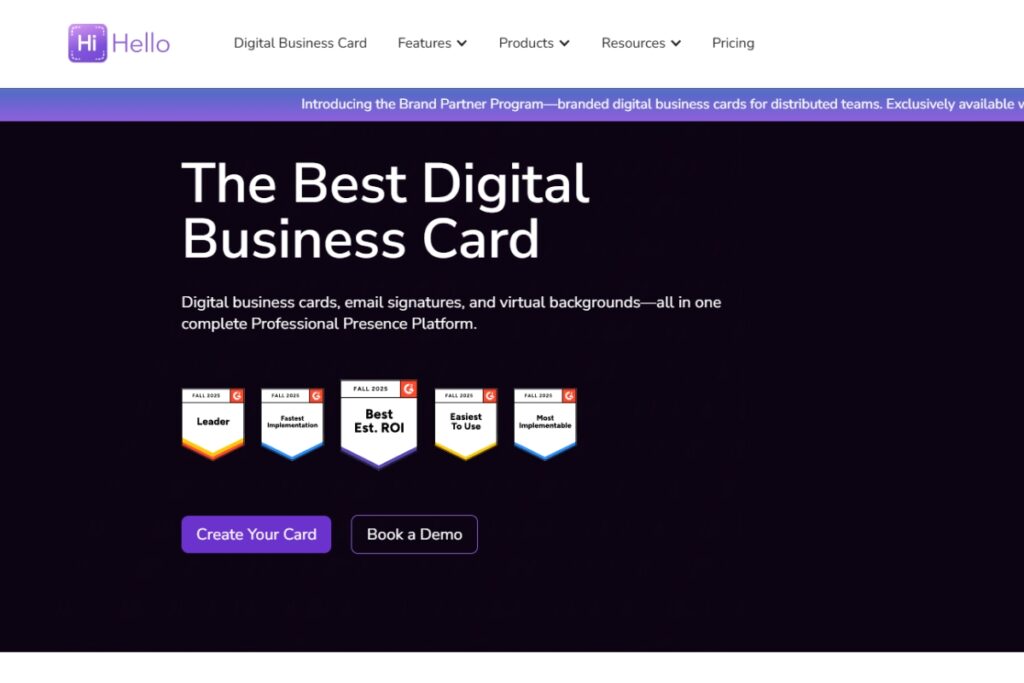
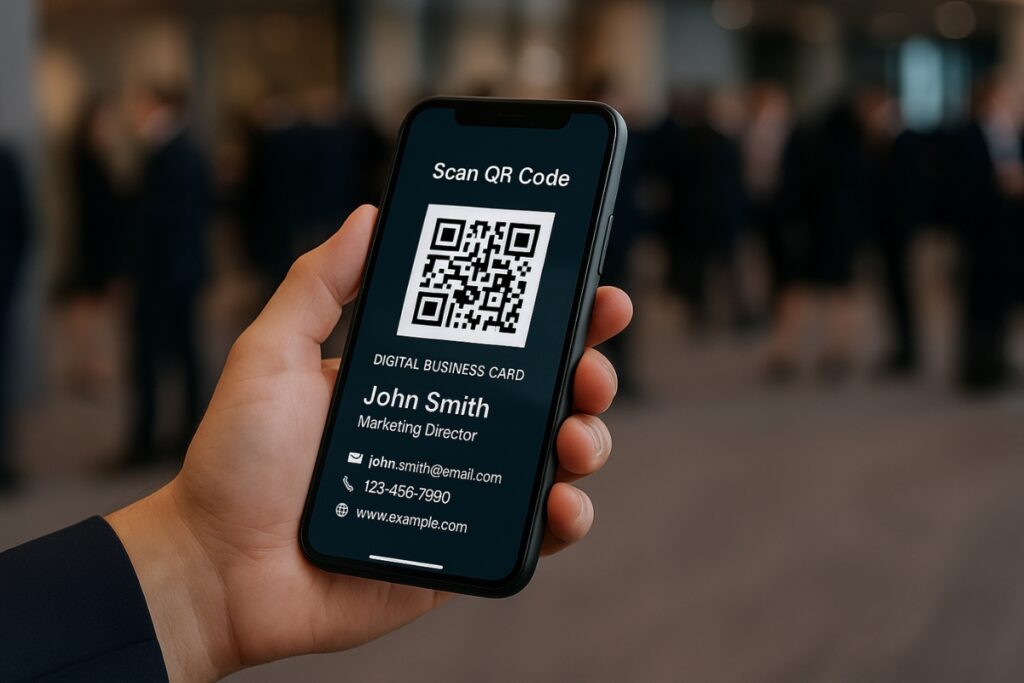
HiHello is a fully digital platform for sharing business cards, email signatures, and virtual meeting backgrounds. No physical hardware is needed, users share via QR codes, links, widgets, or even Apple Wallet.
This makes it especially useful for remote professionals, service providers, and teams who want to streamline how they connect across virtual and in-person touchpoints. Whether you’re hopping between client calls or attending industry events, HiHello keeps your contact info easy to share and always up to date.
Since recipients don’t need to download an app, it’s a very low-friction experience, making it ideal for networking across industries.
The platform also caters to businesses with team branding, centralized card creation, and CRM integrations. Paid tiers unlock analytics to track views and saves, as well as branded QR codes and advanced customization.
HiHello’s simplicity and scalability make it a strong pick for individuals, startups, and enterprises.
Key Features:
- QR, link, and widget-based digital sharing
- Virtual backgrounds and email signature integration
- Analytics for views, saves, and interactions (Pro+)
- CRM integrations and team controls
- Branded QR codes and multimedia attachments
Pricing and Plans
HiHello offers flexible plans for individuals and teams.
Personal
- Free
Basic card creation, QR/link sharing, email signature, and virtual background.
Professional
-
$6/month per user
(billed annually) -
$8 billed monthly
Branded QR codes, video and PDF attachments, analytics, and additional card templates.
Business
-
$25/month
first 5 users
All Professional features plus CRM integrations, admin controls, team analytics, and centralized branding.
Enterprise
-
Custom pricing
Advanced security, SSO, multi-division support, and dedicated account management.
A digital-only card app designed for effortless sharing without requiring recipients to download anything.
- Very simple, app-free sharing (QR, link, widget)
- Analytics and branded QR codes (paid)
- Integrates with CRM and team tools
- Free version lacks analytics
- Customization options are limited compared to design tools
Popl — Best for Sales Teams and Event Networking
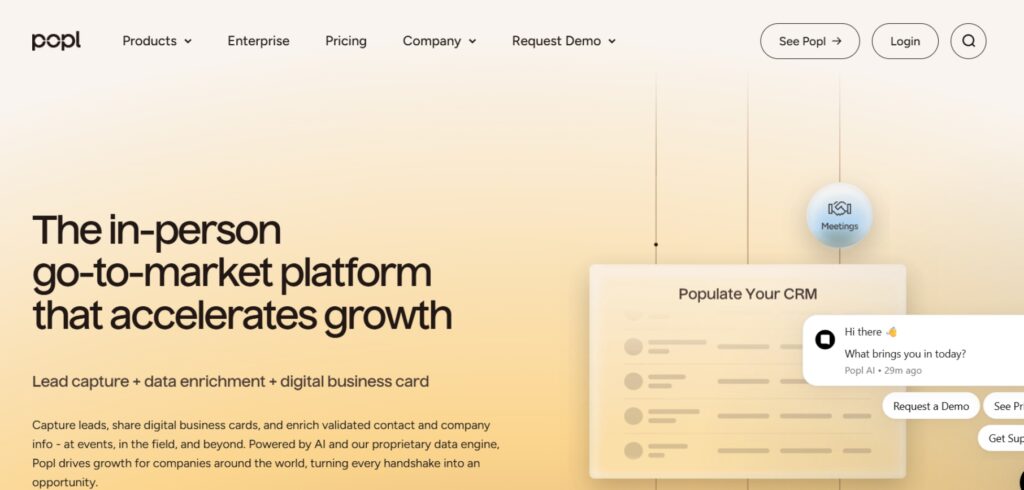
Popl is built for networking and lead capture at scale. It combines NFC devices, QR codes, and AI-powered scanners that can read badges and paper cards. This makes it especially useful at conferences, events, and trade shows where quick data capture is essential.
For businesses, Popl offers branded digital cards, company-wide admin controls, CRM integrations, and advanced analytics.
This setup is ideal for small teams looking to scale outreach and track performance. Sales reps can instantly share personalized profiles, while managers can monitor usage, lead flow, and follow-up activity from a central dashboard. It simplifies team-wide branding and ensures every interaction is consistent and measurable.
It streamlines lead flow into your CRM, eliminating the manual entry process. Its versatility makes it a preferred choice for sales teams and marketing departments.
Key Features:
- NFC, QR, and direct link card sharing
- AI-powered universal lead scanner
- CRM integration with tools like Salesforce and HubSpot
- Branded company cards and team dashboards
- Event-friendly features for capturing large volumes of leads
Pricing and Plans
Popl offers both individual and team plans.
Basic
- Free
Limited features, one digital card, and QR/NFC sharing.
Pro
- $7.99/month
Customization options, enhanced sharing features, and more saved contacts.
Pro+
-
$14.99/month
All Pro features plus advanced analytics, team tools, and integrations.
Team / Enterprise
-
Custom pricing
Bulk user management, CRM integrations, analytics dashboard, and company-wide branding.
A networking tool built for sales teams and events, offering advanced lead capture and CRM syncing.
- NFC + QR sharing for flexible networking
- AI-powered lead scanner for events
- Strong CRM integrations for sales teams
- Advanced features only in higher tiers
- May feel too complex for solo users
Mobilo — Best Hybrid of Physical and Digital Cards
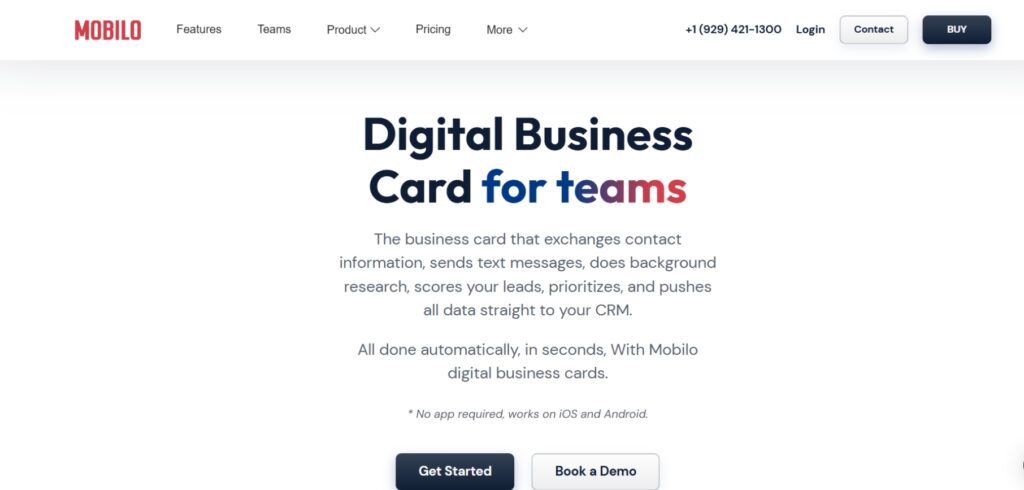
Mobilo delivers a unique physical + digital combo experience. With NFC-enabled cards (plastic, wood, or metal), users can tap to instantly share their details, redirecting to a customizable digital profile.
This approach is especially appealing to professionals who attend a lot of face-to-face meetings, trade shows, or networking events. The physical card keeps things personal, while the digital side ensures details stay current and interactive, no paper waste, no printing delays. This landing page can feature not only contact details but also videos, social profiles, and embedded forms, making it more engaging than a static card. Updates to the profile are seamless, so you never need to reprint.
What sets Mobilo apart is its ability to integrate with CRMs and automation tools. Businesses can trigger workflows whenever someone taps a card or fills in their details, streamlining follow-ups and lead capture.
For small teams and solo entrepreneurs, this automation can make a big difference. It reduces manual follow-up tasks and helps you stay on top of every new connection, all without needing a complex sales setup.
This makes Mobilo a great hybrid solution for professionals who want the tactile feel of a card combined with the power of automation. Just like using a virtual business address builds credibility online, a polished digital card reinforces your professional presence in meetings and networking.
Key Features:
- NFC-enabled cards with customizable landing pages
- Real-time updates with no reprints required
- CRM integrations and automation flows
- Unlimited taps and shares
- Multiple card material options (plastic, wood, metal)
Pricing and Plans
Mobilo combines one-time card costs with optional software subscriptions.
Mobilo Branded
-
$4.99
- Digital Wallet Card
- One-time cost (no subscriptions)
Custom Design
-
$19.50
- Digital Wallet Card
- One-time cost (no subscriptions)
Wood Custom Design
-
$29.50
- Digital Wallet Card
- One-time cost (no subscriptions)
Metal Custom Design
-
$69.00
- Digital Wallet Card
- One-time cost (no subscriptions)
A physical NFC card paired with a digital profile, giving users a hybrid solution for sharing and automation.
- Hybrid physical + digital experience (NFC cards)
- Real-time updates, no reprints needed
- Supports CRM workflows and automation
- Some features require add-ons
- Upfront cost for physical cards
Linq — Best for Stylish NFC Cards
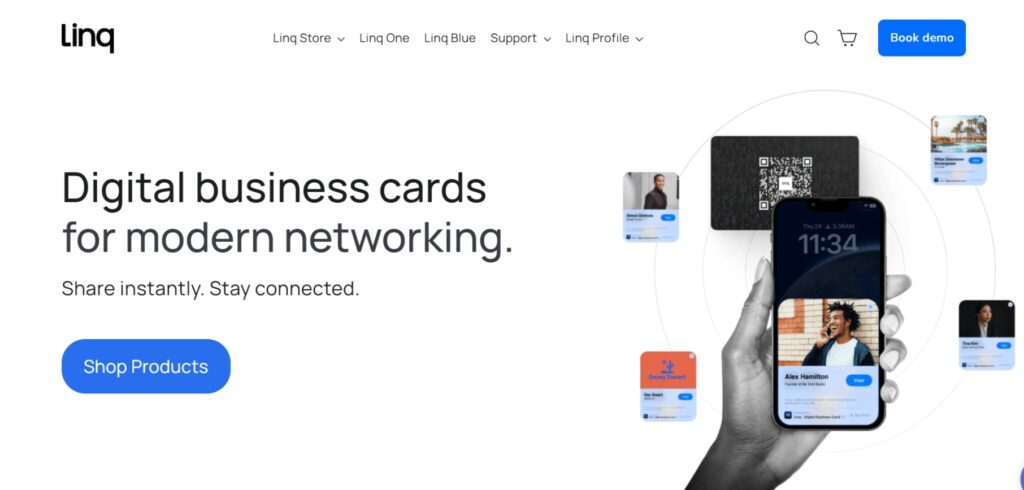
Linq is a U.S.-based platform offering sleek NFC-enabled cards, badges, and wearables designed for individuals and small-to-medium teams. Its focus is making networking simple and stylish, with customizable profiles that update in real time when tapped. Linq products integrate with a companion mobile app for easy management.
It is best suited for professionals or smaller teams who want physical NFC cards without the complexity of enterprise software. The designs are modern, and the cards serve as an effective conversation starter at networking events.
Key Features:
- NFC-enabled cards, badges, and accessories
- Mobile app for managing profiles
- Real-time profile updates
- Sleek, customizable design options
Pricing and Plans
Linq offers straightforward card purchases with optional upgrades.
Basic Card
One-time purchase
Plastic NFC-enabled card with digital profile support.
Premium Products
Higher cost depending on material (e.g., metal cards, badges, wearables).
Includes access to digital profile features via mobile app.
Team Plans
Custom pricing
Bulk orders for teams, centralized branding, and admin options.
A modern NFC card brand known for sleek designs and simple companion app management.
- Sleek, modern NFC card designs
- Real-time profile updates
- Easy-to-use companion app
- Limited analytics compared to Popl or Beaconstac
- Not as scalable for large organizations
Beaconstac / Uniqode — Best for Enterprise Deployments
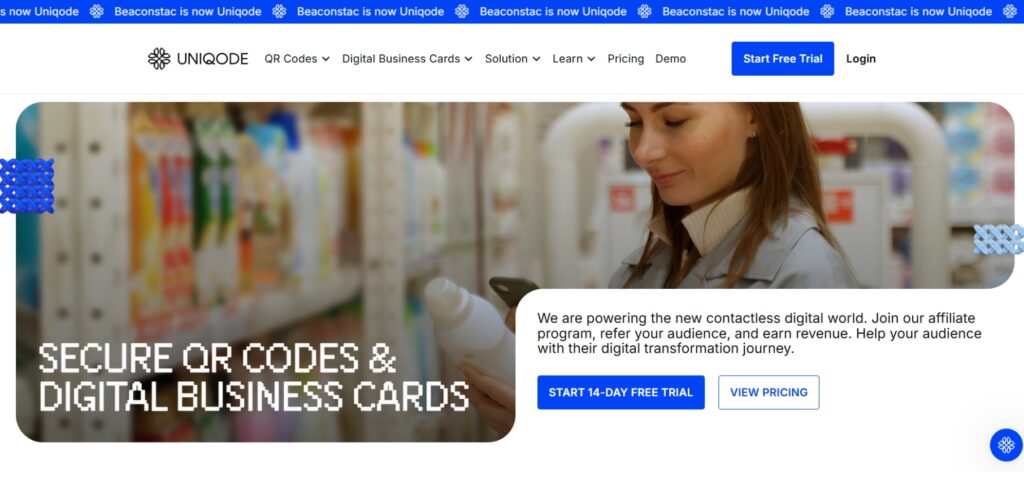
Beaconstac is a QR and NFC platform built for enterprise-level scalability. It’s especially valuable for organizations with multiple departments, regional offices, or field teams that need consistent branding and centralized control. From HR teams onboarding new employees to marketing teams activating campaigns, Beaconstac offers a unified way to manage and measure card usage.
It enables companies to deploy digital business cards across large teams while ensuring data security, white-label customization, and in-depth analytics.
For enterprises handling sensitive data or working in regulated industries, the platform’s security features and compliance options provide peace of mind. This makes it not only scalable but also trustworthy in high-stakes environments.
Its advanced features like custom domains, SSO, and API integrations make it ideal for large organizations.
Beaconstac/Uniqode shines in enterprise settings where hundreds or thousands of cards are required, and where performance needs to be tracked across campaigns, users, or regions.
Key Features:
- QR code and NFC-enabled digital business cards
- White-label solutions with custom domains
- Advanced analytics and reporting
- Enterprise-grade security and SSO
- API access and bulk onboarding support
Pricing and Plans
Beaconstac offers tiered pricing based on scale and features.
Free
- $0
- Only 1 user
- 1 Card
- Lead Generation (Up to 5 leads)
- Share via Apple/Google Wallet
- 14 days Card Analytics
- Basic Card Customization
- Unlimited Sharing
Team
-
$6/month
billed annually
- Everything in Free plan, plus
- Minimum 1 User
- 3 Cards per User
- Unlimited Lead Generation
- Advanced Card Customizations
- Premium Card Designs
- Unlimited Card Analytics
- Branded QR Codes
- Bulk Card Creation
- Template Management
- Google Analytics Integration
- Google Workspace Integration
business+
- Custom pricing, talk to sales
- Everything in Team plan, plus
- Minimum 50 users
- Unlimited Cards per User
- White Labeling
- Custom Fonts and Style
- Unlimited Card Analytics
- Microsoft Entra ID Integration
- Salesforce Integration
- HubSpot integration
- 1 Custom Domain
An enterprise-level QR and NFC platform built for secure, large-scale deployment across teams.
- Enterprise-grade security and scalability
- Custom domains and white-label branding
- Advanced analytics and reporting
- Overkill for freelancers or small teams
- Pricing geared toward large organizations
Comparison Table
| Tool | Sharing Methods | Analytics | CRM Integration | Best For |
| brandcrowd.com | Design only | No | With pairing | Branding and visuals |
| Canva / VistaCreate | Design only | No | No | Designers and creatives |
| HiHello | QR, Link, Widget | Yes (Paid) | Yes | Individuals, small teams |
| Popl | NFC, QR, Link, Scanner | Yes | Yes | Teams, events, sales |
| Mobilo | NFC + Landing Page | Basic | Limited | Hybrid users |
| Linq | NFC cards & accessories | Limited | Basic | Stylish personal NFC cards |
| Beaconstac/Uniqode | NFC + QR w/ enterprise | Advanced | Yes | Enterprise-scale deployment |
How to Use a Digital Business Card Tool
Pick a Tool That Fits Your Goal
Freelancers or small business owners may prefer pairing a design-first platform like brandcrowd with a sharing tool such as HiHello. On the other hand, larger sales teams might find more value in full-featured platforms like Popl or enterprise-grade solutions like Beaconstac.
Think about how and where you meet people most. If you network locally at events or trade shows, an NFC card can make a strong impression. If most of your interactions happen online, having a card with video, booking links, and instant sharing options can streamline your follow-up process and increase response rates.
The choice depends on whether your priority is visual branding, simple sharing, or deep integrations and analytics.
Set Up Your Card
A professional digital business card should include your logo, brand colors, contact details, and social profiles. Adding links to your calendar or booking system can make it easy for people to connect with you right away. Keeping the design clean and consistent with your overall branding will make your card more memorable.
Choose How to Share It
Most tools support QR codes, NFC cards, or direct shareable links. QR codes are especially useful at events or on printed materials, while NFC cards create a smooth tap-to-share experience.
Each method offers a different kind of user experience, so it’s worth considering your typical environment. For example, if you work in retail or host pop-up shops, displaying a QR code at checkout or near your display can encourage instant connections. For professionals on the move, NFC cards are great for quick, one-on-one interactions without interrupting the flow of conversation.
Direct links can be added to email signatures, social bios, or even texted during a conversation.
Integrate With Your System
Integration is another key part of using digital business cards effectively. Many platforms connect with CRMs like Salesforce, HubSpot, or even GoHighLevel, making it easier for local businesses to automate follow-ups and nurture leads.
This can be a game-changer for busy entrepreneurs who don’t have time to manually track conversations or enter contact info. With the right integrations, a new connection can be instantly added to your pipeline, tagged with context, and entered into a follow-up sequence — all without lifting a finger after the first tap or scan.
This allows you to automatically capture leads, tag contacts, and trigger workflows, turning simple card exchanges into actionable sales opportunities without extra manual effort.
Track What Works
Platforms with analytics can show you how many times your card has been viewed, saved, or shared. Reviewing these numbers regularly helps you refine your approach.
This data gives small business owners a clear window into what messaging or visuals are resonating. If you notice certain links or sections get more clicks, you can double down on those offers. Likewise, if engagement drops after a recent change, it’s a signal to test something new.
For example, a new CTA button, reordered links, or a different card layout could increase conversions.
Keep It Fresh
Keeping your card up to date ensures your information is always accurate. Because digital cards can be edited instantly, you can change your job title, phone number, or featured links without reprinting. Resharing your card after updates keeps your contacts informed and demonstrates professionalism.
Make It Visible
Maximize the reach of your card by embedding it in multiple touchpoints. Add your QR code to your email signature, invoices, presentation slides, and even storefront windows.
You can also include it in digital spaces where potential clients already engage with your brand like your website, blog posts, lead magnets, or social media banners. The key is to treat your digital business card as a constant gateway to connect, not just a one-time tool for live events.
The more accessible your card is, the greater the chance of turning casual viewers into meaningful connections.
Final Thoughts
The best digital business card tool depends on your workflow and goals. Some business owners prioritize sleek, on-brand visuals. Others need fast, frictionless sharing or deep CRM integration to support their sales process.
As you evaluate your options, think about where and how you meet potential clients. Do you engage mostly in-person at events, or do your leads come from online interactions? Matching your card’s features to your environment will help ensure that every touchpoint feels natural and professional.
For teams scaling local SEO and content marketing, these tools act as a powerful bridge between real-world conversations and measurable digital results. Choosing the right one helps ensure that every connection, whether online or offline has the potential to turn into a lead.
Use what fits your brand, audience, and systems.
Want more content like this? Stay connected and explore more ways to grow your business and audience.
Whether you’re a freelancer, a startup founder, or managing a large enterprise team, the best digital business card tools make it easier to share your information, capture leads, and grow your network.
Frequently Asked Questions
A digital business card is a modern alternative to traditional paper cards. It stores your contact details online and can be shared instantly via QR codes, NFC cards, or simple links. Unlike paper cards, you can update your details anytime without reprinting.
Yes, because they’re dynamic and cost-effective. Digital cards allow real-time updates, analytics, and CRM integrations while reducing waste. They’re especially useful for professionals who frequently update their roles, services, or contact details.
Pricing varies by platform. Some tools, like HiHello or Popl, offer free plans, while advanced features such as analytics and CRM integrations typically start around $6–$15 per month. NFC-enabled cards like Mobilo start at about $19.50 one-time.
No. Most platforms let you share your card via QR code, NFC tap, or link, which opens in any browser. This means recipients don’t have to install anything to view or save your details.
Yes. Advanced tools like Popl, HiHello (Business tier), and Beaconstac offer integrations with Salesforce, HubSpot, GoHighLevel, and other CRMs. This makes follow-up automatic by adding new contacts directly into your pipeline.